 小影邮箱
小影邮箱邮箱密保问题怎么设?Answers Attackers Guess
Key Takeaways
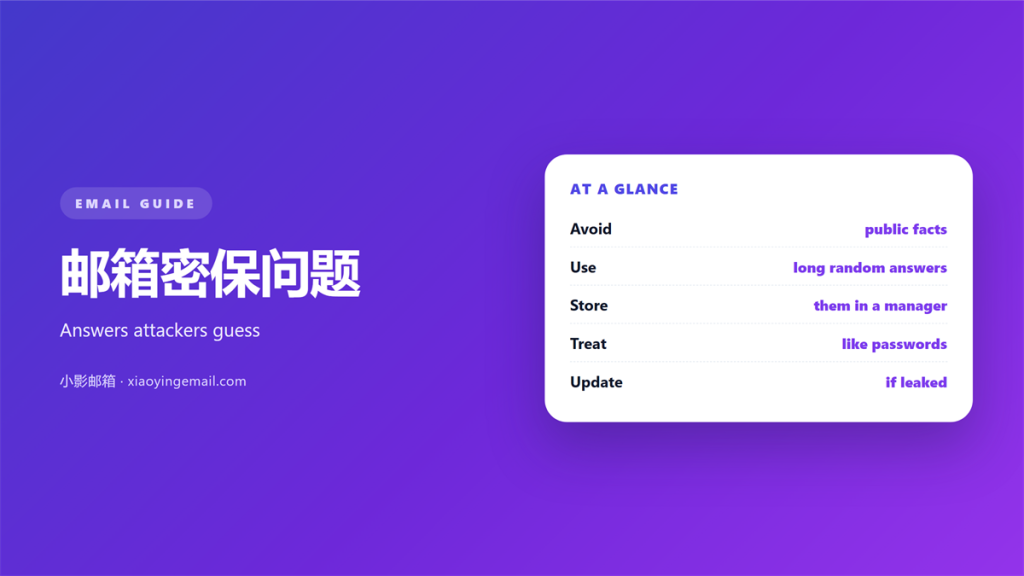
- 邮箱密保问题 often lean on facts that are public.
- A truthful answer is easy for an attacker to find.
- Treat every answer like a second password.
- Store answers in a password manager, not your head.
- Add a second factor whenever the inbox allows it.
What 邮箱密保问题 really protects
邮箱密保问题 are the fallback route into a locked inbox.
They appear when you forget a password or lose a device.
The idea is simple. Only the real owner should know the answer.
In practice the questions ask for facts that many people can guess.
A birth city or a school name is often public. Anyone can find it.
So the answer stays weak even when you tell the truth exactly.
邮箱密保问题 are not a password. They are a hint with a lock.
Treat them as one layer, never as the only layer.
A safe inbox assumes every recovery answer can leak one day.
Why 邮箱密保问题 are weak
The trouble comes from the question itself, not from the user.
Most prompts ask about the past. The past rarely changes.
Your mother maiden name sits in public records in many countries.
The town where you were born appears on social profiles.
A first pet shows up in old photos and friendly comments.
Each fact is memorable for you. It is also guessable for a stranger.
Attackers gather these details from a dozen free sources.
They do not need a hack. They simply read what you published.
Some sites also sell data from old breaches. The answers travel there.
That is why 邮箱密保问题 share the fate of any reused secret.
Once one service leaks the answer, every service that asks it is exposed.
Common prompts include a first car, a favorite teacher and a first school.
Search engines and social media share such details freely.
Even a friendly comment can reveal the answer to 邮箱密保问题.
A determined attacker cross checks several small clues.
Together the clues often point to a single correct answer.
Where 邮箱密保问题 go wrong
Four habits turn a weak fallback into an open door.
The first is the honest but public answer. It is easy to look up.
The second is reuse. The same answer guards five different accounts.
The third is a shared answer. A partner or assistant knows it too.
The fourth is a written note left near the desk.
None of these feel dangerous at the time. That is the problem.
邮箱密保问题 ask for comfort, and comfort wins over caution.
A short review closes most of these gaps in a single sitting.
Storing your 邮箱密保问题 answers
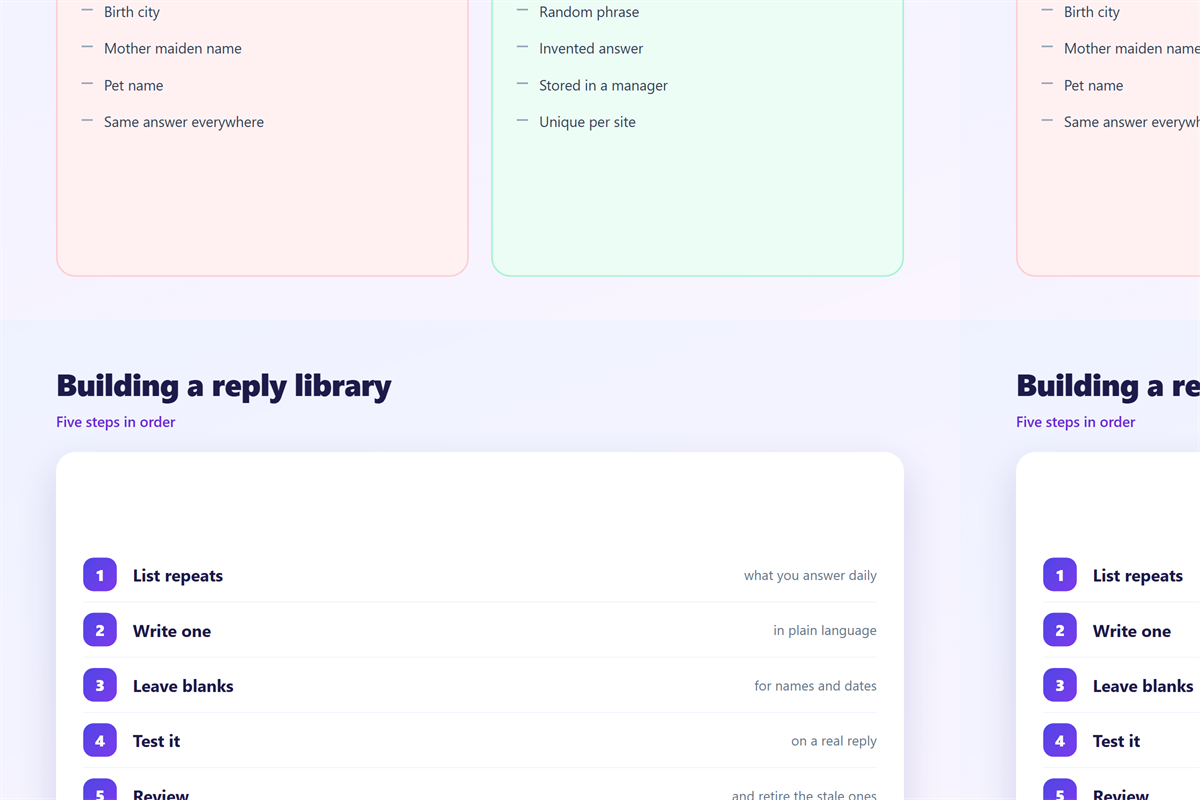
You cannot remember strong answers, so do not try.
Write each answer into a password manager instead.
Store the question, the answer and the date you set it.
Then the answer can be long and random. Memory no longer limits you.
邮箱密保问题 answers may contain spaces and mixed characters.
Use that freedom. Add a random phrase and a number.
Keep one entry per account. Do not share answers across sites.
If a manager is not available, use a sealed paper record.
Store it where a visitor would never look. Update it after each change.
Do not reuse an answer that already guards another site.
A fresh random phrase for 邮箱密保问题 removes that shared risk.
Back up the manager itself, or the answers disappear with it.
A printed copy in a locked drawer is a reasonable fallback.
Review the stored answers after any major life change.
A stored answer also survives a move or a new job.
Testing your 邮箱密保问题
Run a quick test before you trust the fallback.
Sign out of the account and start the recovery flow.
Answer the 邮箱密保问题 as an outsider would try.
Ask one question. Could a search engine find this answer?
If yes, change the question or change the answer.
Then check the email address used for recovery. Is it still yours?
An old address is a silent back door. Attach the fallback to a live inbox.
Finally, confirm the recovery phone and the backup codes.
邮箱密保问题 should never be the only way back inside.
Write the result down so the next check is faster.
Repeat the test after you change a password or a phone.
A calm owner checks the fallback before an emergency, not during one.
Working with recovery tools
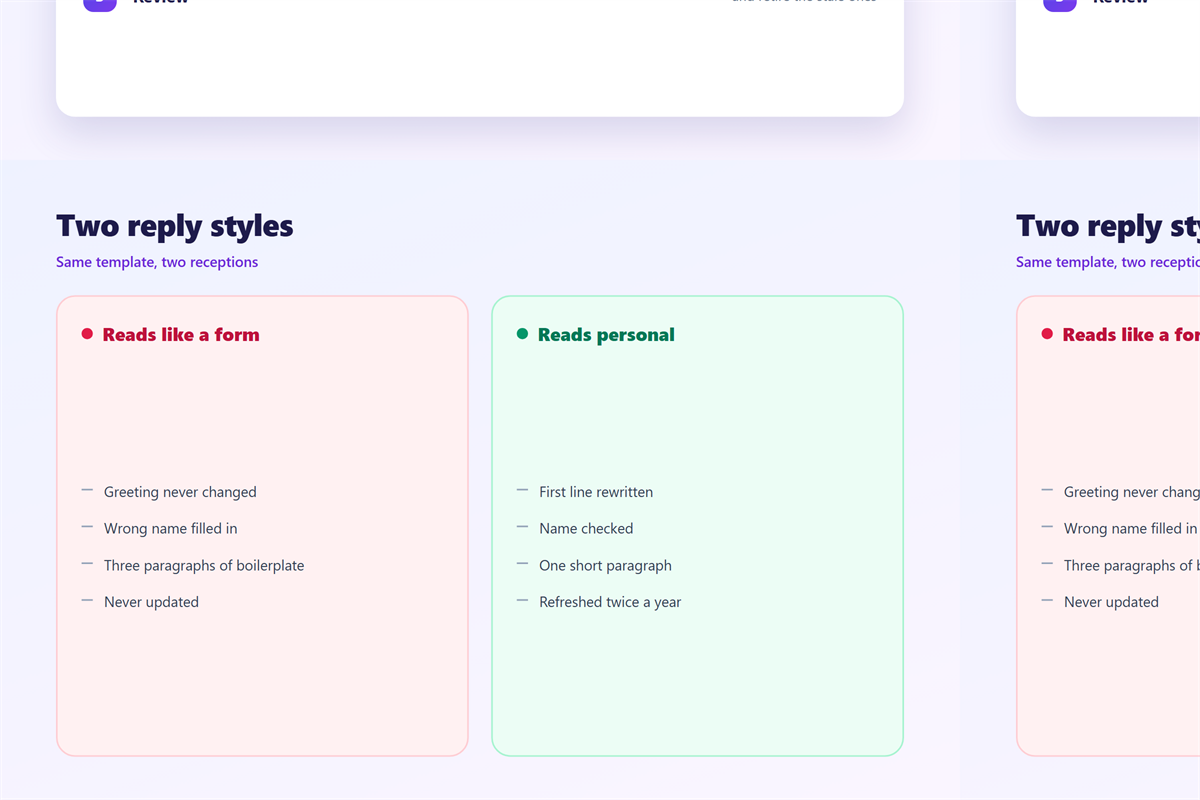
Questions are one tool among several. Use the stronger ones first.
A backup code, a phone and an authenticator app are all better.
Many providers now let you skip the questions entirely.
Turn on the strongest option the account offers today.
Our notes on 邮箱安全 cover account hardening. Passwords are compared under 邮箱密码. The way back after a lockout sits under 邮箱找回, and app based codes appear in 两步验证.
Then the questions become a last resort, not the first line.
A layered inbox is calm. One weak answer is not.
FAQ
Are 邮箱密保问题 still safe?
They are a weak layer on their own. Use them only beside a stronger factor. Never let them stand alone as the only recovery route.
Should I lie on the answer?
You may, as long as you store the false answer. A random answer beats a truthful public one. Write it down before you forget it.
What if the site forces one question?
Pick the prompt with the least public answer. Add a random suffix to it. Then save the full string in your manager.
Can I change an answer later?
Usually yes, inside the security settings. Review the questions once a year. Change any answer you no longer trust.
References
- Microsoft: Reset a forgotten password
- Google: Recover your Google Account
- CISA: Use strong passwords
评论
还没有评论,来说两句吧。
评论功能已关闭。