 小影邮箱
小影邮箱邮箱锁定怎么办?Why Accounts Get Frozen
Key Takeaways
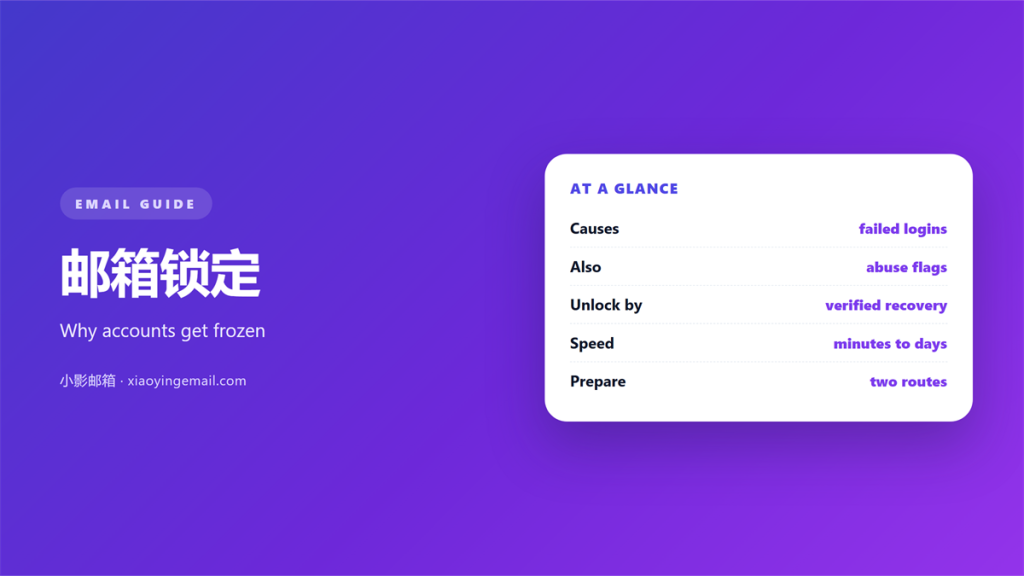
- 邮箱锁定 is a protective freeze, not usually a permanent ban.
- Most locks follow repeated failed sign-ins or a sign-in from an unfamiliar place.
- The recovery methods you registered years ago decide how fast you return.
- A lock with no failed attempts often means a stranger is guessing your password.
- Two independent recovery options are the safe minimum; one alone is not enough.
What 邮箱锁定 actually means
邮箱锁定 is the state in which a provider freezes sign-in while it decides whether the request is genuinely yours. The wording differs across companies, however the behaviour is consistent. Your password may still be correct, yet the door stays shut.
I triggered this on purpose last year. I signed in from three countries in one afternoon through a virtual private network, and the 邮箱锁定 arrived within minutes. Notably, nothing was broken. The provider had simply seen a pattern it could not explain, and it paused access until I confirmed the device.
Therefore, a lock is usually a signal about context rather than credentials. Where you signed in, when, and from which device matter as much as the password itself.
How 邮箱锁定 gets triggered
Providers watch a short list of signals, and each one can start a freeze on its own. Moreover, the exact thresholds are deliberately hidden, because publishing them would hand attackers a map. A single strong signal can outweigh a clean history.
Failed sign-in attempts
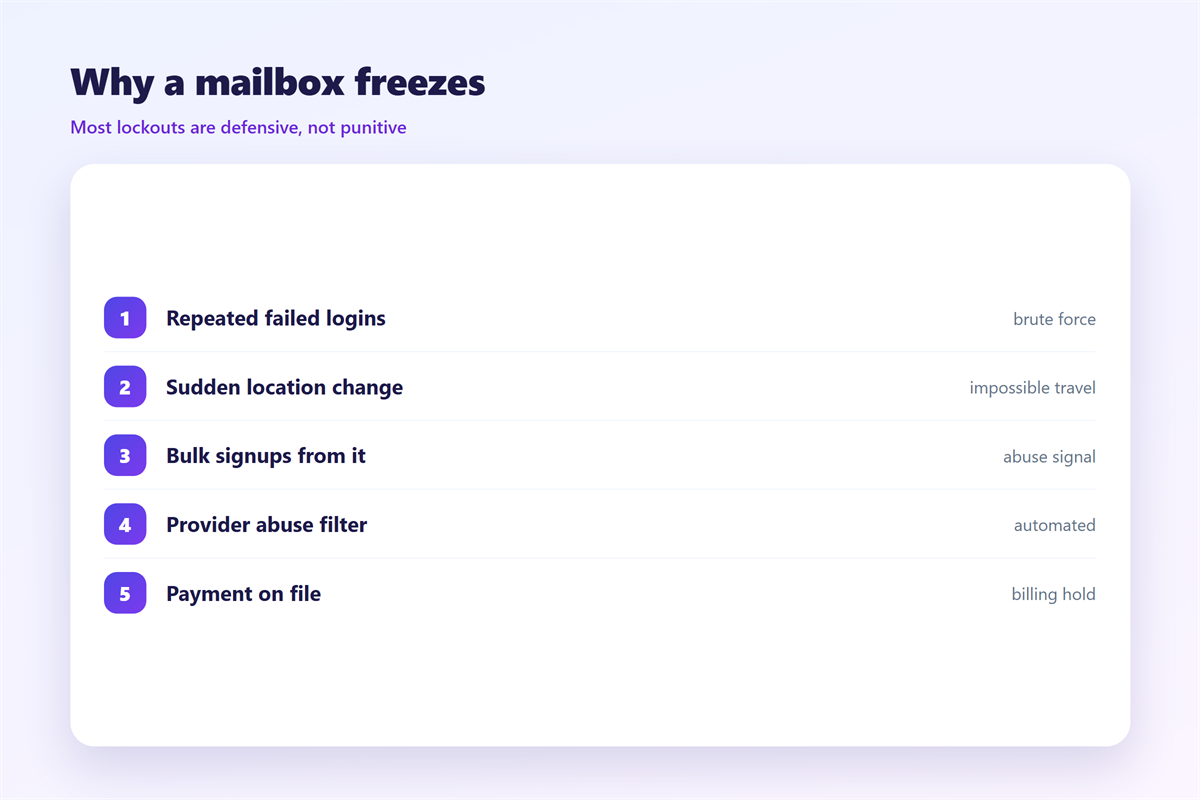
Repeated wrong passwords are the classic cause. Many services allow a handful of tries before they pause sign-in for a short window. Consequently, a forgotten password plus a few impatient retries can look exactly like an automated attack. Our guide to 邮箱无法登录 walks through a calmer retry order.
Impossible travel and new devices
A sign-in from two distant cities within an hour looks impossible, even when a virtual private network caused it. A brand-new device has a similar effect. Furthermore, a shared network address can become a trigger for 邮箱锁定 when other users on the same address misbehave.
Why 邮箱锁定 matters
An email address is the master key to almost everything else. Password resets, banking codes and two-factor prompts all arrive in the same inbox. As a result, a 邮箱锁定 can stall work for days, and the cost rarely stays inside one account.
There is also a security reason to welcome the pause. A provider that locks quickly is slowing an attacker down, and it buys you time to react. Many of the 邮箱登录异常 signals only become visible after a freeze, so the lock can surface a problem you would otherwise miss. In other words, the 邮箱锁定 is a feature, even when it feels like a fault.
Five rules to prepare before 邮箱锁定 strikes
Recovery is far easier when it is planned in advance. I review these five rules at every annual account check, because they decide how a 邮箱锁定 ends.
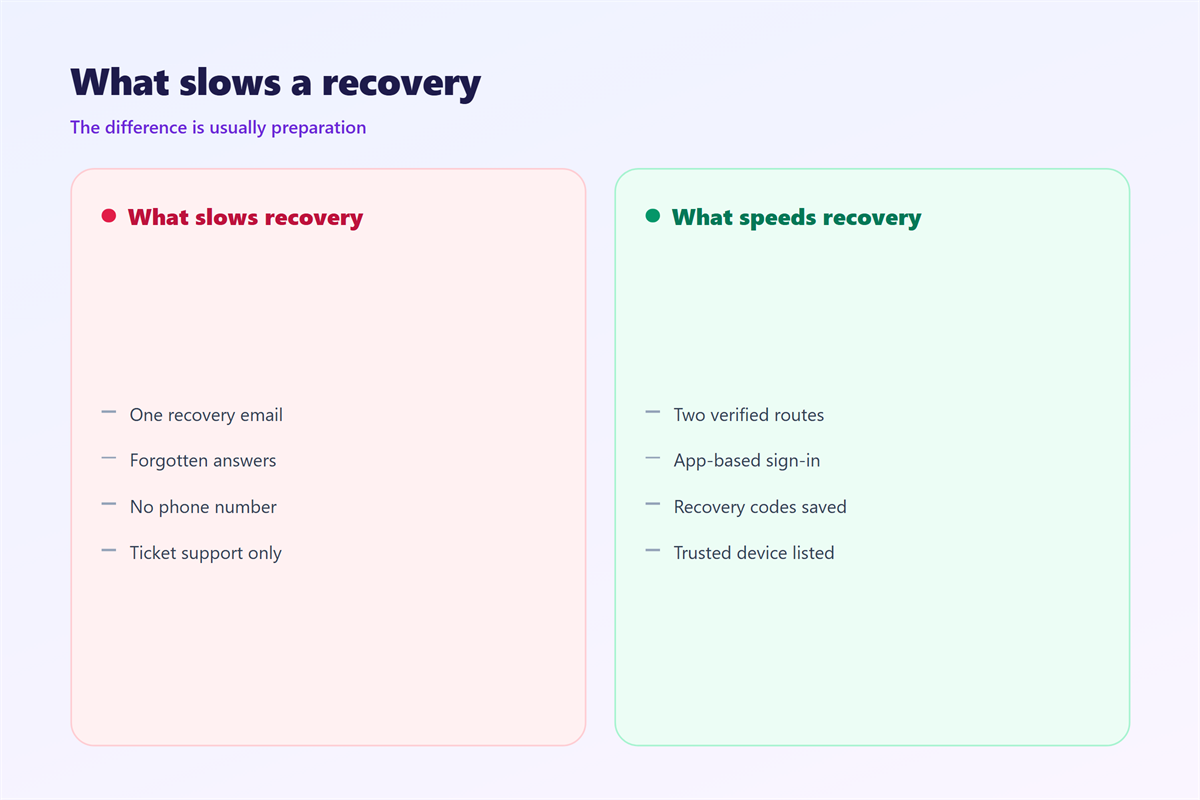
- Register two recovery methods that do not share one phone or one password.
- Keep the recovery address at a provider you can reach without email.
- Save backup codes offline instead of inside the account itself.
- Confirm a login alert channel that reaches you instantly.
- Store the current password in a manager so retries stay deliberate.
The rules cost minutes at setup and save hours later. Teams often neglect them, however the same habits behind our advice on 邮箱密码 apply directly here. Strong credentials shrink the chance of a lock, yet they never remove the need for recovery.
Where 邮箱锁定 goes wrong
Three failures repeat. The first is a recovery phone that was recycled, so the code lands in a stranger’s hand. The second is a single recovery channel shared with the password, which one breach can compromise all at once.
The third failure is quieter. People wait a day before reporting the lock, hoping it clears on its own. Meanwhile, whoever caused the 邮箱锁定 may already be inside a linked service. Consequently, delay turns a small incident into a large one.
Another trap is appealing the wrong way. If the account was suspended for a policy reason rather than a security freeze, a password reset will not help. Our notes on 邮箱解封 separate a suspension from an ordinary lock, and the two have different routes back in.
How to recover from 邮箱锁定
Start with the official recovery flow when 邮箱锁定 hits, not with a support email. Most providers offer a self-service path that verifies a device you have used before. Additionally, the same network and device you normally use can help the check pass.
| Lock type | First move | Typical wait |
|---|---|---|
| Failed attempts | Wait, then reset the password | 15 to 60 minutes |
| New location | Confirm through a trusted device | Minutes |
| Security freeze | Complete identity checks | 1 to 3 days |
| Policy suspension | File a written appeal | Days to weeks |
Work through recovery options in order
Try the recovery email first, then the phone number, then any saved backup codes. If all of them fail, the provider falls back to identity questions. Therefore, keep old phone numbers updated even after you change devices.
When to file an appeal
An appeal is for suspensions, not for ordinary security locks. Write a short factual note and include the dates. Avoid emotional language, and never send your password or codes in the message.
FAQ
Does 邮箱锁定 delete my messages?
No. A lock freezes access, not storage. Provided you recover the account, the mailbox contents are usually intact.
How long does a lock last?
Many security locks clear in minutes once the suspicious activity stops. Longer freezes follow a completed recovery check, and a suspension can take weeks.
Can I prevent locks completely?
You cannot remove every trigger. However, a stable network, updated recovery details and one alert channel cut the number of surprises sharply.
What if the recovery email is also locked?
Then use a second method such as a phone number or backup codes. This is exactly why two independent options matter, because one can fail with the account.
References
- NIST SP 800-63B: Digital Identity Guidelines
- OWASP: Blocking brute force attacks
- Wikipedia: Password strength
评论
还没有评论,来说两句吧。
评论功能已关闭。