 小影邮箱
小影邮箱邮箱验证怎么做?Links, Codes and Expiry
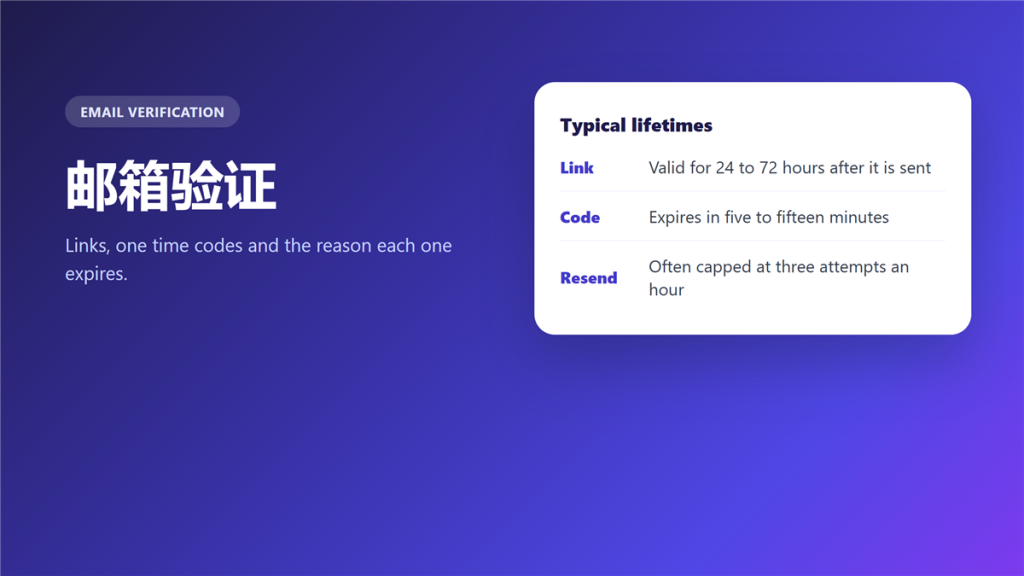
What 邮箱验证 actually proves
邮箱验证 answers one question and only one: does the person at the form control the mailbox they typed? It says nothing about who they are, and nothing about whether the address still works next month.
I once audited a signup flow that sent a 邮箱验证 link and then created the account regardless of whether anyone clicked it. The link worked perfectly. It simply decided nothing.
Key Takeaways
- 邮箱验证 proves control of a mailbox, not identity.
- Links and codes fail in different situations.
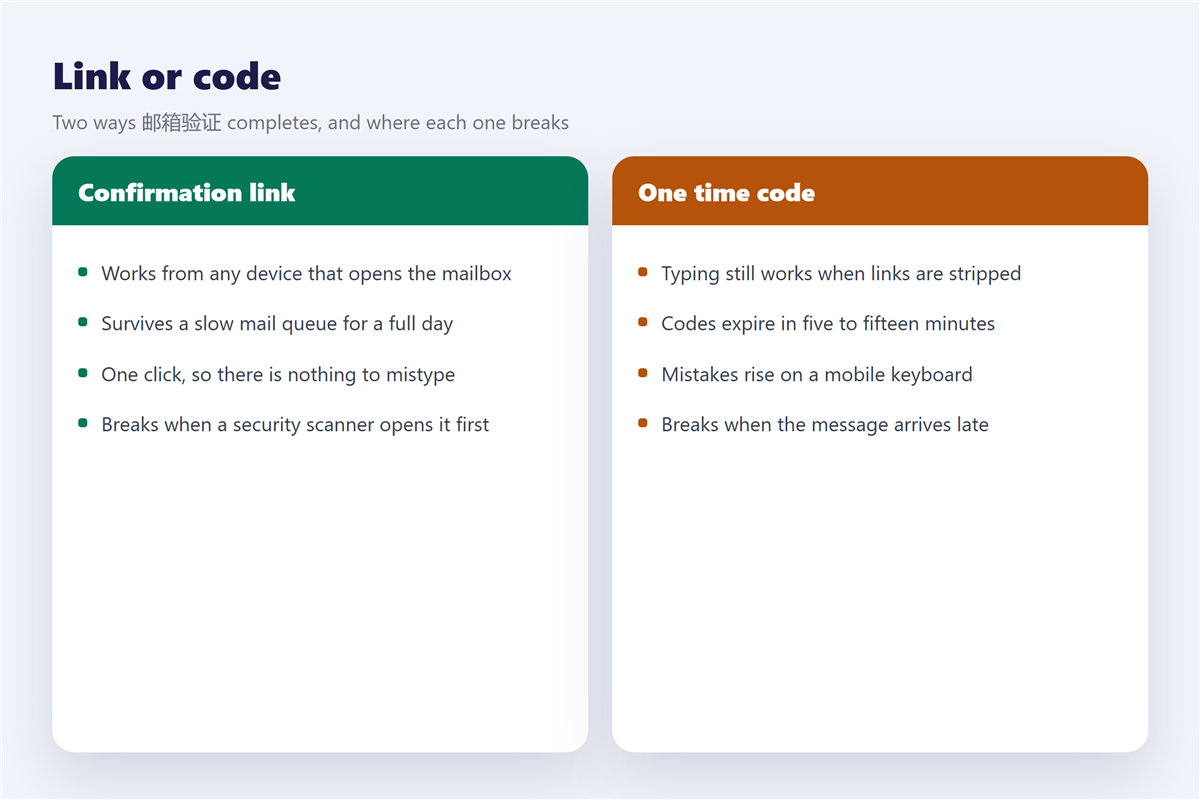
- Security scanners open confirmation links before the reader does.
- Codes expire in minutes, so a slow queue breaks them.
- Verification is not the same as a DNS authentication record.
- Never finish a verification you did not start.
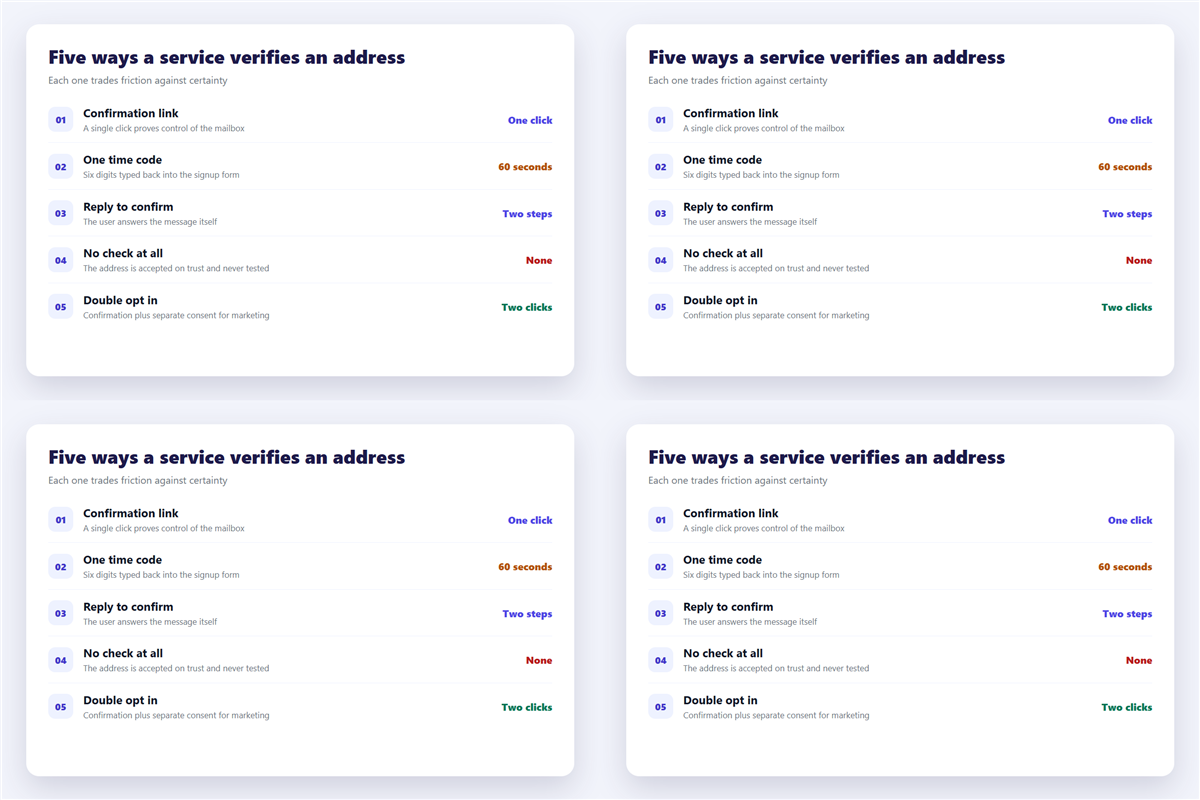
Five ways a service carries out 邮箱验证
- A confirmation link, clicked once from inside the mailbox.
- A one time code, typed back into the form within minutes.
- A reply to the message itself, where any answer confirms control.
- A double opt in, which adds a second consent for marketing.
- No check at all, where the address is accepted on trust.
The last option is more common than it looks. Therefore a surprising share of signups never test the address at all, and the bounce only appears weeks later. That cost is described in 邮件退信.
Why 邮箱验证 links expire
Expiry is a security feature rather than an oversight, and the window is usually between 24 and 72 hours.
Because a link carries a token, anyone who finds it later can use it. Consequently the token has to die quickly, and a shared inbox is the usual place where a live link leaks. Codes are stricter still, with lifetimes between five and fifteen minutes.
Where 邮箱验证 breaks in practice
Three failures account for most support tickets about verification.
The scanner opens the link first
Many corporate mail systems fetch every URL to check it for malware. Therefore the token is spent before the human sees the message, and the link reports as already used.
The code arrives after it expires
Greylisting and slow queues can delay a message by ten minutes, which is longer than the code lives. Notably, the fix is to resend rather than to keep typing the same digits.
The address is a forwarder
A forwarded address works only while the forward is active. In addition, some services reject role addresses such as info@ outright, which is worth knowing before you build a whole flow around one.
邮箱验证 is not 邮件认证
The two terms get used interchangeably in Chinese, and they solve unrelated problems.
Verification is a one time event, where a person proves they can read a mailbox. 邮件认证 is a permanent DNS configuration that tells receivers which servers may send for a domain. The second has nothing to do with the first, and the records are explained in 邮件认证.
How to handle an 邮箱验证 you did not ask for
An unexpected verification message usually means somebody mistyped their own address, and sometimes it means something worse.
If you started nothing, do not click. Instead, check whether an account already exists under your address, and change that password if it does. Unrequested verification mail is also standard bait in phishing, and the tell is a link whose domain does not match the brand. The checks are set out in 钓鱼邮件.
For signups where you deliberately do not want a lasting address, the practical route is a temporary one, and the timing involved is covered in 临时邮箱. When a code has to reach a phone rather than a mailbox, the constraints change again, as described in 临时手机号. A full walkthrough of code delivery failures sits in 接收验证码.
Frequently asked questions
How long does 邮箱验证 take?
Seconds when the mail arrives immediately. The variable is the queue, not the clicking.
Can I skip 邮箱验证?
Only on services that never check the result. Assume any serious service does check it.
Why did my verification link stop working?
Three reasons: the token expired, it was already used, or a scanner consumed it first.
Is 邮箱验证 safe?
Yes, when you started the process and the link domain matches the service. Otherwise treat it as hostile until it is proven.
References
- Wikipedia: Challenge-response authentication
- Wikipedia: Opt-in email
- RFC 5321: Simple Mail Transfer Protocol
评论
还没有评论,来说两句吧。以下为本文的引用通告: