 小影邮箱
小影邮箱邮件乱码是怎么回事?Why Text Turns Into Symbols
What 邮件乱码 actually is
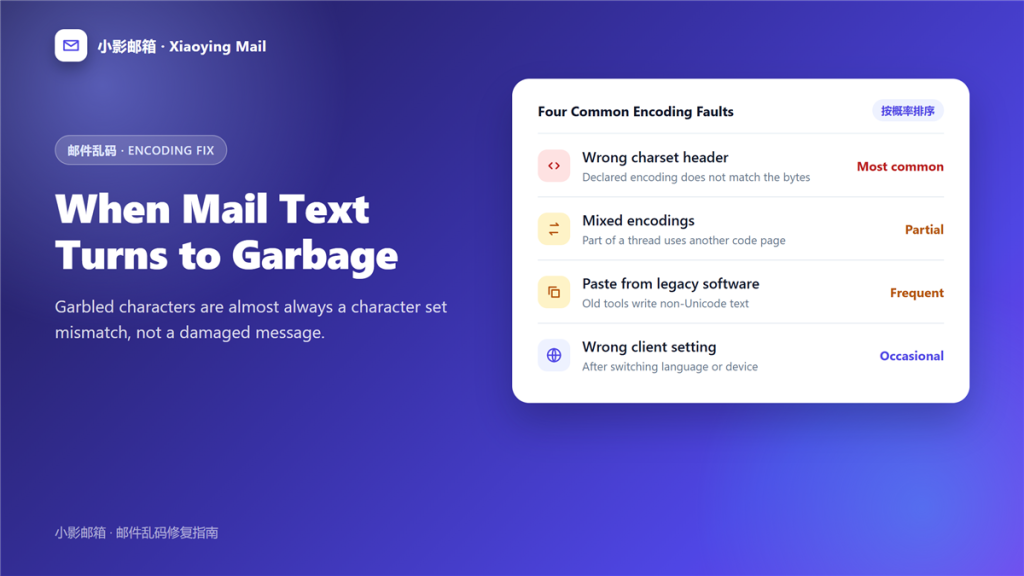
邮件乱码 is text that was written correctly and then read with the wrong table. The bytes are fine; the decoder guessed badly.
I keep one archived example for training new colleagues. It was an invoice that arrived as a wall of accents, and the raw file behind it was byte for byte identical to the copy the sender still had. Nothing was damaged, yet the message was unusable until I changed one setting.
Key Takeaways
- 邮件乱码 almost always starts with a charset mismatch, not corruption.
- The raw message shows the declared encoding in its headers.
- Forcing UTF-8 fixes most modern cases in one click.
- Legacy desktop software still writes non-Unicode text.
- Pasting rich text out of old tools is a common trigger.
- Mojibake is a viewer problem, so other recipients may see it fine.
- Real damage is rare and looks different in the raw bytes.
How 邮件乱码 happens
Three causes cover almost every case I have handled, and each one leaves a different fingerprint.
A wrong charset header
The message declares one encoding and contains another. As a result, the client decodes confidently and produces nonsense.
Mixed encodings in one thread
A reply inherits the old encoding while the new text uses another. Therefore, part of the thread looks correct and part of it does not. This is the most confusing form of 邮件乱码, because half the text still looks normal.
Paste from legacy software
Older business tools still write text in a local code page. Consequently, a clean copy turns into 邮件乱码 the moment it leaves that environment.
Reading the raw message to diagnose 邮件乱码
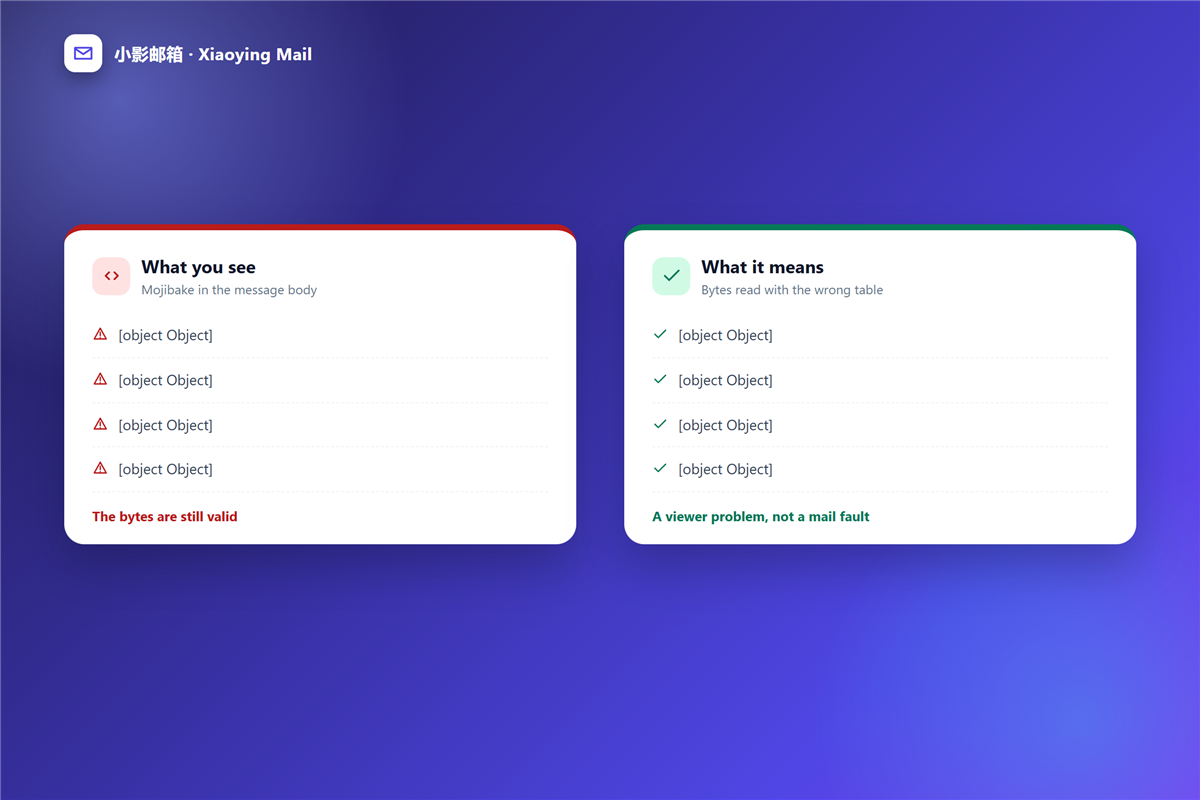
Guessing wastes time, so open the source and read two lines instead.
Where the declaration lives
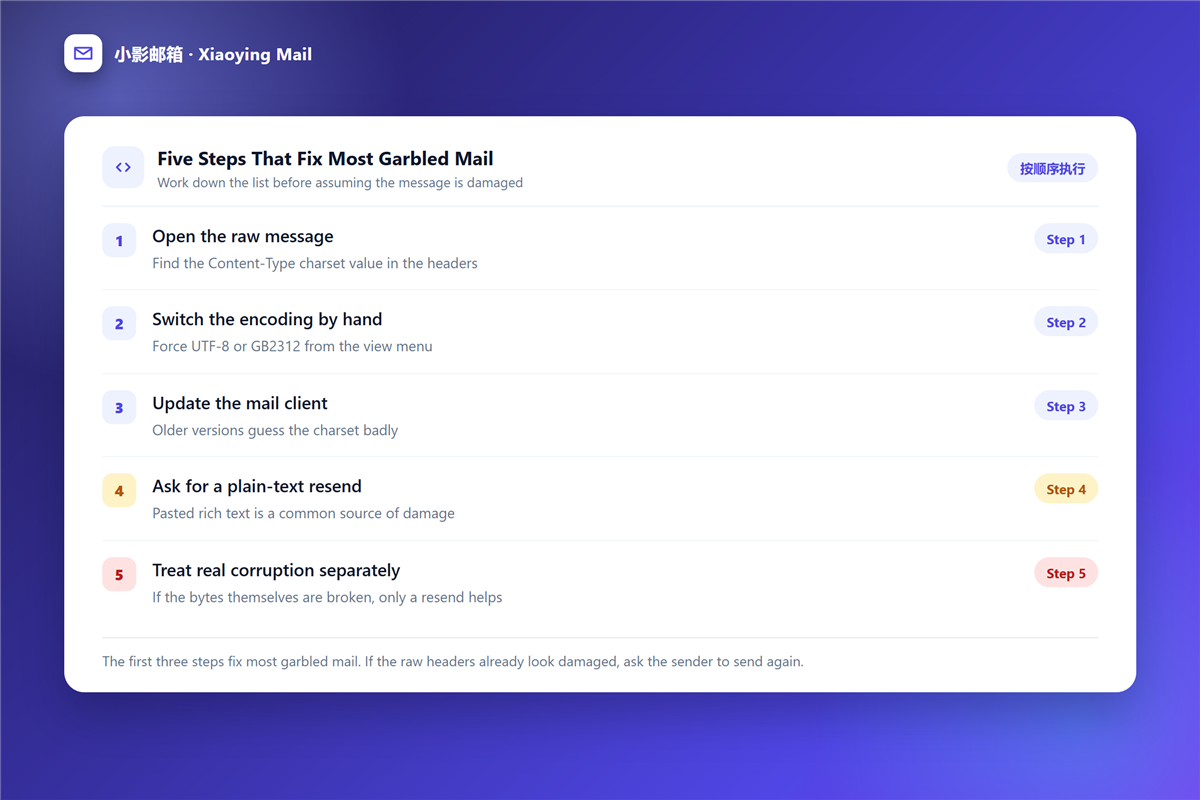
The 邮件头 carries a Content-Type line with a charset value. That single word explains most 邮件乱码 you will meet.
What the bytes show
If the charset says UTF-8 but the text is not, the decoder was told the wrong thing. In contrast, damaged bytes look random rather than patterned.
Fixing 邮件乱码 on your side
Most repairs are settings, and none of them require the sender to send again.
Switch the encoding by hand
Force UTF-8 or the regional code page from the view menu. Notably, a 邮件客户端 usually keeps the override for the open message only.
Update the client
Older versions guess the charset badly and offer no override at all. Furthermore, an update often fixes 邮件乱码 that has been annoying you for years.
View as plain text
Rendering the message without HTML removes one layer of guessing. Additionally, it makes copied text usable again, which is the fastest cure for 邮件乱码 in a formatted newsletter.
When 邮件乱码 means real damage
Sometimes the bytes themselves are broken, and then no setting will help.
A common example is a corrupted 邮件附件 that opens as garbage. If the file itself is damaged, the fix is a new copy rather than a new charset.
Preventing 邮件乱码 when you send
Five habits keep your own mail readable for everyone.
- Set UTF-8 as the default in every mail app you use.
- Avoid pasting from tools that predate Unicode.
- Send plain text when the message is short.
- Retype the few words that break instead of pasting twice.
- Ask before a 邮箱转移 whether the old client exports UTF-8.
邮件乱码 in webmail versus desktop clients
The same message can look broken in one place and perfect in another, and that difference is a useful clue.
Webmail and browsers
A browser usually follows the declared charset and offers almost no way to override it. Therefore, webmail is the strictest reader, even though it is the newest software.
Desktop and mobile apps
Installed clients often let you pick an encoding by hand. However, that freedom cuts both ways, because a wrong manual setting becomes a permanent source of 邮件乱码.
A short encoding reference
Four settings cover nearly every message you will open.
| Encoding | Where you still meet it | What to try |
|---|---|---|
| UTF-8 | Most modern mail | Default, keep it |
| GB2312 or GBK | Older Chinese software | Switch manually |
| ISO-8859-1 | Legacy European systems | Force UTF-8 |
| Shift_JIS | Older Japanese tools | Set it by hand |
Frequently asked questions
Is 邮件乱码 dangerous?
Almost never. It is a display problem, so the message itself is usually intact and safe to open.
Why do only some recipients see 邮件乱码?
Each client guesses differently. Therefore, a modern app may render text that an older one turns into symbols.
Can 邮件乱码 be undone after I send it?
Only by sending again. A recall has no effect on 邮件乱码 at the other end, because the copy already arrived.
Does 邮件乱码 affect attachments?
Filenames are affected far more often than file contents, and a filename repair is quick to test.
评论
还没有评论,来说两句吧。以下为本文的引用通告: