 小影邮箱
小影邮箱邮件字体怎么选?Fonts That Render Everywhere
Key Takeaways
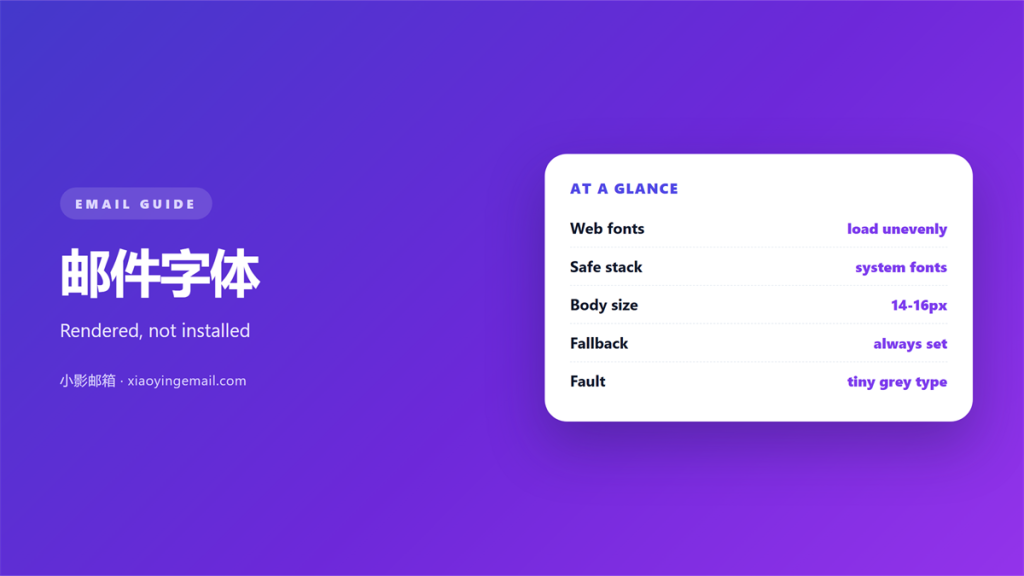
- 邮件字体 in an email is a short stack of system names, not a file you upload anywhere.
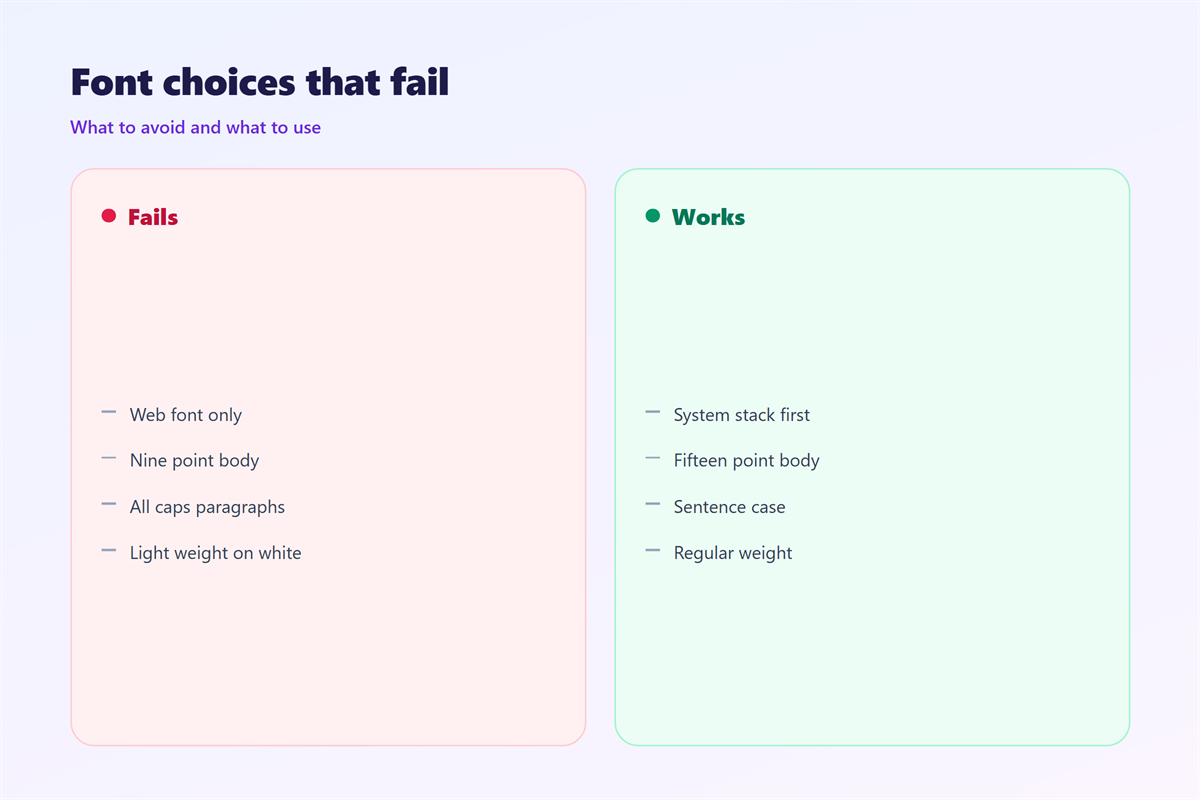
- A web font that loads perfectly in a browser often never arrives in a mail client at all.
- The stack should end with a generic family, so the fallback is always valid by definition.
- Sizes below fourteen pixels collapse on phones, while sizes above twenty start to shout.
- Bold and italic carry emphasis more safely through every client than a decorative 邮件字体.
What 邮件字体 really controls
邮件字体 is the least glamorous decision in an email and one of the few that can make a message unreadable on a stranger’s screen. It decides how wide each line runs, how tall a paragraph looks, and whether the reader’s client quietly substitutes something else before the first word is ever drawn.
Unlike a web page, a message travels as markup and is painted by whatever client happens to open it. The styles you set are a request rather than a guarantee. Outlook on Windows, Gmail in a browser and Apple Mail on a phone will each answer that request differently, and one of them may ignore it completely.
That is why the practical question is not which typeface you like but which short list you can name so that every client finds something reasonable inside it. In practice the answer is almost always a stack of fonts that already ship with the operating system, which is why good 邮件字体 choices in email look so conservative.
Why web 邮件字体 fail in the inbox
A hosted 邮件字体 has to be downloaded before it can be drawn, and most mail clients refuse to fetch remote files by default. The request is blocked, the font never arrives, and the client quietly falls back to whatever it already has. The paragraph you approved then looks nothing like the design you signed off.
Gmail strips embedded font declarations in many configurations, Outlook on Windows has historically ignored them, and even the clients that do honour a hosted font will often paint the fallback first. That brief swap reads as a flicker, and it makes an otherwise polished message feel unstable.
The cost is not only cosmetic. A missing 邮件字体 changes the width of a line, which can push a button out of its column and break a layout that was tested on a single machine. Reliability beats decoration every time you send.
A 邮件字体 stack that renders everywhere
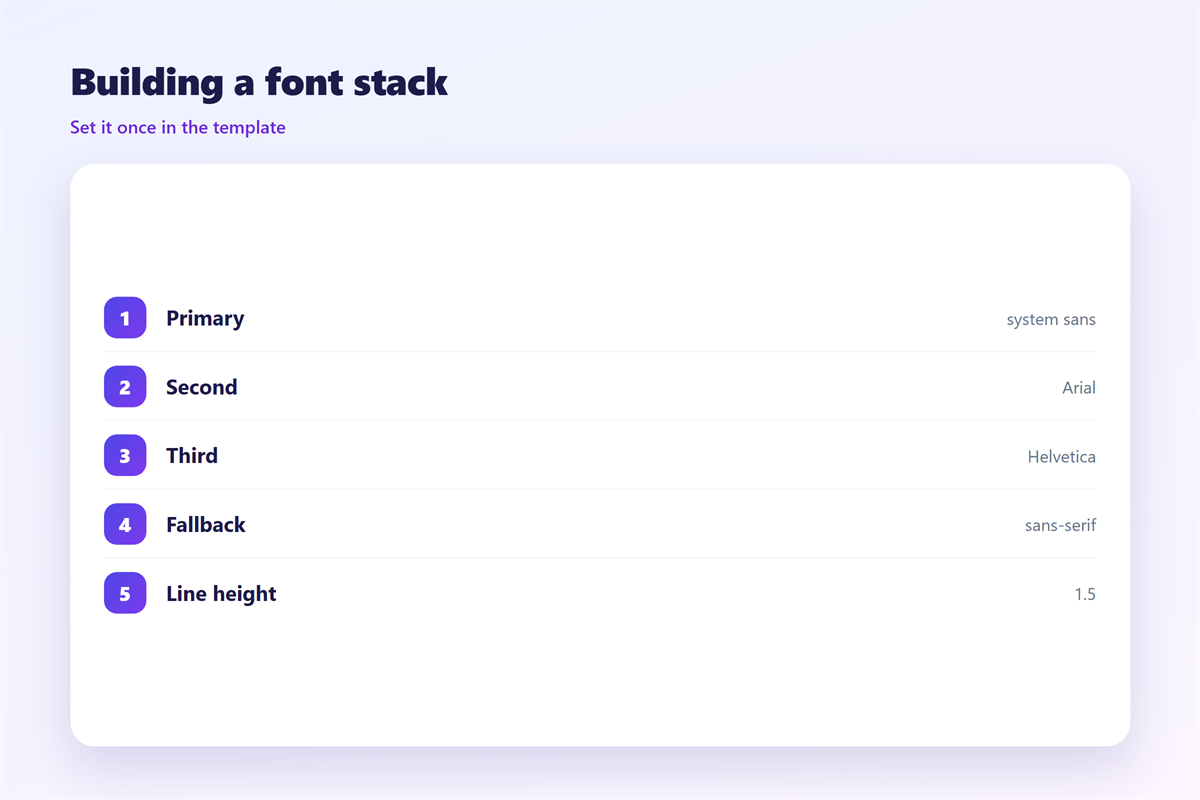
The safe approach is a short list in priority order, ending in a generic family. The client walks the list from left to right and uses the first name it recognises, so the final entry is the one that catches everything left over.
- Sans-serif: Helvetica Neue, Arial, then the generic sans-serif.
- Serif: Georgia, Times New Roman, then the generic serif.
- Monospace: Menlo, Consolas, then the generic monospace.
Two families are usually enough. Use one sans-serif list for the body and the same list again for headings, then separate them with size and weight rather than with a second 邮件字体. Anything more is decoration that only the designer will ever notice on their own laptop.
Testing 邮件字体 on real clients
A stack that looks tidy in a text editor still has to survive the handful of clients most recipients actually use. Send yourself the same message to each of them before you commit the design to a template.
Gmail
Gmail keeps the fonts it recognises and drops the ones it does not. If your stack is written correctly the message still reads well, but a named web font will simply vanish, which is exactly the behaviour the fallback exists to cover.
Apple Mail
Apple Mail is the most forgiving of the group and does honour a hosted 邮件字体 more often than the rest. Do not let that lull you into shipping one, because the same message on Windows will look completely different to the same reader.
Outlook
Outlook desktop renders mail with the Word engine, and it is the client that breaks layouts most often. Treat it as the worst case and design so that this worst case is still perfectly legible and easy to read.
Once the stack is settled, the surrounding choices matter as much as the typeface itself. Our notes on 邮件格式 explain when plain text is the better answer, and 邮件乱码 covers the encoding faults that look like a font problem but are not. If you are comparing clients, the setup walkthrough in 邮件客户端 shows where each one keeps its defaults, and the wording of the 邮件模板 should be finished before any styling is applied to it.
Write the stack down
A one-line comment at the top of the template is enough. The value is that the next person does not have to guess why Arial appears after the name you actually wanted.
FAQ
Does the 邮件字体 affect deliverability?
No. Filters read headers, body text and links, not the typeface. A missing font changes how a message looks, never whether it arrives in the inbox.
Should I embed a 邮件字体 as a file?
Almost never. Many gateways strip the attachment, and the clients that keep it rarely use it. The download also adds weight for no reliable benefit at all.
Which fallback 邮件字体 is safest?
A generic family at the end of the list. It asks the client for its own default rather than naming a font that may not exist on the device.
Why does my 邮件字体 change when someone replies?
Replies are composed in the reader’s client with the reader’s defaults. Your styles apply to your message, and once they start typing the message becomes theirs.
References
- IETF RFC 5322: Internet Message Format
- Wikipedia: Font family (HTML)
- Google: Change your Gmail font and display settings
延伸阅读
- 《邮件可访问性怎么做?Mail Everyone Can Read》
- 《邮件多语言怎么写?One Message, Two Languages》
- 《邮件朗读怎么用?Listen Instead of Read》
- 《邮件留白怎么用?Give It Room to Breathe》
- 《邮件配色怎么选?Colours That Read Well》
- 《邮件行距怎么设?Space Between Lines》
- 《邮件字号怎么设?Size That Reads Well》
- 《邮件下划线该不该用?When a Line Sends the Wrong Sign》
- 《邮件加粗怎么用?Bold Text That Guides》
- 《邮件斜体该不该用?Italics With a Purpose》
- 《邮件高亮怎么用?Highlight the Right Words》
- 《邮件字重怎么用?Weight, Not Just Size》
- 《邮件对比度怎么调?Contrast That Reads》
- 《邮件横屏怎么看?Landscape That Works》
- 《邮件可读性怎么提?Readability That Lasts》
- 《邮件首字下沉怎么排?A Larger First Letter》
- 《邮件字距怎么调?Space Between Letters》
- 《邮件内联样式怎么写?Styles That Survive》
- 《邮件渲染怎么测?Three Clients, One Look》
评论
还没有评论,来说两句吧。
评论功能已关闭。