 小影邮箱
小影邮箱邮件群组怎么建?Contact Groups That Stay Clean
Key Takeaways
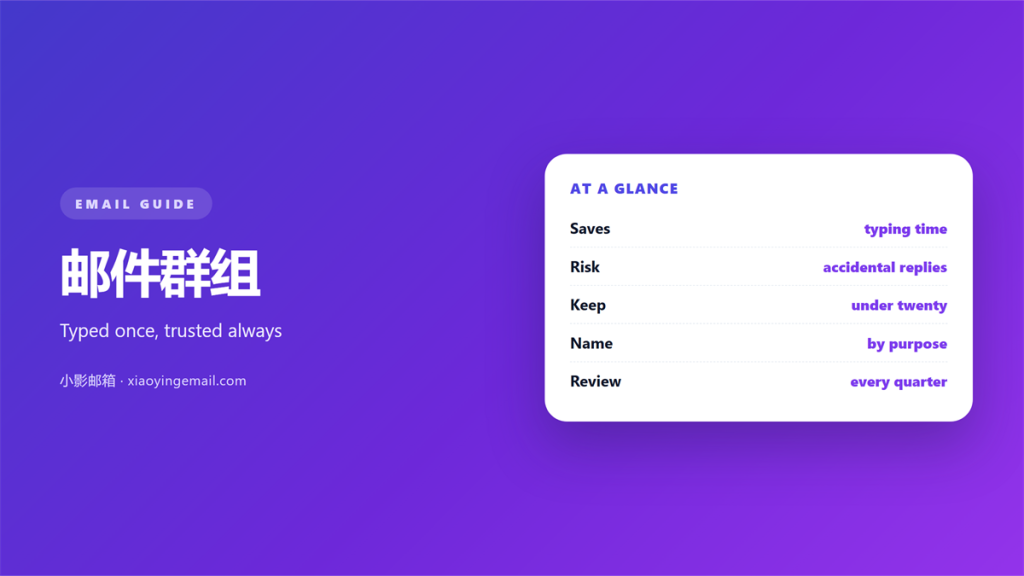
- 邮件群组 turn a long list into one short name.
- They save typing, and they hide mistakes.
- A group is a shortcut, not a permission.
- Small groups stay accurate. Large ones drift.
- Every group needs an owner and a review date.
What 邮件群组 actually are
邮件群组 are named sets of addresses you build once. You give the set a short label. Later, you type that label instead of the addresses.
The idea is simple. A message goes out to everyone in the set. Nobody has to copy twenty addresses by hand.
Clients name them in different ways. Gmail calls them labels. Outlook calls them contact groups. Apple Mail keeps groups inside its contacts app.
None of this changes the core. A 邮件群组 is a stored list that expands when you send. The client does the expanding, not the server.
The label is only a pointer. Delete it, and the addresses remain. That small detail decides how you maintain the set.
Why 邮件群组 go wrong
Every 邮件群组 is a guess about who belongs. The guess ages badly. People change roles, leave teams, and stop reading.
The list keeps their old addresses. Nobody notices until a reply lands in the wrong place.
There is a second problem. A group hides the individual. You see one label, not twelve addresses. Errors stay invisible until they reach a reader.
A mislabeled address is expensive. It costs a reply. It may cost a client. The fix is cheap, and it is small.
Most groups are built once and then forgotten. The first version quietly becomes the only version.
Building 邮件群组 you can trust
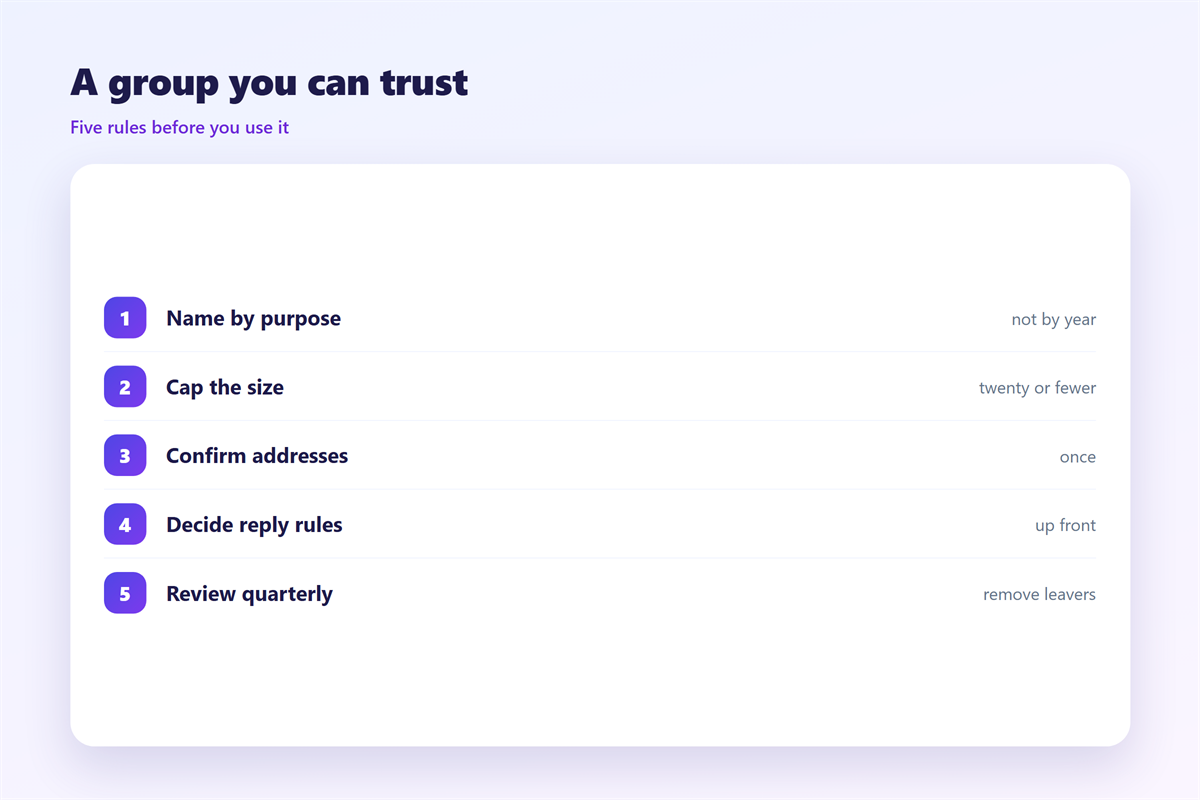
The useful setup is narrow. One group per real audience. One owner who keeps it current.
A practical rule looks like this. If two people would send to it, it deserves a group. If only you use it, a single address is enough.
Name each 邮件群组 by purpose, not by person. A name like Team survives a staff change. A name like Anna does not.
Keep the count small as well. Ten groups you trust beat forty you ignore. A short list gets reviewed, and a long one gets forgotten.
邮件群组 in the To, Cc and Bcc fields
The field you choose changes who sees what. A group in the To field is visible. Every recipient sees the label.
A group in Cc is visible as well. The difference is social, not technical. Cc says the reader is informed rather than addressed.
Bcc hides the label and every member. Use it for a wide audience that should not see each other. Do not use it for a normal team note.
The habit matters more than the setting. Pick the field on purpose, and the accidental reply disappears.
Record the rule once. A short note tells everyone which field to use. New senders follow the note instead of guessing.
Where 邮件群组 break down
邮件群组 fail when they replace thought. A group is a starting point, not a final answer.
They also fail on shared mailboxes. Four people may edit the same group. Each copy then drifts.
They fail again on reply. One click can send a private note to the whole set. That mistake is common, and it is public.
The exceptions matter more than the average. A group that catches ninety percent of a team is useful. A group that leaks one outsider is a problem.
None of this argues against groups. It argues for a short review before each send.
A second reader catches most of these errors. One extra look before a wide send is cheap.
Keeping 邮件群组 current
A group needs a review rhythm. Once a quarter is enough for most teams. Once a year is not.
Start with the members who left. Then check the members who changed roles. Old access is the usual source of a wrong send.
Write the review date in the group description. A visible date turns a vague chore into a fixed task.
If nobody owns the list, delete it. An unowned list is a slow leak.
Assign the task to a person, not to a team. A named owner acts. A team assumes someone else will.
Testing your 邮件群组
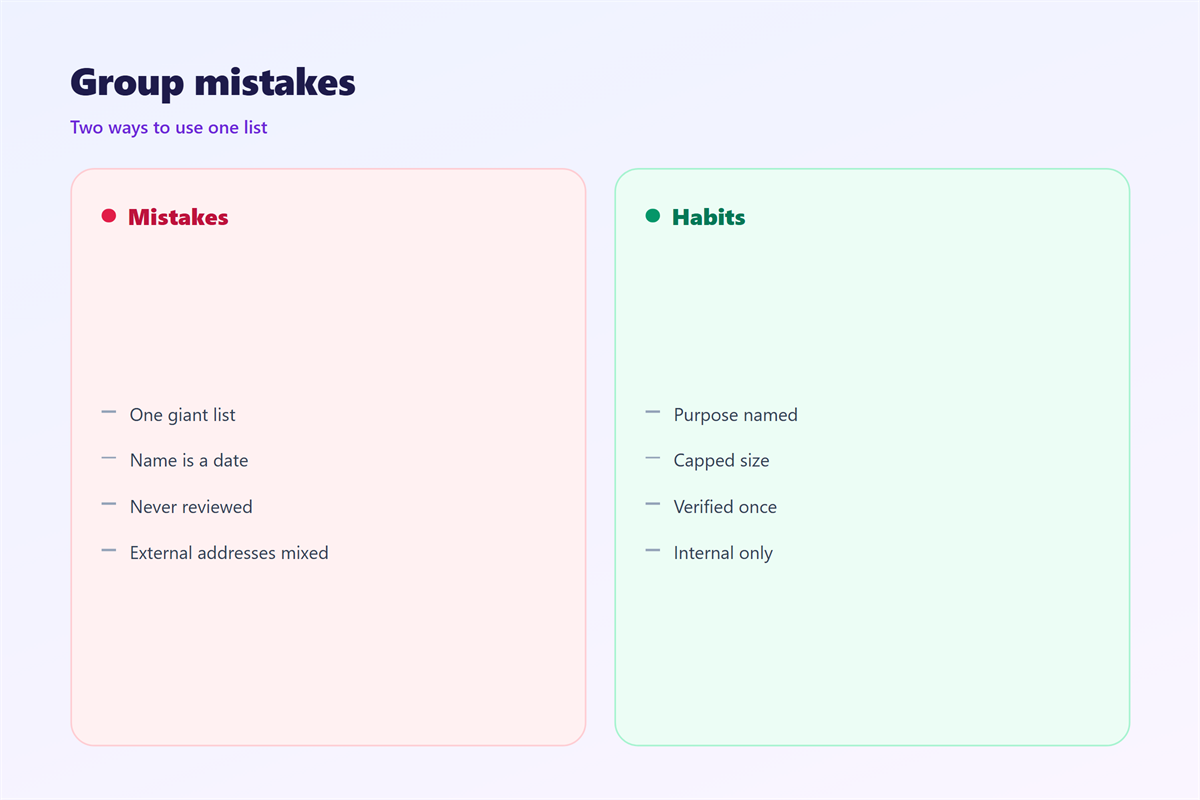
Give a new group a week. Then check three things. No dead address sits inside it. No outsider is present. No member appears twice.
If a name fails, do not build another group. Fix the entry instead. Single edits are stable, and they survive a client update.
Test each 邮件群组 with a real send, not with a screenshot. Groups also sit on top of other tools. The stored list in our notes on 邮箱联系人 is the durable version. The fields covered under 邮件抄送 decide who sees the list, and the hidden option in 邮件密送 changes what leaks. A wider method belongs with 邮件列表, where server rules take over.
FAQ
Do 邮件群组 hide the addresses?
In the To field, no. Recipients see the group name, not the members. Put the group in Bcc instead, and the name is hidden too.
Should I use a 邮件列表 instead?
They solve different problems. A client group lives in your address book. A server list keeps its own rules and its own history.
How many 邮件群组 are too many?
There is no fixed number. A group you cannot name by purpose is one you will stop using. Delete it, and keep the list short.
Why did a group stop working?
Usually because a member changed address. A sync may also overwrite the list. Check the entries before you rebuild anything.
References
- IETF RFC 5322: Internet Message Format
- IETF RFC 6854: Group syntax in message headers
- Wikipedia: Mailing list
评论
还没有评论,来说两句吧。
评论功能已关闭。