 小影邮箱
小影邮箱邮件隐私怎么保护?Privacy in the Inbox
Key Takeaways
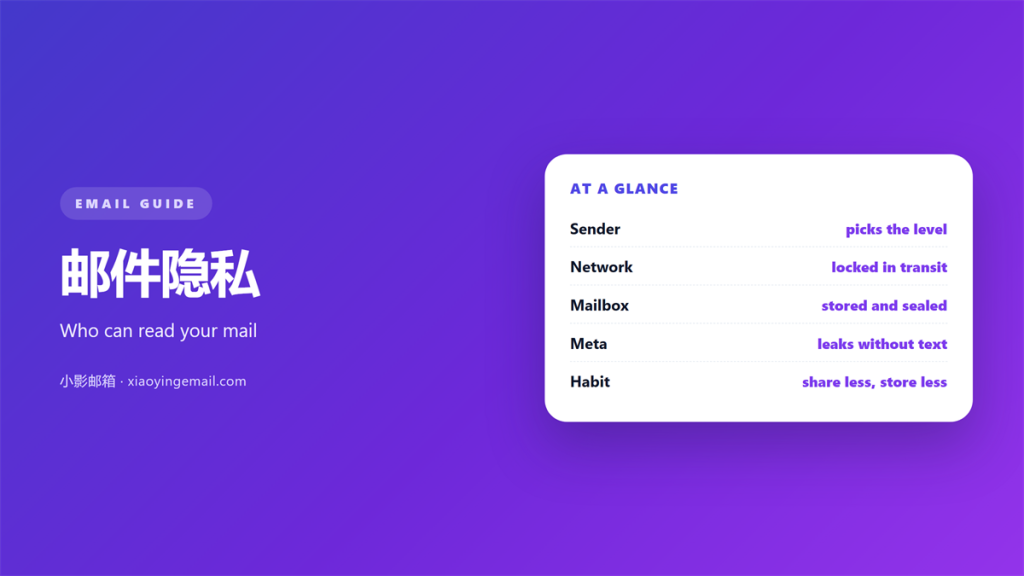
- 邮件隐私 covers every hop, not just your inbox.
- Transport encryption protects mail while it moves.
- End to end encryption protects mail while it waits.
- Metadata can leak more than the message body.
- Share less and store less to stay safer.
What 邮件隐私 really covers
邮件隐私 is about who can read a message and who can trace it.
Most people treat it as a single setting. In practice it is a chain of smaller promises.
Each hop adds a place where a copy can sit. One weak link exposes the whole chain.
The sender, the network and the mailbox all matter. So does everyone who forwards the message later.
A message rarely stays in one place. It is copied, scanned, backed up and archived.
So 邮件隐私 only holds if every copy is guarded. A single lock on the front door is not enough.
That is why one toggle never settles the question. Privacy is a habit, not a switch you flip once.
The good news is that the basics stay simple. A few steady choices remove most of the risk.
Start by understanding the journey, not the tool. Where mail pauses is where privacy is won or lost.
Who can read a message
Name the readers you never chose. They are the reason 邮件隐私 is hard to keep.
On the wire
Mail moves between servers in short hops. At each hop a machine can look inside.
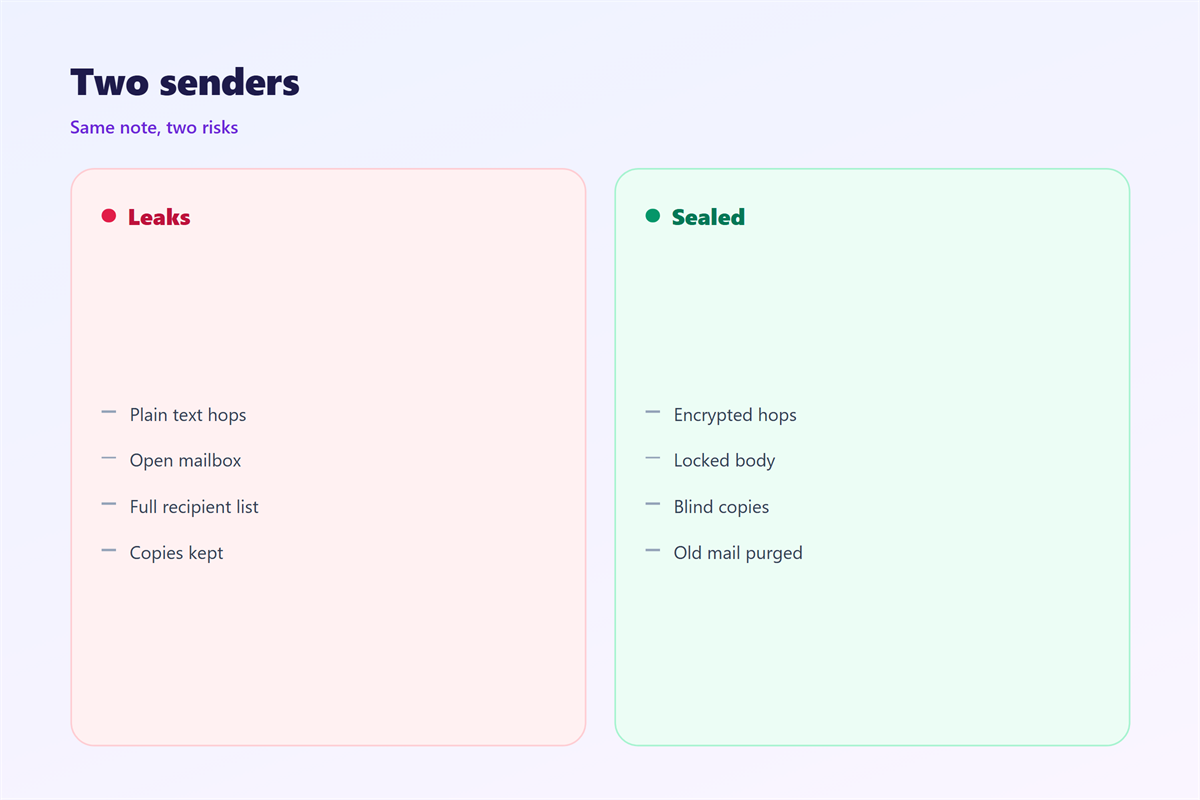
Transport encryption wraps that hop in a tunnel. It stops a stranger listening on the path.
But the servers at both ends still see plain text. They must, in order to filter and deliver.
So the tunnel protects motion, not meaning. The endpoints remain part of the trust chain.
At the mailbox
The receiving server stores your message for years. Its staff can reach it in principle.
A backup or a legal request can pull it back later. Deleting your copy may not reach theirs.
So the mailbox is often the weakest point. This is where most 邮件隐私 quietly fails.
Ask your provider how long copies live. A clear answer is a good sign.
Protecting 邮件隐私 in transit
Two switches do most of the work on the wire.
First, require an encrypted connection for delivery. Plain text handoffs should never be allowed.
Second, publish a strict policy that tells other servers what you accept. It lets them refuse weak links.
These steps block silent downgrades. An attacker cannot force a plain text hop.
They do not stop the servers themselves. They only protect the path between them.
For 邮件隐私 on the move, that is still a large gain.
Check that every link reports full protection. One weak partner server can pull the grade down.
What to verify
Confirm the sending side offers an encrypted hop. Confirm the receiving side requires it.
Then watch the reports for exceptions. A sudden drop in coverage is a warning, not noise.
Protecting 邮件隐私 at rest
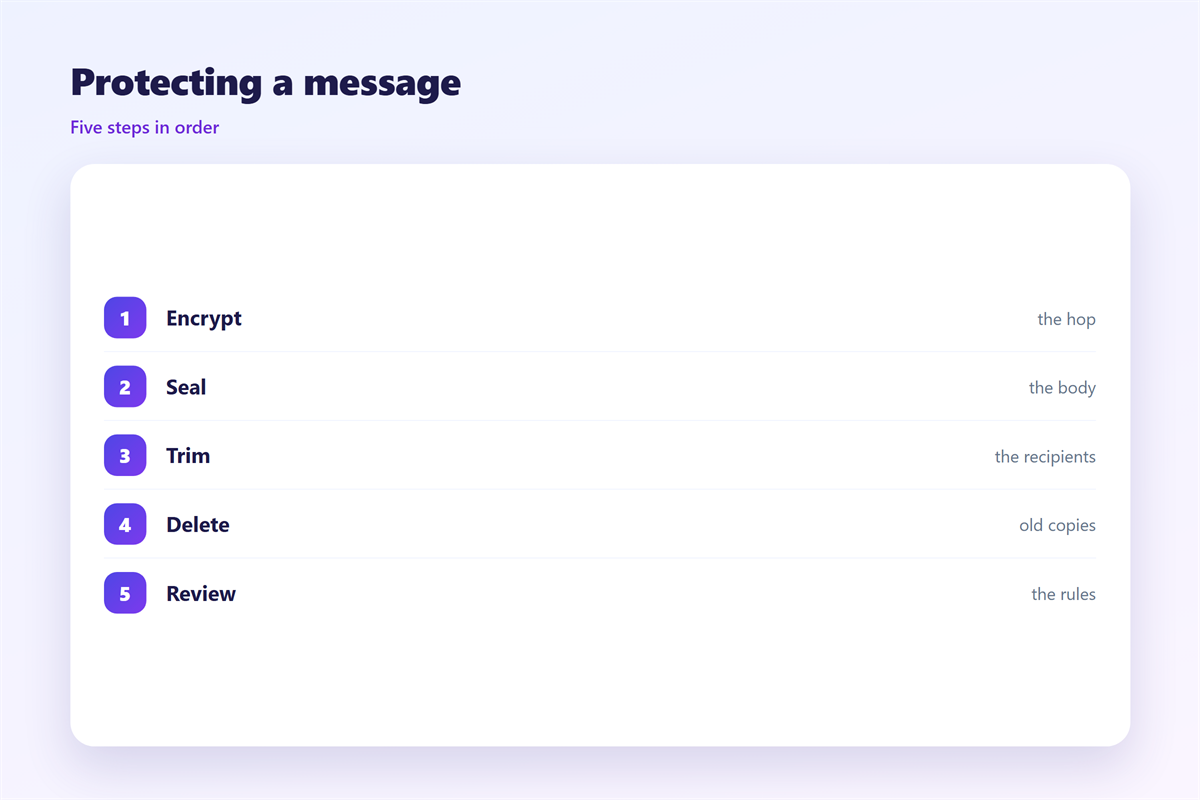
A locked mailbox protects mail while it waits between reads.
Encrypt the storage so a stolen disk stays useless. Most large providers already do this by default.
For the strongest 邮件隐私, seal the content before you send it.
Then even the provider cannot read the body. Only the holder of the key can open it.
The trade off is real and worth naming. Search, previews and spam checks all get weaker.
Pick the level that matches the message. Routine notes rarely need the strongest lock.
Choosing a level
A short note about lunch needs very little. A contract or a medical record needs far more.
Match the protection to the possible harm. Over protecting everything makes people careless.
Write the rule down so the team agrees. Shared rules beat private judgement every time.
Metadata leaks that touch 邮件隐私
The envelope leaks even when the body is sealed. This part of 邮件隐私 is easy to forget.
Who wrote, who received and when are all visible. So is the subject line.
Repeated patterns reveal more than one message. They show habits, hours and relationships.
Trim the recipient list where you can. A blind copy keeps an address from other readers.
Keep subject lines dull when the topic is sensitive. The envelope travels in the open.
Small choices here close a gap that encryption never touches.
Habits that keep 邮件隐私
Daily habits matter more than any single tool you install.
Share the least you can. A short reply beats forwarding a long history.
Delete what you no longer need. An old copy is a standing risk with no upside.
Keep work and personal mail apart. One breach then stays inside its own lane.
Review connected apps each season. Old services often keep old access.
Turn on a second factor for the mailbox. It stops most account takeovers before they start.
Teach the team the same short rules. 邮件隐私 is only as strong as the weakest click.
None of this is dramatic. That is exactly why it works.
Keeping 邮件隐私 intact day to day
Set a review that fits your week. A monthly pass catches most drift.
Know what your rules must say. The obligations for stored mail are set out in 邮件合规.
Understand what a locked tunnel gives you. The two ends are compared in 邮件加密.
Harden the account that holds everything. The checklist lives in 邮箱安全.
Decide when to let a message go. A clear plan is described in 邮件留存.
Then keep the routine small enough to last. Strong 邮件隐私 is boring on purpose.
FAQ
Is 邮件隐私 the same as email security?
No. Security is the lock on the door. Privacy is the promise about who may open it.
Do I need end to end encryption for all mail?
No. Use it for sensitive notes. Everyday mail is fine with transport encryption alone.
Can my provider still read my mail?
With transport encryption only, yes. End to end encryption keeps the body from them.
What is the simplest first step?
Turn on a second factor and delete old copies. That alone raises 邮件隐私 a great deal.
References
- IETF RFC 8461: SMTP MTA Strict Transport Security
- EFF: Email privacy and encryption
- IETF RFC 5322: Internet Message Format
评论
还没有评论,来说两句吧。
评论功能已关闭。