 小影邮箱
小影邮箱邮件视觉层级怎么排?Hierarchy That Guides
Key Takeaways
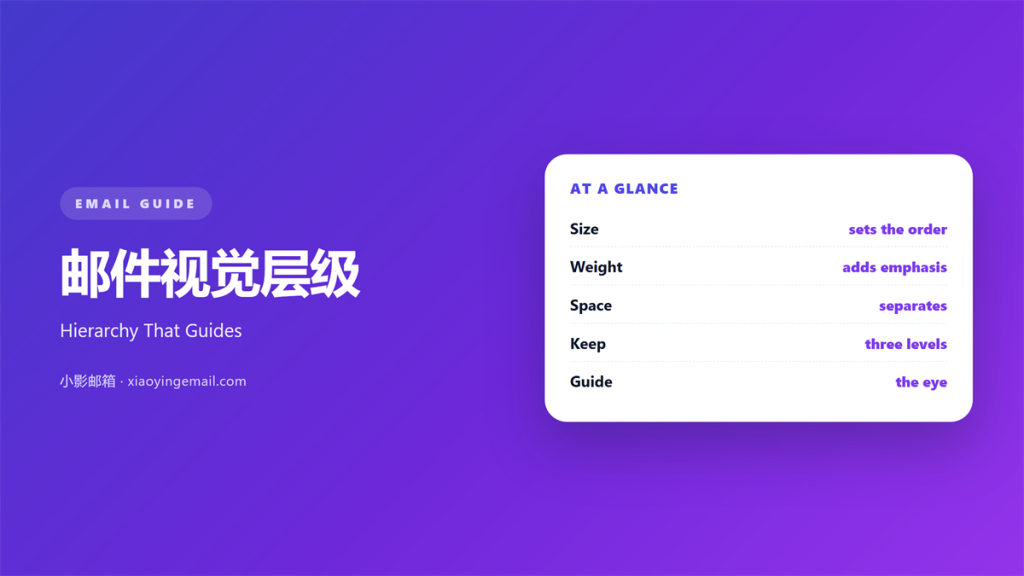
- 邮件视觉层级 tells the eye where to start.
- Three levels are enough for most messages.
- Size creates the first jump, weight the second.
- Space separates groups better than lines do.
- One primary button should win every screen.
What 邮件视觉层级 means
邮件视觉层级 is the order in which the eye meets the page.
It starts with the largest element and moves down.
Size, weight, colour, and space all shape that path.
Good hierarchy lets a reader skim and still understand.
It also lets a reader stop at the right place.
A page without hierarchy makes every element equal.
Equal elements force the reader to work.
Most readers will not do that work.
So hierarchy is a form of courtesy.
It answers the question of what matters before it is asked.
A clear answer keeps the scroll short.
This order is built, not found.
You decide which line gets the first look.
Then you arrange the rest to follow.
A reader should never have to choose where to begin.
Why 邮件视觉层级 matters
Readers open mail with a task in mind.
They want to know what changed and what to do.
Strong 邮件视觉层级 answers both in seconds.
Weak hierarchy hides the answer in a crowd.
A hidden answer becomes a reply.
That reply costs time and adds a thread.
Hierarchy also carries the brand.
Clean order reads as competence.
Small screens make the order even more visible.
Only one block fits at a time.
The sequence becomes the whole experience.
Skimming is the normal mode
Almost nobody reads an email line by line.
The eye jumps between large shapes.
Whatever stands out gets read first.
Make sure that element deserves the attention.
When 邮件视觉层级 helps
邮件视觉层级 helps in any message with more than one idea.
It helps in newsletters with several stories.
It helps in receipts and order updates.
A user needs the total and the date first.
It helps in announcements with one action.
The action should be the easiest thing to find.
It helps in long internal notes.
Headings turn a wall of text into sections.
When 邮件视觉层级 hurts
邮件视觉层级 hurts when it becomes decoration.
Too many sizes look noisy and random.
Too many bold words remove all emphasis.
If everything is loud, nothing is loud.
It hurts when the biggest item is an advert.
Readers learn to ignore that space.
It hurts when levels skip without reason.
Emphasis is a budget
Treat bold text like a small budget.
Spend it on one or two lines.
Then leave the rest plain.
The plain text makes the bold work.
邮件视觉层级 and scanning
The eye follows a rough F shape on wide screens.
On phones it follows a narrow line.
Place the headline and the ask along that path.
Put supporting detail below the first screen.
Group related lines close together.
Then leave a clear gap before the next group.
That gap does more than a divider line.
A clear path also lowers the number of replies.
Readers who find the ask tend to act.
Readers who hunt for it tend to wait.
Three levels, no more
Use one level for the headline.
One for section headers. One for body text.
A fourth level usually adds confusion.
If you need more, split the message instead.
How to use 邮件视觉层级 well
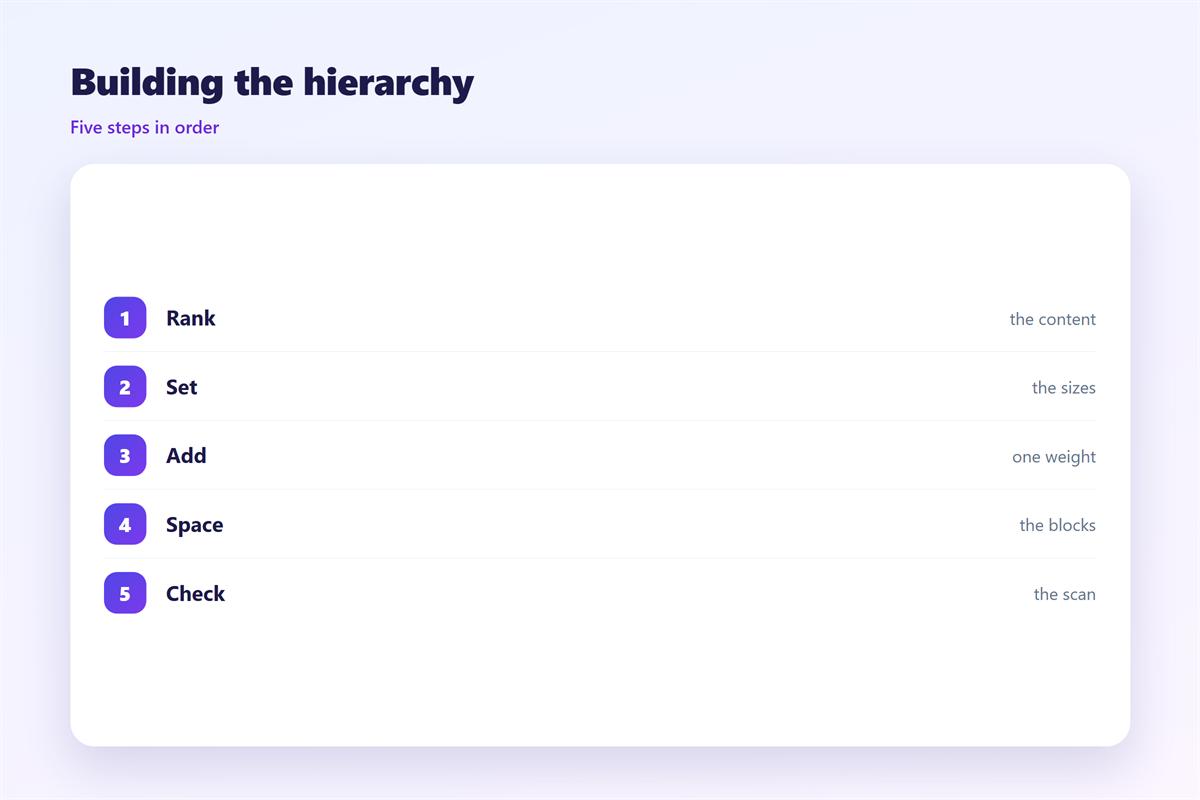
Write the content before you style it.
Mark the one line a reader must see.
Mark the one action you want next.
Then set sizes for those two items first.
Make the headline clearly larger than body text.
A jump of one step is easy to miss.
Then check the gap under the headline.
A tight gap makes both read as one block.
Use weight before you add colour.
Bold text survives dark mode and blocked images.
Keep body text at one size across the whole mail.
Good 邮件视觉层级 looks calm, not busy.
Space does the quiet work
Space groups items without adding lines.
Double the gap above each new section.
Then reduce gaps inside a group.
That single rule builds most of the structure.
邮件视觉层级 on a phone
The small screen removes side-by-side comparison.
Columns stack and the order becomes the message.
Check that the stack still reads well.
Put the headline first and the button second.
Keep the first screen free of clutter.
Then test the scroll on a real device.
A long first screen loses readers fast.
Short blocks keep the thumb moving.
A clear 邮件视觉层级 survives that narrow stack.
Keeping 邮件视觉层级 consistent
A template saves time only when it stays stable.
Fix the sizes for headline, header, and body.
Fix the space between sections.
Then document the three levels on one page.
The building blocks appear in 邮件排版. Breathing space is covered in 邮件留白. Type weight is explained in 邮件字重. The action itself sits in 邮件按钮.
Review new templates against that page.
Name the person who owns the template.
New sections should pass that owner before launch.
A shared standard makes 邮件视觉层级 predictable.
FAQ
How many levels should an email have?
Three works for most messages. Use a headline, section headers, and body text. A fourth level usually adds clutter.
Should I use colour to show what matters?
Use it second, not first. Size and weight survive image blocking and dark mode. Colour can then support the same order.
Why does my email look flat?
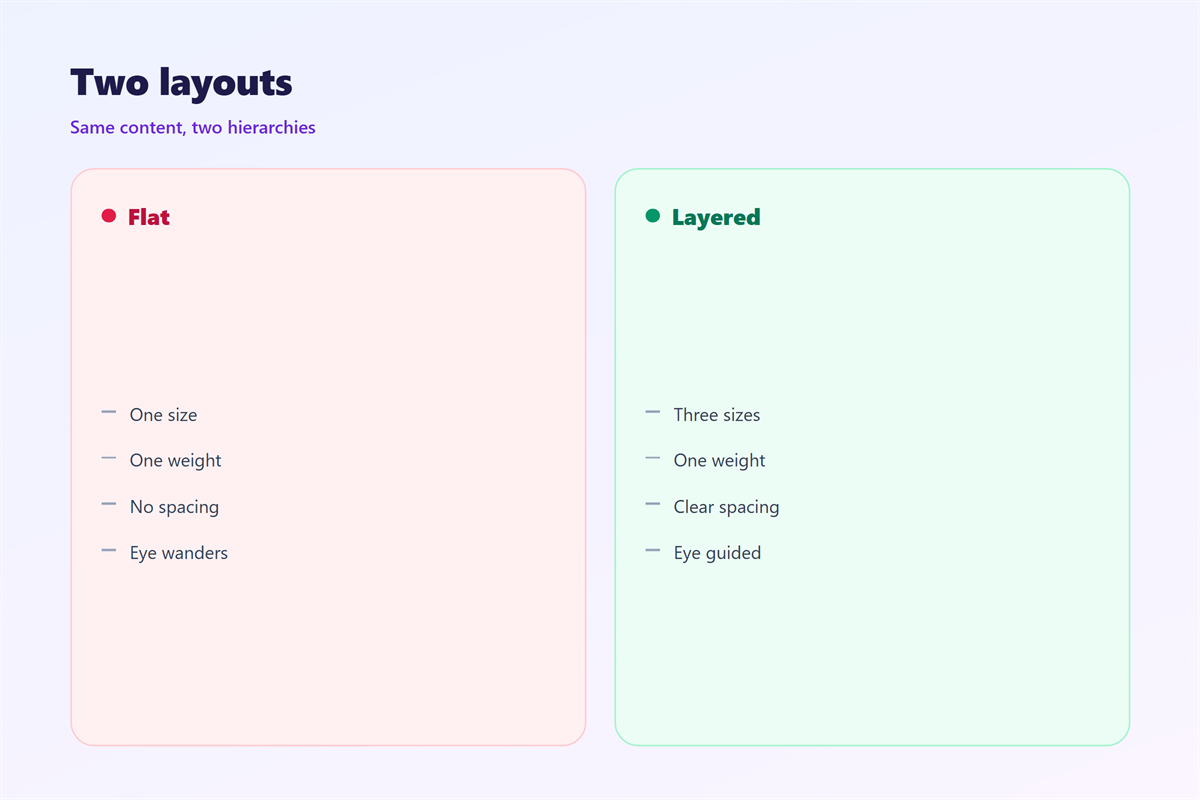
Every element probably has the same size and weight. Raise the headline one clear step. Then add space above each section.
Does hierarchy matter in plain text mail?
Yes. Blank lines, short paragraphs, and a clear first sentence do the same job. Order carries the message there.
References
- Nielsen Norman Group: Visual hierarchy in design
- Smashing Magazine: Typography and layout guides
- Litmus: Email design and rendering tests
评论
还没有评论,来说两句吧。
评论功能已关闭。