 小影邮箱
小影邮箱邮件导出怎么做?Files, Formats and Fidelity
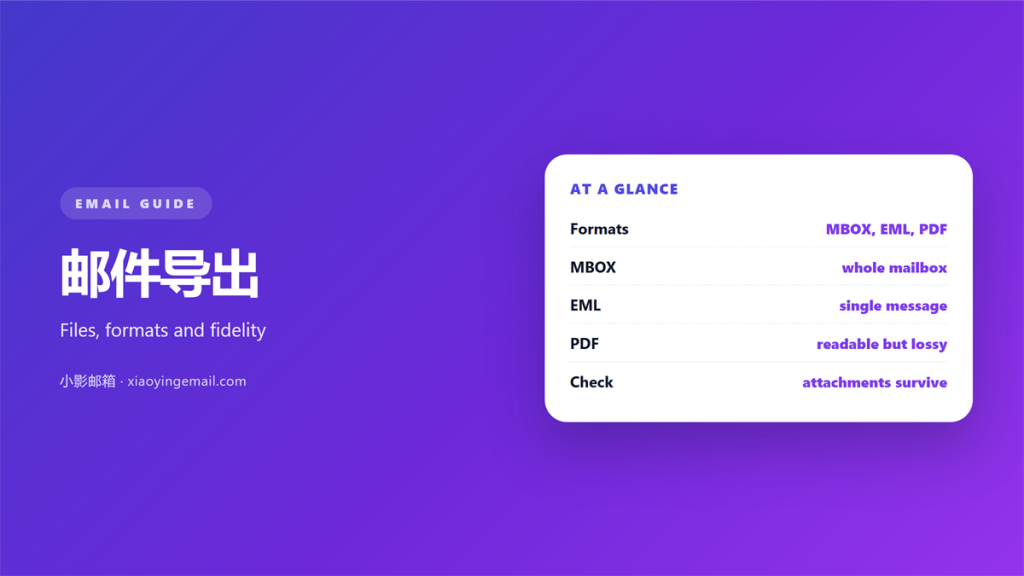
Key Takeaways
- 邮件导出 turns a live mailbox into files you actually own and control.
- MBOX keeps whole folders, EML keeps single messages, and PDF keeps only what it renders.
- The format decides whether attachments and timestamps survive the move.
- An export you have never reopened is a backup you cannot trust.
- Test one restore before you delete anything from the server.
What 邮件导出 actually is
邮件导出 is the act of copying messages out of a mail server and into files. The mail stops being something the provider holds and becomes something you keep. However, the word covers very different results. Consequently, two exports of the same inbox can preserve entirely different things.
I exported a six-year archive last spring. Therefore, I learned to check the format before the volume, because a large file that opens badly is worse than a small one that opens well.
How each format stores a message
Three formats cover almost every case. Each one answers a different question, and none of them keeps everything. Notably, the 邮件导出 you choose should follow the job you need it to do.
MBOX
MBOX stacks many messages into one file, separated by a marker. It is compact and easy to import, which makes it the common choice for whole 邮件归档 work. However, a single corrupted byte can damage the file, so keep a second copy.
EML
EML stores one message per file, headers and attachments included. Furthermore, it preserves the raw structure, so a reader can see exactly what arrived. As a result, EML is the safest format for evidence or legal records.
PDF renders a message as a page. It looks familiar and prints well, yet it flattens the headers and drops most attachments. Therefore, a 邮件导出 to PDF is a reading copy, not a full backup.
Why 邮件导出 matters for the long term
A mailbox lives on someone else’s server. Accounts close, providers change terms and storage limits tighten. Consequently, an export is the only version of your mail that survives all three.
Storage limits make the choice urgent. When a provider caps a mailbox, the oldest 邮件导出 becomes the only copy of a whole year. Therefore, export before you are forced to, not after the account is frozen.
Moreover, the value of an archive grows with time. A receipt from five years ago can settle a dispute today. Therefore, the 邮件导出 is not housekeeping; it is insurance. My own rule is simple: if a message matters, it should exist in two places.
Five rules for a 邮件导出 you can trust
These five rules take an afternoon to apply and save weeks of doubt.
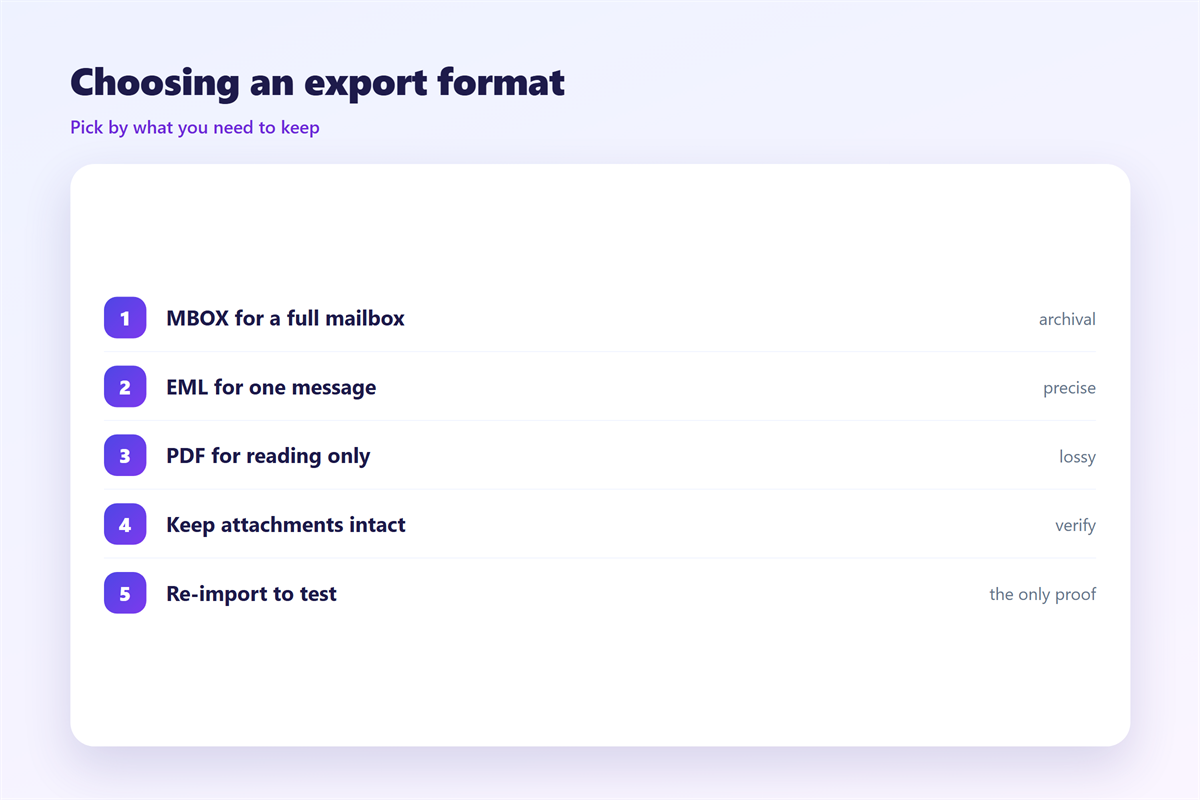
- Export to two formats, such as MBOX and PDF.
- Keep one copy off the provider’s servers, on a drive you control.
- Check that attachments open from the exported file.
- Store the export with a dated folder name.
- Reopen the export once a year, on purpose.
Where 邮件导出 goes wrong
Three failures recur. The first is a partial export that silently skips folders, so the archive looks complete until you search for a missing thread. The second is a format that renders attachments as dead links.
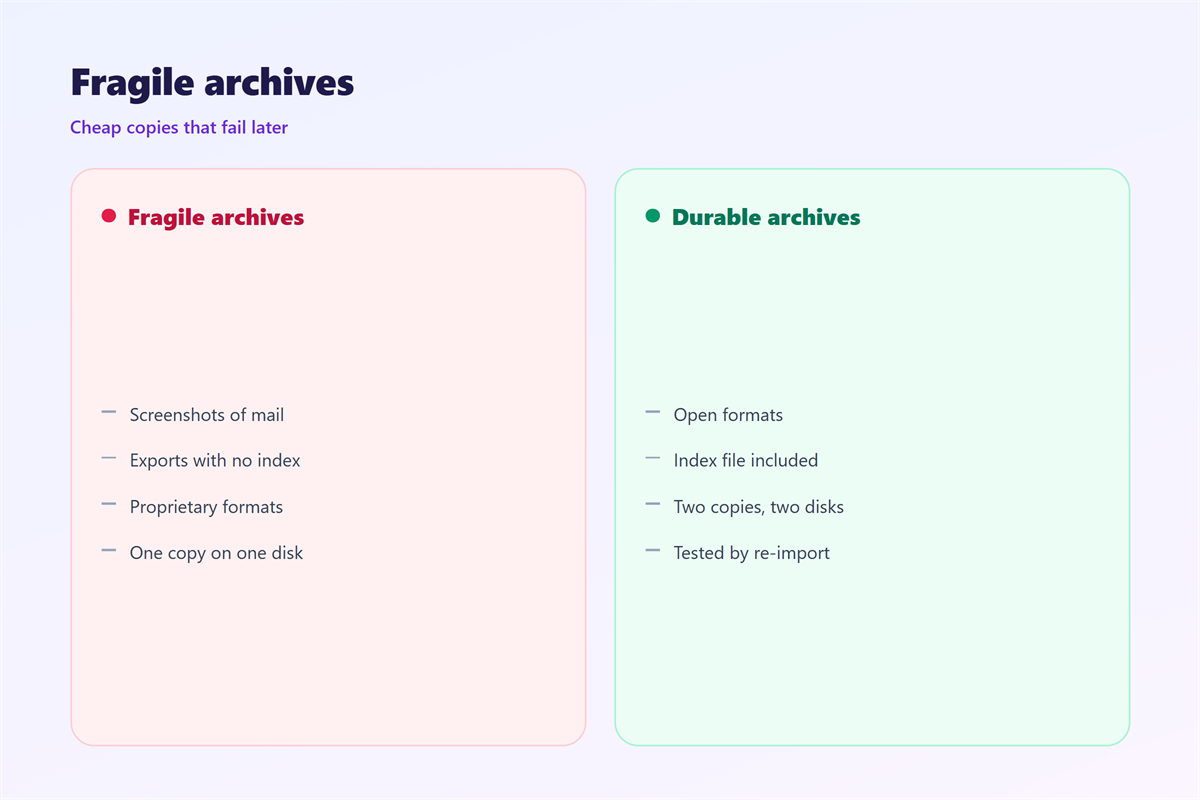
The third is subtler. When the export loses its index, finding one message again becomes a manual crawl. As a result, the 邮件导出 is safe but unusable, which is only half a backup.
On balance, test the search before you trust the file. If you can find a message you know is inside, the export did its job.
How to test a 邮件导出 before you need it
Run one small restore the same day you export. Open the file in a second client and confirm that headers, dates and attachments all appear. Therefore, you learn the truth while the source is still available. Keep the test notes with the export, because the next person may not know which client opened it.
| Format | Keeps | Best for |
|---|---|---|
| MBOX | Whole folders | Large archives |
| EML | One full message | Records and evidence |
| The rendered page | Reading and printing |
Once the export passes, treat it like any other archive. Our guide to 邮件归档 covers the wider plan, and 邮件备份 explains how a second copy protects the first.
Checking findability
A backup you cannot search is a box you never open. Therefore, keep an index or use a tool that reads MBOX directly. A dated 邮件导出 also helps, because the folder name tells you which snapshot holds the message. The notes on 邮件搜索 show how to find a message again across a large archive.
If the mail is moving to a new account rather than a shelf, plan the transfer too. The guide to 邮箱转移 walks through moving mailboxes without losing anything in the gap.
FAQ
Does 邮件导出 keep attachments?
It depends on the format. MBOX and EML keep attachments intact, while PDF usually drops them. Therefore, export to EML when attachments matter.
Which format should I choose for an 邮件导出?
Use MBOX for whole folders and EML for individual messages you may need as records. Add PDF only when you want something printable.
Can I open the files years later?
Yes, if you keep a client that reads the format. MBOX and EML are simple text formats, so they age better than any single app.
How often should I export?
Once a quarter for active mail, and once more before you close any account. A dated folder makes each snapshot easy to identify. Quarterly snapshots also spread the risk, so no single bad file can take the whole archive with it.
评论
还没有评论,来说两句吧。
评论功能已关闭。