 小影邮箱
小影邮箱邮件日历邀请怎么用?When Meetings Go Missing
What 邮件日历邀请 actually is
邮件日历邀请 is an ordinary email with a machine-readable file attached. The visible text is for you; the file is for your calendar, and the two can disagree.
I once accepted a meeting that appeared an hour early on my phone and on time in the browser. The file was correct, the phone had guessed a time zone, and that single mismatch sent me to the wrong room. Most 邮件日历邀请 problems look exactly like this.
Key Takeaways
- 邮件日历邀请 carries an ICS file that calendar apps read and write.
- The organiser field decides whose calendar owns the event.
- A single identifier ties updates and cancellations together.
- Spam filters often treat the attached file as suspicious.
- Time zones confuse 邮件日历邀请 more than any other failure.
- A tap on a phone can send a reply you did not intend.
- Recovery usually means finding the original message, not rebuilding the event.
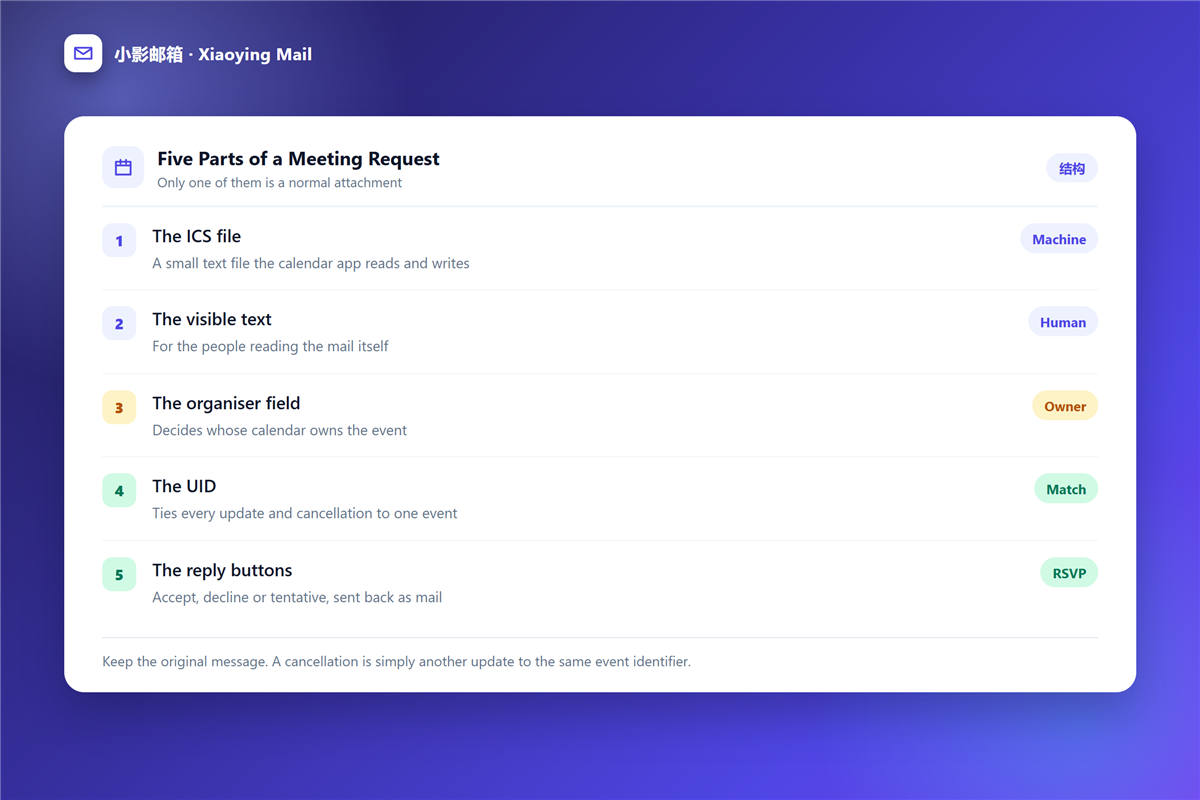
The five parts of a 邮件日历邀请
One of these is a normal attachment, and the other four decide how it behaves.
The ICS file
A small text file that any calendar app can read. Therefore, the same 邮件日历邀请 works in completely different software.
The visible text
This is the part people read, and it carries no authority. In contrast, the file is what the calendar obeys.
The organiser field
It names the person whose calendar owns the event. Consequently, only the organiser can move the meeting for everybody.
The identifier
Every update and cancellation refers to the same identifier. Notably, a changed time arrives as a new message about the old event, not as a new event.
The reply buttons
Accept, decline and tentative are sent back as ordinary mail. Moreover, they are the part most easily triggered by accident.
Where 邮件日历邀请 break
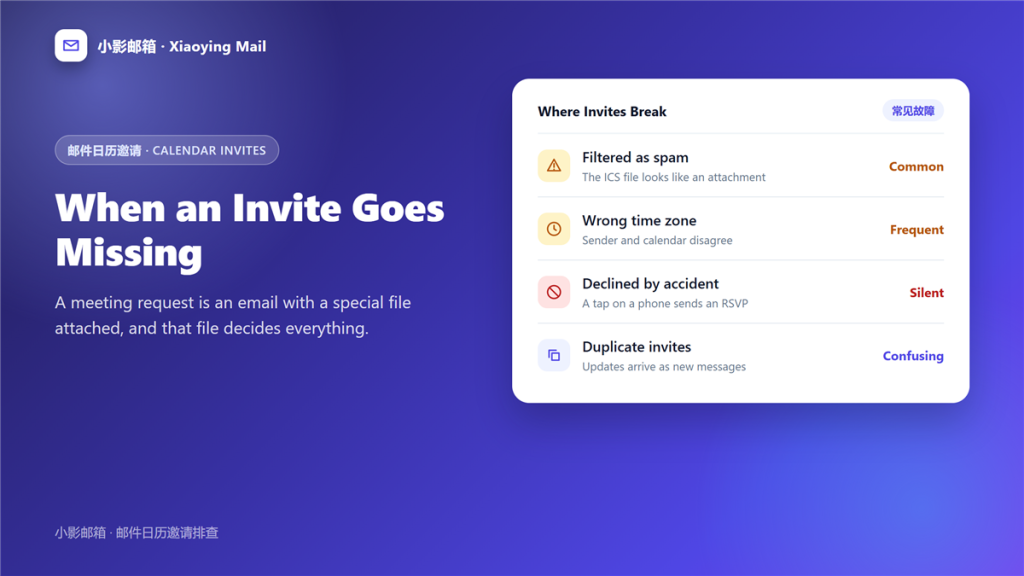
Four failures cover almost every missing or wrong meeting I have seen.
Filtered as spam
An unknown file type attached to a short message looks like a threat. Therefore, a strict 邮件规则 can quietly bin a 邮件日历邀请 before you ever see it.
The wrong time zone
A calendar that ignores the zone in the file will show whatever its own setting says. In particular, this affects travel and remote work more than anything else, and it is the most common 邮件日历邀请 complaint I hear.
Declined by accident
Some mobile clients send a response as soon as you open the message. As a result, the organiser sees a decline you never wrote.
Duplicate updates
A re-sent invitation with a new identifier creates a second event. Furthermore, the same meeting then appears twice with different details.
How to recover a missing 邮件日历邀请
Recovery of a 邮件日历邀请 starts with the original message rather than with the calendar.
- Search every folder, including spam and trash.
- Read the 邮件头 to confirm the message really arrived.
- Download the attached file and open it directly.
- Ask the organiser to send the same event again rather than create a new one.
- Check whether a duplicate already exists under a different identifier.
Treat the attached file like any other 邮件附件, which means opening it only when the sender is expected. That habit blocks both spam and genuine 邮件日历邀请 surprises.
Accepting on a phone versus in webmail
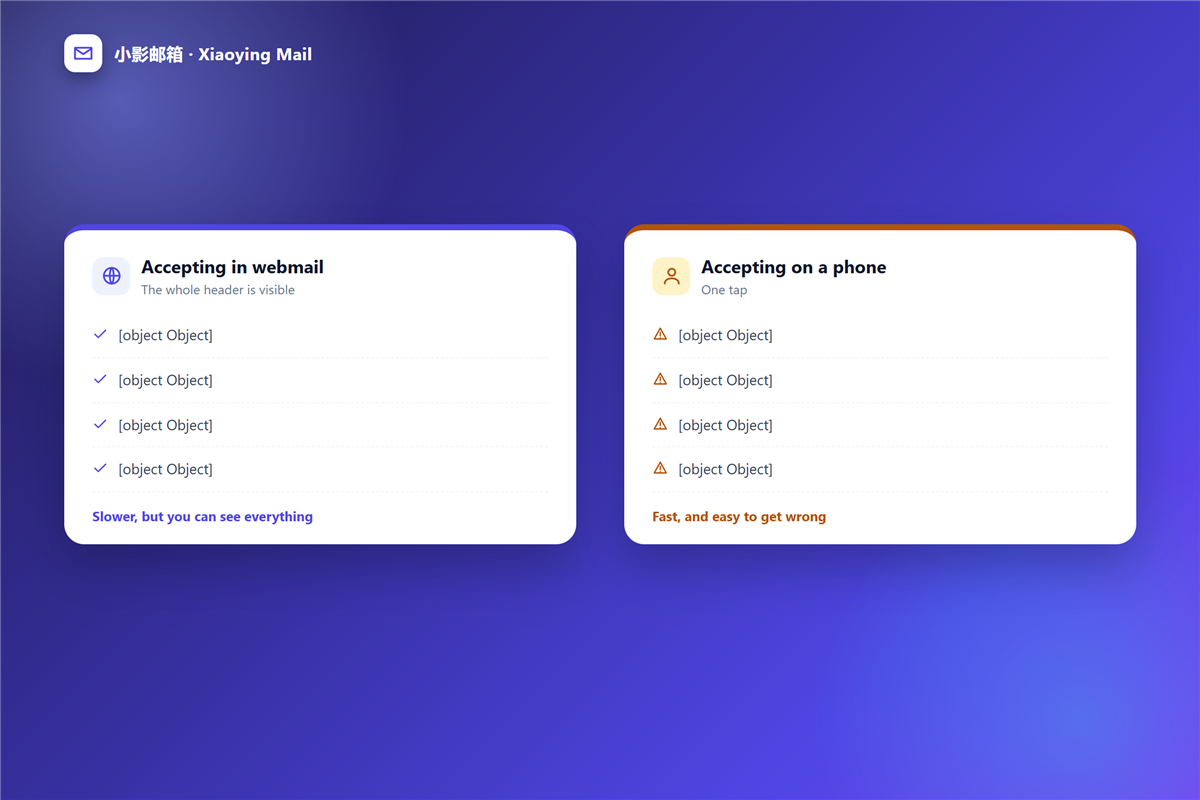
The same 邮件日历邀请 behaves differently depending on where you open it.
Webmail shows the file as a file and writes the time zone out in full. A mobile client hides both, and that is where accidental replies and hidden zone shifts come from.
Therefore, accept anything important in a browser. Afterwards, use the phone to check the time rather than to answer the request.
Preventing 邮件日历邀请 problems when you organise
Organisers cause most of the confusion, and three habits remove it.
First, send one invitation per meeting and edit it rather than creating a second event. Second, write the time zone in the visible text so readers can check it without opening the file. Third, ask for a reply in the message body as well, because a 邮件标记 on your side tells you nothing about their calendar.
Finally, keep the invitation short. One paragraph plus the file is easier to check than a long message where the date sits halfway down.
Frequently asked questions
Does 邮件日历邀请 work in every client?
Mostly yes, because the format is a long-standing standard. However, some clients display it as a plain attachment with no buttons.
Why do 邮件日历邀请 disappear from my calendar?
Usually a declined response or a filtered message. Occasionally a sync conflict removes the event from one device only.
Can I stop 邮件日历邀请 from landing in spam?
Yes, by adding senders you trust to a safe list. Keep the rule narrow, so unknown senders still face normal filtering.
Are 邮件日历邀请 the same as a shared calendar?
No. An invitation is a message about one event, while a shared calendar subscribes to many events at once.
References
- RFC 5545: Internet Calendaring and Scheduling Core Object Specification
- Wikipedia: iCalendar
- Wikipedia: Time zone
延伸阅读
- 《邮件提醒怎么设?Badges, Sounds and Quiet Hours》
- 《邮件请假怎么写?Dates First, Reasons Second》
- 《邮件面试怎么沟通?Confirm, Prepare, Follow Up》
- 《邮件时区怎么算?Scheduling Across Zones》
- 《邮件邀请函怎么写?Invitations People Accept》
- 《邮件预约怎么做?Confirm a Time in One Reply》
- 《邮件日程怎么用?Pick a Time》
- 《邮件改期怎么写?Moving a Meeting》
- 《邮件取消怎么写?Calling It Off Well》
- 《邮件议程怎么写?A Spine for the Meeting》
- 《邮件候补名单怎么写?A Waiting List That Works》
- 《邮件签到怎么做?Check-In Mail That Works》
- 《邮件会议室怎么订?Booking by Mail》
- 《邮件报名怎么写?One Form, One Date》
评论
还没有评论,来说两句吧。以下为本文的引用通告: