 小影邮箱
小影邮箱邮件图片怎么用?Show Without Slowing Down
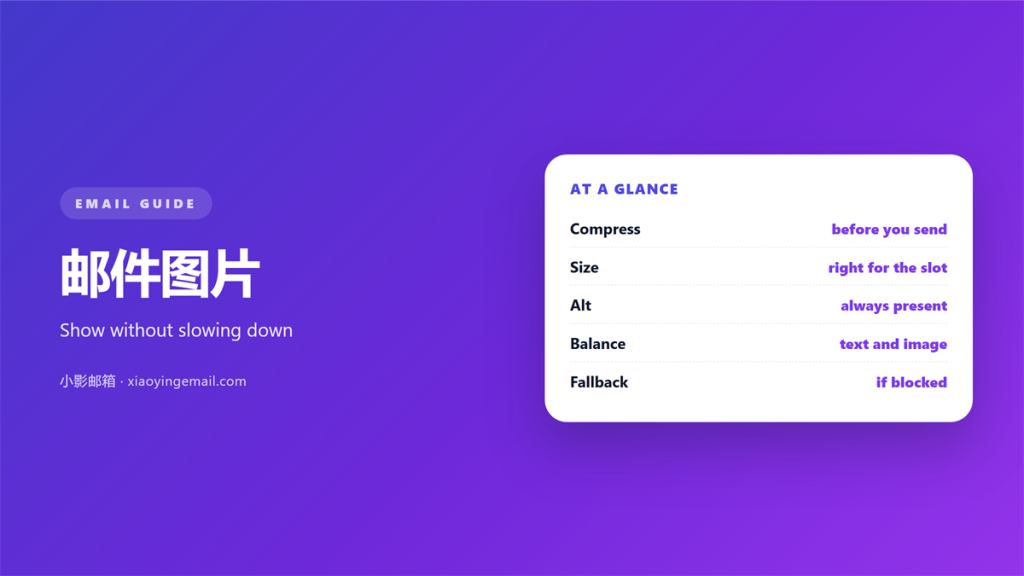
Key Takeaways
- 邮件图片 make a message warmer and easier to grasp.
- A picture is a file the reader must download.
- Blocked images can leave a message looking empty.
- Alt text carries the meaning when a picture hides.
- One clear 邮件图片 beats a busy design.
What 邮件图片 cost a message
邮件图片 make a message warmer and easier to grasp.
They also add weight and a little risk.
Every picture is a separate file the reader must fetch.
A slow connection turns that wait into a blank space.
Many clients block 邮件图片 until you allow them.
So the first view may show nothing at all.
Some readers never allow the images to load.
If the meaning lives only in the picture, they miss it.
That is the core trade off to manage.
Use 邮件图片 to support the words, not replace them.
A picture can explain a shape faster than words. That speed is why images stay popular.
But a picture that fails to load explains nothing. The empty box can even look broken.
So plan for the case where the image hides. The words must stand on their own.
A good message works even with every image turned off. Keep the words strong on their own.
Getting 邮件图片 to show up
Three habits decide whether a picture appears.
Blocked images
Add real alt text to every image.
The alt text stands in when the picture cannot load.
Keep the key message in the text, not the picture.
Lazy loading
Lazy loading waits until a reader scrolls.
A picture far down the page may load late.
Set the size so the layout does not jump.
A stable block is calmer than a shifting one.
Small steps keep 邮件图片 reliable for everyone.
Some clients load images only after a click. Others hide them to save data.
You cannot control that choice from your side. You can only prepare for it well.
A short preview text helps the reader decide. It shows value before any image loads.
Sizing 邮件图片 well
Size is the single biggest factor you control.
File size
Shrink each picture before you embed it.
A heavy file slows the whole message down.
Aim for a small file that still looks sharp.
Format
Choose a format that fits the picture.
Photos suit one kind of file, logos suit another.
Keep the width matched to the email layout.
A picture wider than the column gets shrunk.
Test the result on a phone and a desktop.
That quick look saves a lot of 邮件图片 trouble.
A big file also delays the first line of text. The reader waits while nothing appears.
Compress the picture without losing the point. A slight loss of polish is worth the speed.
Some formats suit flat shapes, others suit photos. Pick the smaller one that still looks right.
Watch the total size of the whole message. A few heavy files slow it all down.
Writing alt text for 邮件图片
Alt text is the voice of a picture.
It helps a reader who cannot see the image.
Describe the point, not every small detail.
A short phrase usually beats a long sentence.
Skip phrases like image of or picture of.
The reader already knows it is an image.
Give a button text that states its action.
Then the reader knows what a click will do.
Keep the alt text honest to the real picture.
Clear alt text is the heart of 邮件图片 access.
Write alt text as if the picture were missing. Then the meaning still reaches everyone.
Keep it under a single short line. Long alt text can be slow to read aloud.
Update the alt text when the picture changes. A stale note can mislead a reader.
Keeping 邮件图片 light over time
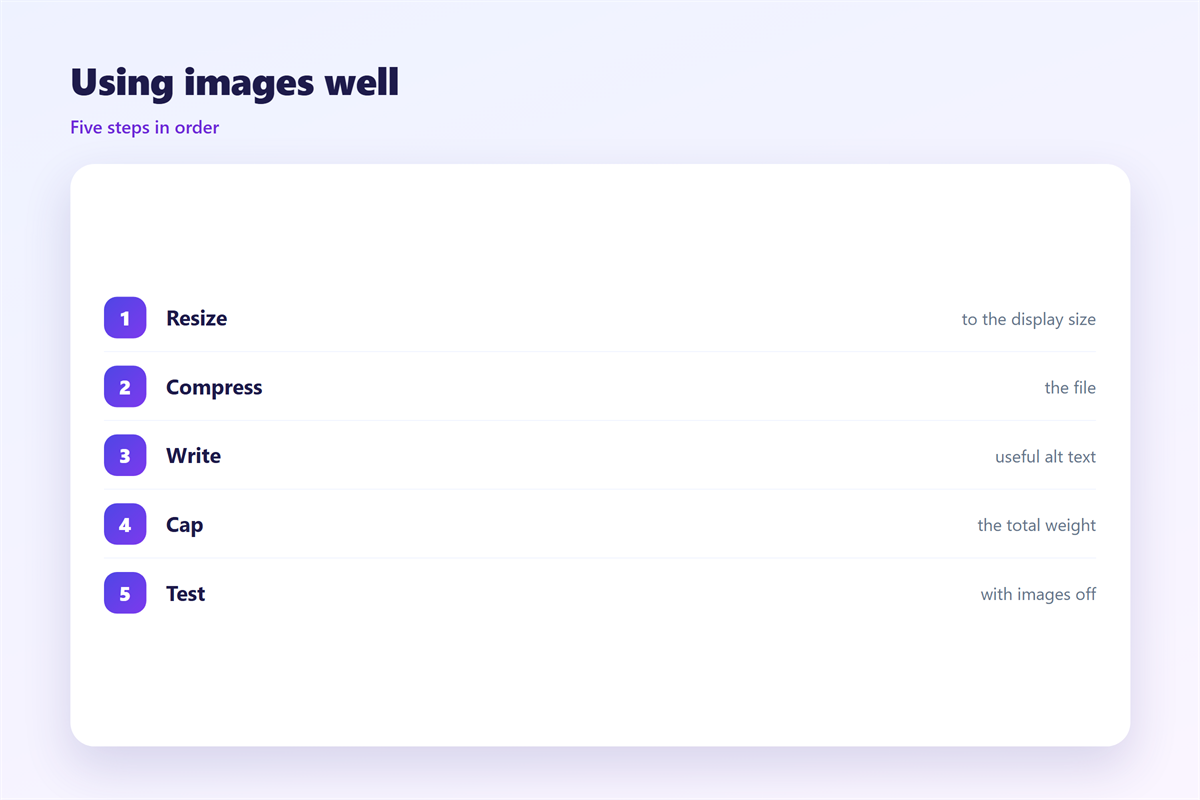
A picture that looked fine can grow stale.
Review the file sizes each season.
See how to share a file safely. The workflow is set out in 邮件附件.
Give each button one clear action. The pattern is described in 邮件按钮.
Watch how the layout holds its shape. The rules are covered in 邮件排版.
Know when a file is simply too big. The limits are explained in 邮件大附件.
Then keep the message light and quick.
A tidy 邮件图片 set loads fast and reads well.
Look at the total weight of a busy design. Many small files still add up.
Decide which pictures truly carry the message. Drop the ones that only decorate.
When to skip 邮件图片 entirely
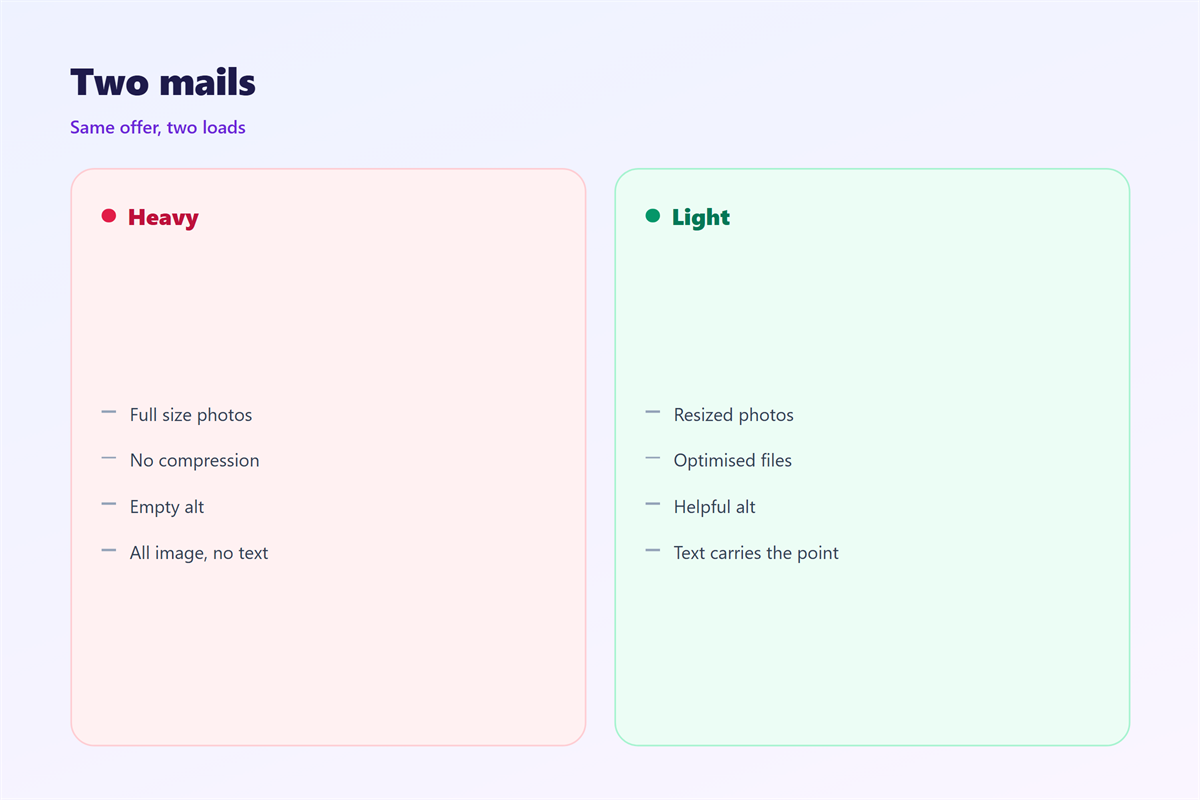
Sometimes words alone do the job better.
A plain note can be clearer than a busy design.
Skip a picture when it adds no new meaning.
Skip it when the point lives in the text already.
A message with no images always loads fast.
It also survives every block and every client.
So treat each 邮件图片 as a choice, not a rule.
Use one only when it earns its place.
Fewer pictures often mean a clearer message.
A short plain note often lands better than a poster. Respect the reader’s busy day.
When you do use a picture, make it count. One clear image beats five vague ones.
Purpose beats decoration in every inbox. Ask what the reader gains from each picture.
FAQ
Why do my 邮件图片 not show up?
Most likely the client blocks them by default until the reader allows them.
How large should an image be?
Keep the file small and the width inside the layout column.
Is alt text really necessary?
Yes. It carries the meaning when the picture is hidden or blocked.
Should I put all my text in an image?
No. Keep the words in the text so every reader can access them.
References
- Litmus: Email design research
- IETF RFC 2046: Multipart Internet Message Bodies
- W3C WAI: Accessibility guidance
延伸阅读
- 《邮件封面怎么做?The First Image》
- 《邮件二维码怎么用?A Square That Works》
- 《邮件图标怎么用?Small Signs That Guide》
- 《邮件横幅怎么做?The Wide Strip》
- 《邮件动图怎么用?Motion That Loads》
- 《邮件视频怎么用?Play It in the Inbox》
- 《邮件背景图怎么做?Art Behind the Text》
- 《邮件图片尺寸怎么定?Sizing Images Right》
- 《邮件插画怎么画?Illustrations That Fit》
- 《邮件缩略图怎么选?Small Copies That Work》
- 《邮件轮播图怎么做?Carousels That Move》
- 《邮件图片压缩怎么做?Lighter Images, Same Look》
- 《邮件替代文字怎么写?Words Behind the Image》
- 《邮件像素是什么?The Invisible Bead》
评论
还没有评论,来说两句吧。
评论功能已关闭。