 小影邮箱
小影邮箱邮件误判怎么办?Why Good Mail Lands in Spam
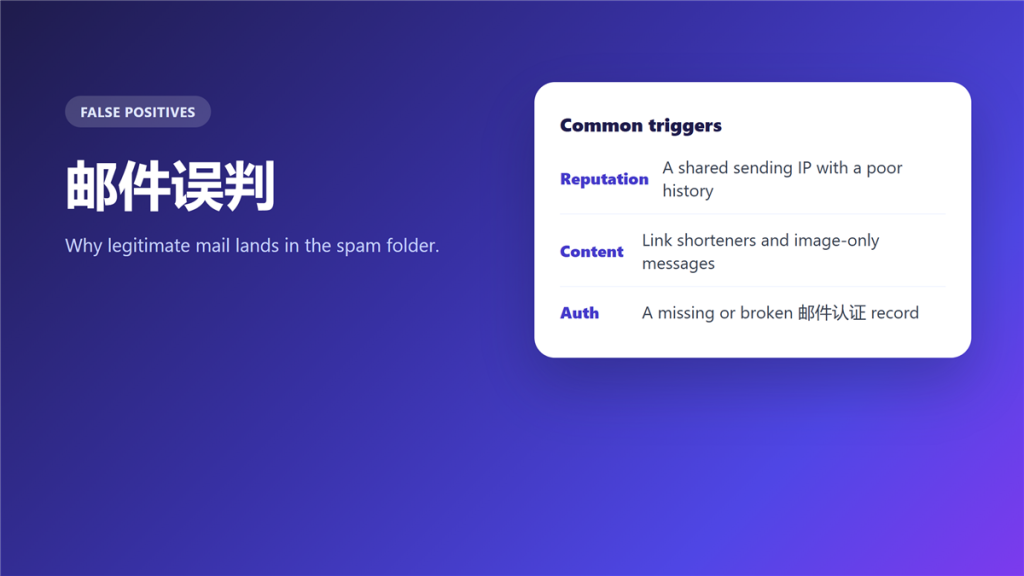
What 邮件误判 actually is
邮件误判 is a filtering decision that went the wrong way, so a message that should have reached the inbox was filed as spam instead. It is not the same as a bounce, and it is not the same as a block.
A client lost a contract because an invoice sat in the recipient spam folder for eleven days. Nothing had bounced, no error came back, and the 邮件误判 was invisible from both sides until somebody thought to look.
Key Takeaways
- 邮件误判 files good mail as spam without any error.
- Reputation, content and authentication cause most of it.
- Bounces and blocks are different failures entirely.
- Asking readers to mark mail as not spam works.
- Fix the records you control before writing to support.
- Some causes belong completely to the receiver.
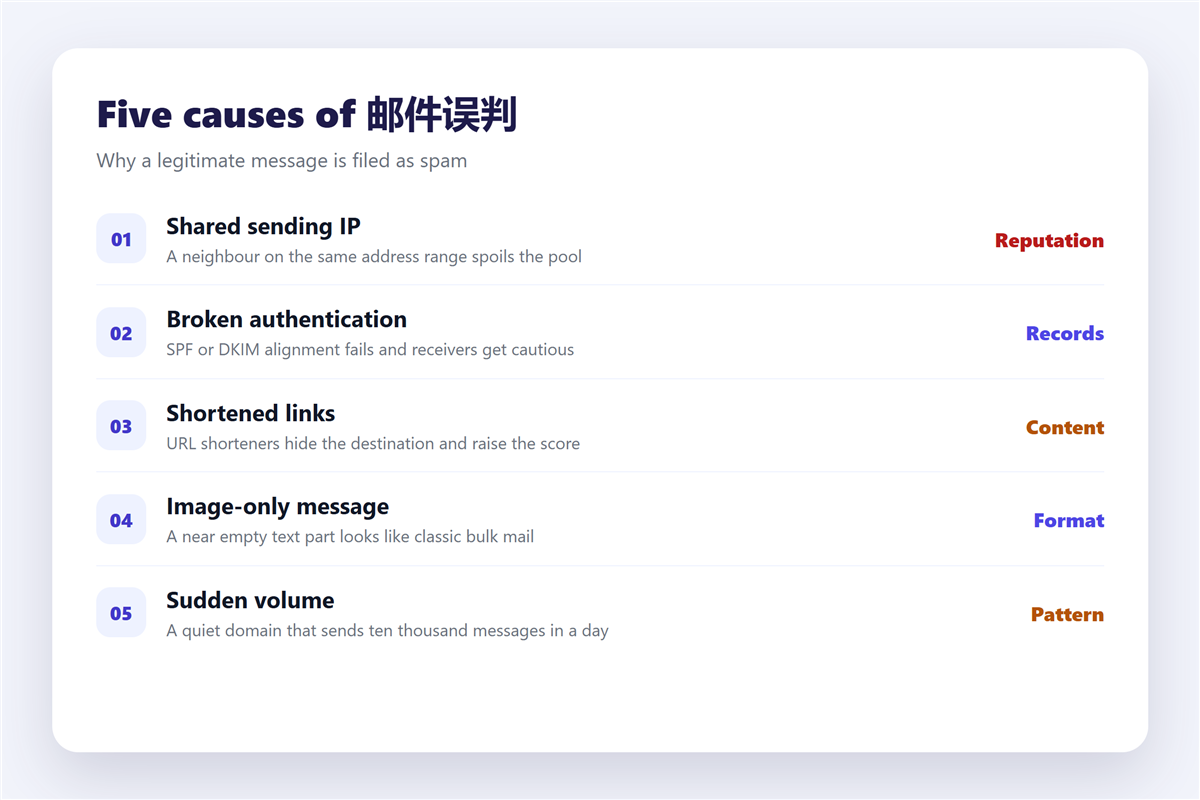
Five causes of 邮件误判
Almost every case traces back to one of five triggers, and the first two account for the majority.
A shared sending IP
On shared hosting, your mail leaves from an address used by hundreds of other senders. Therefore a single abusive neighbour can drag the whole pool down, and nobody will tell you.
Broken authentication
A missing SPF or DKIM record makes receivers cautious rather than hostile. Notably, the mail is usually accepted and then filed into the wrong folder.
Content signals
Shortened links, image-only messages and a nearly empty text part all raise the score. In addition, a subject line in full capitals has the same effect.
Sudden volume
A domain that has sent ten messages a week and then sends ten thousand looks compromised. Consequently the filter reacts to the pattern rather than to the content.
Reader behaviour
If enough people mark your mail as spam, that signal outranks everything else. Unfortunately it is also the slowest of the five to reverse.
How to tell 邮件误判 from a bounce or a block
The three failures look identical from the sender chair, and they need completely different responses.
A bounce returns an error to you, and the codes are explained in 邮件退信. A block stops the connection before the message is accepted, and the list side is described in 邮件黑名单. A misfiled message produces no error at all, which is exactly why it wastes the most time.
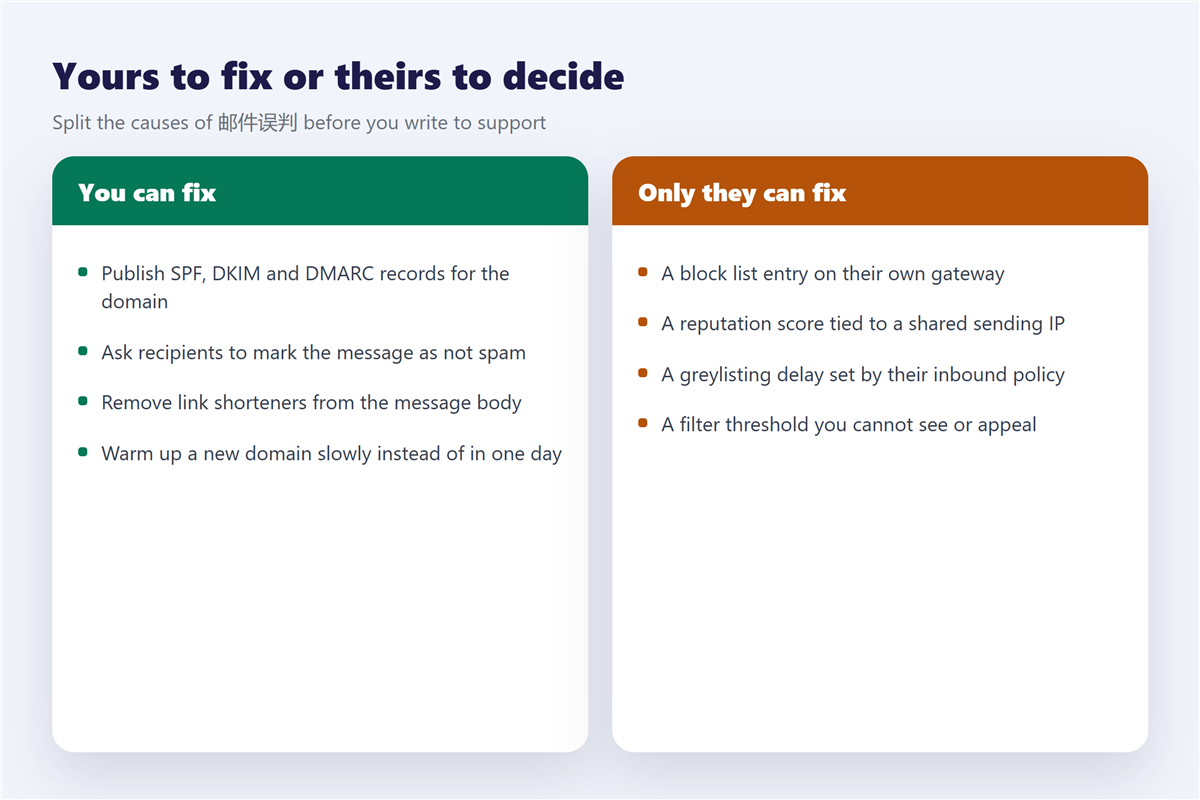
What you can fix in 邮件误判
- Publish SPF, DKIM and DMARC records for the domain.
- Remove link shorteners and send a plain text alternative.
- Warm up a new domain over two to three weeks.
- Ask recipients to mark the message as not spam.
- Keep complaint rates low by sending only to people who asked.
The first item has the largest effect and the longest delay, and the records themselves are explained in 邮件认证. Furthermore, a filter you control can misfile mail locally, so check the rules that move messages around, described in 邮件规则.
What only the receiver can fix in 邮件误判
Some causes sit entirely on the other side of the connection.
Because a reputation score belongs to their gateway, you cannot see it or appeal it directly. In addition, greylisting delays are deliberate and temporary, so a retry often succeeds on its own. Finally, a threshold they set is invisible to you, and the only lever left is asking the recipient to whitelist your address.
When a message is not merely misfiled but deliberately forged, the problem is different, and the checks in 钓鱼邮件 apply instead. For an overview of why spam volume rises in the first place, see 垃圾邮件.
Frequently asked questions
How long does 邮件误判 take to fix?
Content fixes show up within days. Reputation fixes take two to four weeks, because receivers update their view slowly.
Does 邮件误判 affect all recipients equally?
No. Each provider filters independently, which is why one address receives the message and another does not.
Can a 邮件误判 be appealed?
Sometimes, and only when you know which provider filed it. The recipient can usually see that, and you cannot.
Is 邮件误判 more common with attachments?
Yes, especially with archives and documents containing macros. A link to a hosted file often passes where the attachment does not.
评论
还没有评论,来说两句吧。以下为本文的引用通告: