 小影邮箱
小影邮箱邮件证书是什么?S/MIME Signing, Encryption and Trust
Key Takeaways
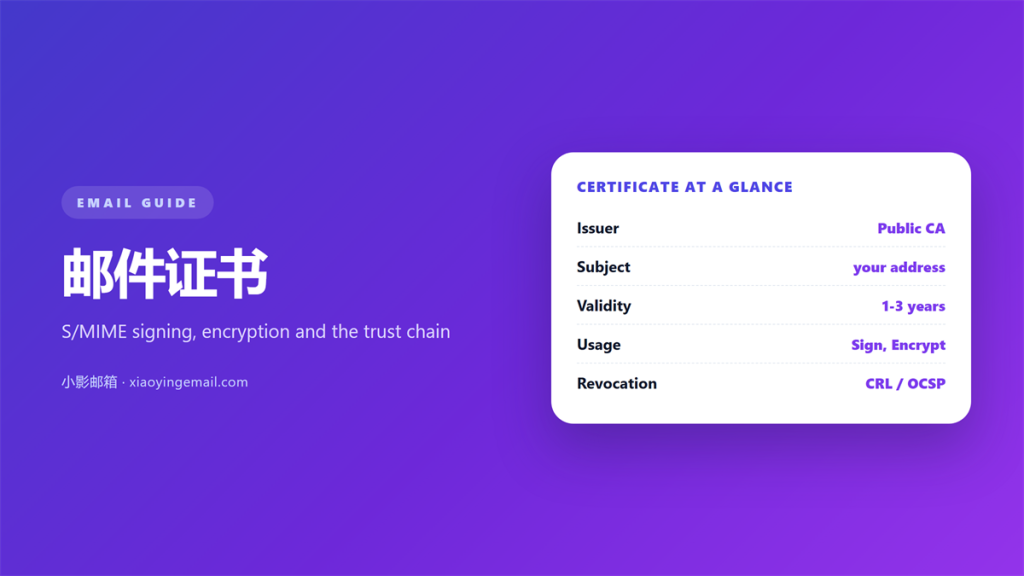
- A 邮件证书 is a digital ID that binds an email address to a public key.
- Signing proves origin and integrity; encryption hides the body in transit and at rest.
- The trust chain, expiry date and revocation status decide whether a signature is real.
- S/MIME protects the message itself, so it survives forwarding better than TLS alone.
- Most consumer webmail ignores incoming signatures, which limits daily usefulness.
What a 邮件证书 actually is
A 邮件证书 is a small signed file that binds your email address to a public key. In plain terms, it lets a stranger verify that a message really came from you and that nobody edited it on the way. I first used one on a support desk, where forged invoices arrived weekly, and the difference it made was immediate.
Technically, this is the S/MIME standard. However, you do not need the acronym to understand the promise, which is simply provable identity inside an ordinary mail client.
Practically, think of it as a passport for a mailbox. The passport office is a certificate authority, and the photograph is your public key. Anyone can look at it, but only you hold the matching private key.
One detail surprises newcomers. The certificate itself is public, and that is intentional. Hiding it would defeat the purpose, because the whole point of a 邮件证书 is that a stranger can read it and still trust the signature attached to your mail.
Signing versus encryption with a 邮件证书
Two features share one certificate, and people constantly confuse them. Signing adds a signature that anyone can check. Encryption scrambles the body so only the holder of the private key can read it.
Therefore, signing works with strangers, while encryption requires that you already hold the other person’s public key. In other words, a single 邮件证书 is easy to publish and hard to use for secrecy.
| Property | Signing | Encryption |
|---|---|---|
| Hides the body | No | Yes |
| Proves the sender | Yes | Only loosely |
| Detects edits | Yes | Yes |
| Works with strangers | Yes | No |
What a 邮件证书 proves, and what it does not
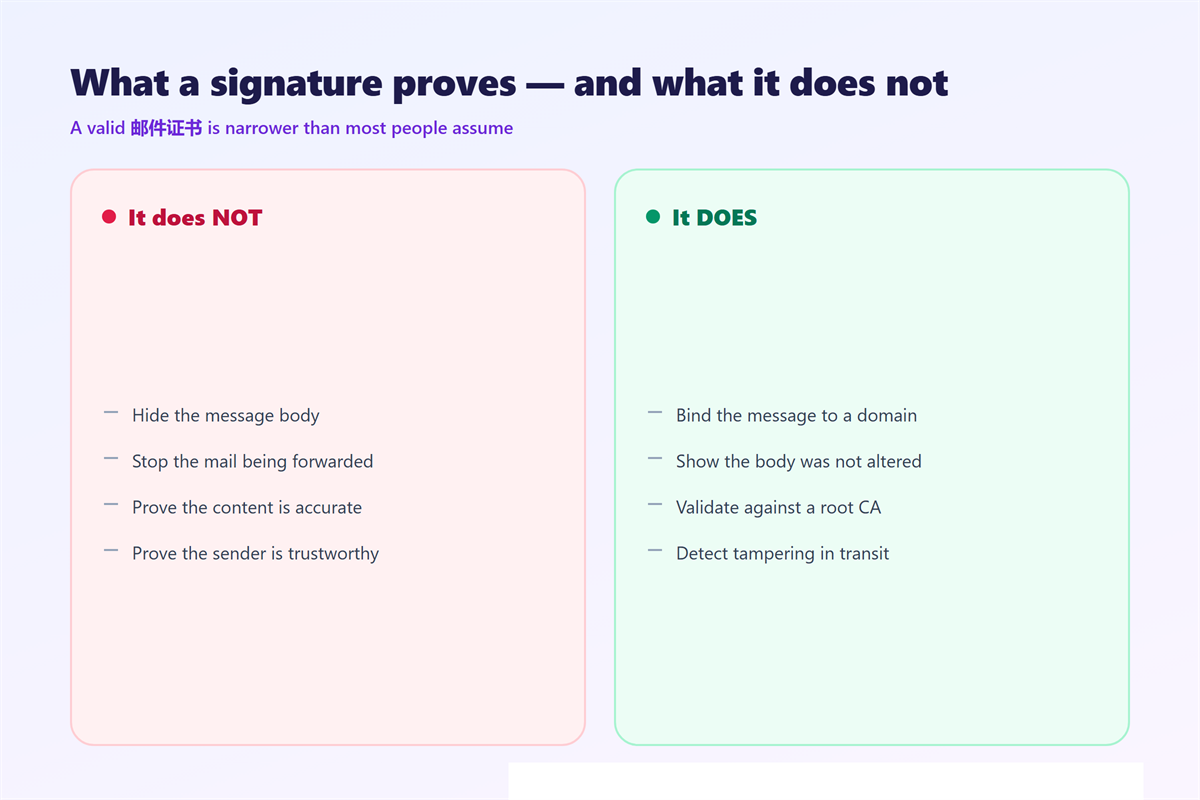
A valid signature is narrower than most people assume. It proves that the message was signed with a private key matching a certificate for that domain, and that the content did not change afterwards. Notably, a 邮件证书 says nothing about whether the sender is honest or the content is accurate.
- It does not hide the subject line or the recipient list.
- It does not stop the message from being forwarded.
- It does not prove the sender has good intentions.
- It does not survive aggressive mailing-list reformatting.
How the 邮件证书 trust chain works
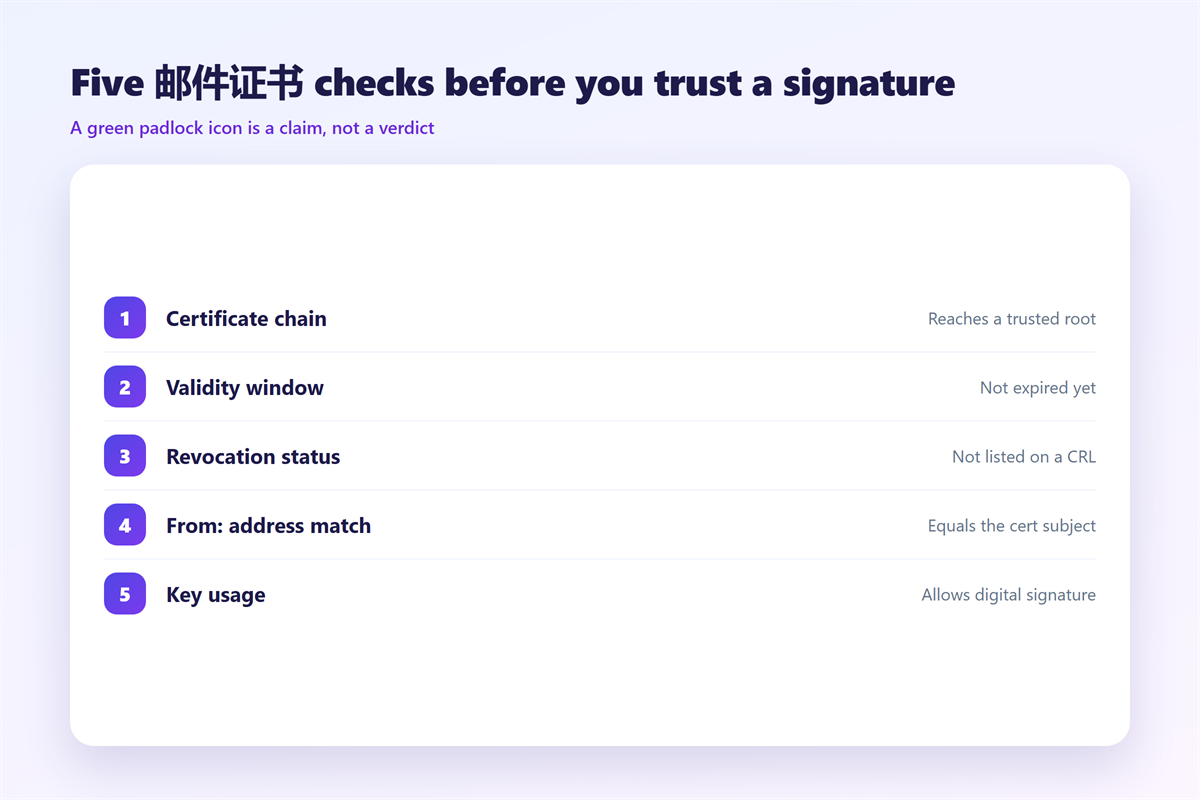
The client walks a chain. First it reads the signature, then it reads the certificate, and finally it checks whether that certificate was issued by a root authority the client already trusts. If any link fails, the whole message is suspect.
Consequently, the trust you see on screen is borrowed rather than proven. Your client does not audit the sender; it audits the authority that signed the 邮件证书 on the sender’s behalf.
Certificate authorities
Public authorities such as DigiCert and Sectigo issue personal certificates after identity checks. In addition, many companies run an internal authority, which is cheaper but only works inside the organisation.
Revocation matters
A certificate can be cancelled before it expires. Consequently, clients consult a revocation list or an online status service. A signature from a revoked 邮件证书 should be treated as invalid, even if everything else looks fine.
Getting your own 邮件证书
Issuance is easier than it used to be, though the paperwork still surprises people. You generate a key pair, prove control of the address, and receive the certificate by email or download.
Then you import it into your client. Thunderbird, Outlook and Apple Mail all support this, and the steps resemble the account setup covered in our 邮件客户端 guide. If your goal is confidentiality rather than identity, compare this with ordinary 邮件加密, which protects the tunnel instead of the message.
One practical caveat: protect the private key with a passphrase and a hardware token if possible. Moreover, tie the 邮件证书 to a mailbox that already uses 两步验证, because a stolen key is far more damaging than a stolen password.
Common 邮件证书 mistakes
- Assuming a padlock icon means the message content was verified.
- Letting the certificate expire, which silently breaks every signature.
- Storing the private key on a shared machine.
- Sending encrypted mail to people who have no key to decrypt it.
Furthermore, a signature is not a substitute for the domain-level checks described in 邮件认证. Those records authenticate the domain, while a 邮件证书 authenticates the individual message. Both belong on your checklist, and a signed message rarely carries the block of contact details you would otherwise review via 邮件签名.
Equally important, review the certificate before you trust it. Most clients hide the details one click deep, and that single click is where the real verification happens.
FAQ
Do I need a certificate to sign email?
Yes, in the S/MIME model. Some clients offer DKIM-based signing at the domain level, but that is a server feature rather than a personal 邮件证书.
Is S/MIME the same as PGP?
No. They solve the same problem with different trust models. S/MIME relies on central authorities, while PGP relies on webs of personal signatures.
Why does my provider strip signatures?
Many webmail services rewrite messages, which breaks the cryptographic hash. As a result, the client reports an invalid signature even when nothing malicious happened.
How long does a certificate last?
Personal certificates usually run for one to three years. I would renew a month early, because an expired 邮件证书 is the most common cause of a broken signature.
评论
还没有评论,来说两句吧。以下为本文的引用通告: