 小影邮箱
小影邮箱邮件按钮怎么做?One Button That Gets Clicked
Key Takeaways
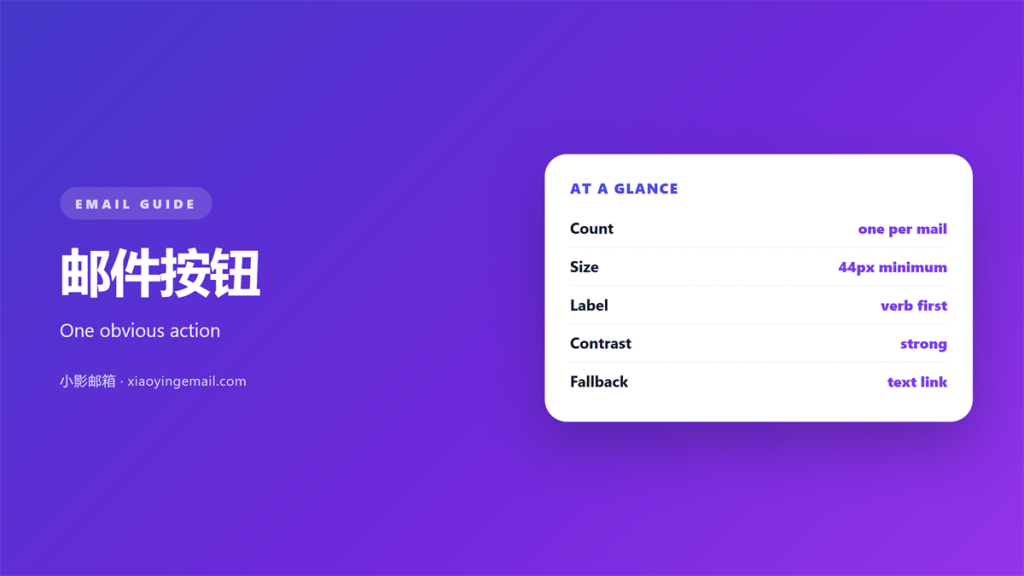
- 邮件按钮 works on size, contrast and wording, and it fails when any one of the three is weak.
- A button that lives inside an image disappears the moment images are blocked.
- One clear action beats three competing ones, because a choice slows the click.
- The label should describe what happens next, not the feeling behind the offer.
- Testing a 邮件按钮 means measuring the click, not admiring the design.
What makes a 邮件按钮 work
A 邮件按钮 looks like a small design detail and behaves like the most important element in the message. It is the one place where a reader decides whether to do something, so every part of it should answer a single question: is it obvious what this does?
Three properties carry almost all of the weight. The target has to be large enough to tap without aiming, the contrast has to survive a grey screen and a blocked image, and the label has to promise an outcome the reader already wants. Get those right and the styling is mostly decoration. Get them wrong and no amount of polish will rescue the click.
The reason buttons fail so often is that they are designed for the sender’s eye rather than the reader’s thumb. A designer reviewing on a large monitor sees a confident rectangle; the reader sees a small pale shape on a phone in daylight.
It also helps to treat a button as the destination of the whole message. Everything above it is context and everything below it is optional, so if the button were removed the email would have no purpose. Designing from that end backwards tends to simplify the surrounding copy as well.
Sizing and contrast for a 邮件按钮
Sizing is the least glamorous part and the easiest to get wrong. A tappable 邮件按钮 needs roughly forty-four pixels of height and comfortable padding on all sides, because a finger is far less precise than a cursor.
Tap targets
A button that is visually large but padded with nothing still has a small target. Padding is what makes the click forgiving, and it also gives the label room to breathe instead of crowding the edge.
Colour and contrast
Contrast decides whether the button reads as a button at all. A soft tint that looks elegant on a white card can flatten into the background on a dark one, so the safest choice is a strong fill against a plain page.
Wording: the 邮件按钮 label
The label is a promise, and vague promises get ignored. “Click here” tells the reader nothing; “Start the free trial” tells them exactly what the next screen will hold. A good 邮件按钮 label pairs a verb with the specific thing the reader receives.
Length matters less than clarity, but two to four words is a useful guide. Longer labels force the button wider, which drags the layout around on small screens for no gain.
When a 邮件按钮 fails
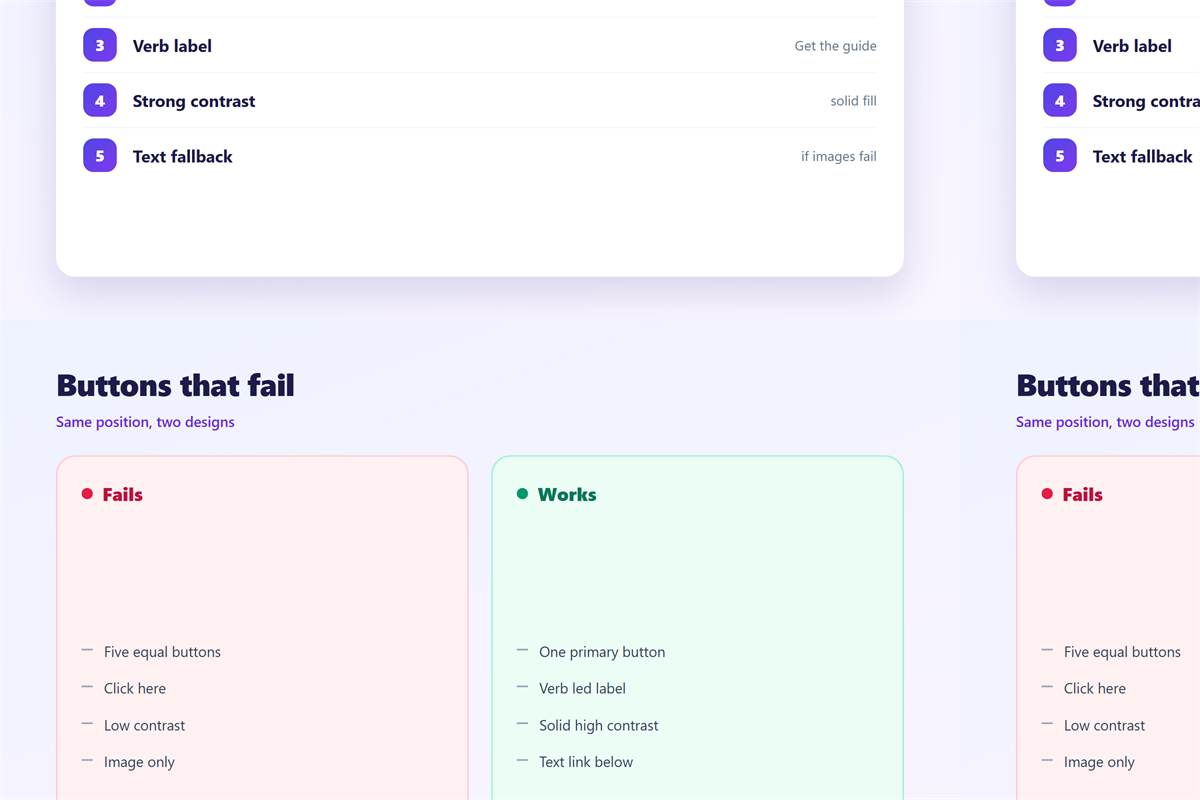
The two most common failures are not about colour or copy. They are about where the button sits and whether the reader can even see it.
Image-blocked buttons
Many clients block images by default until the reader allows them. A button built as a styled text link survives that setting; a button that is only a picture becomes a blank gap. The dependable fix is real text on a real background.
Multiple buttons
Three buttons of equal weight produce a pause, not a choice. If a second action is genuinely needed, dress it as a link so the primary path stays obvious.
Placement is the quieter failure. A button that follows a long paragraph of explanation arrives after the reader has already formed an opinion, so it competes with a decision that is partly made. Moving it above the explanation usually changes nothing about the offer and everything about the response.
Building a 邮件按钮 that survives every client
An email-safe 邮件按钮 is a text link with a background colour, rounded with a small border radius and given generous padding. That construction renders almost everywhere, keeps the label selectable, and stays visible even when images are off.
The second safeguard is a plain-text fallback. If the message is ever viewed without styling, the button should degrade into a readable link with the same destination, which costs nothing to add and protects the click when the styling is stripped. A button that only exists as a coloured rectangle has nothing to fall back on.
Keep one primary button per message. Supporting actions can sit nearby as plain links, which preserves the hierarchy without adding clutter.
How often a 邮件按钮 is pressed is the metric described in 邮件点击率, and the format you build it in is covered under 邮件格式. Reusing a proven layout belongs with 邮件模板, and the link behaviour behind each click is explained in 邮件追踪.
FAQ
How big should a 邮件按钮 be?
At least forty-four pixels tall with padding around the label. Below that, a thumb has to aim, and aiming is exactly what you do not want.
Can a 邮件按钮 be an image?
It can, but it should not be the only version. Text-based buttons keep working when images are blocked, which is a large share of first opens.
How many 邮件按钮 should one email have?
One primary button is the reliable answer. Add supporting links rather than a second button, so the reader is never asked to weigh two equal actions.
Does a 邮件按钮 affect deliverability?
Not by itself. A single clear button is neutral; what draws filters is aggressive wording, mismatched links and heavy image-only design.
References
延伸阅读
- 《邮件落地页怎么选?Matching Click to Page》
- 《邮件图片怎么用?Show Without Slowing Down》
- 《邮件二维码怎么用?A Square That Works》
- 《邮件图标怎么用?Small Signs That Guide》
- 《邮件横幅怎么做?The Wide Strip》
- 《邮件链接怎么放?Links That Earn the Click》
- 《邮件锚文本怎么选?Words That Hide a Link》
- 《邮件视频怎么用?Play It in the Inbox》
- 《邮件阴影怎么用?Shadows Used Softly》
- 《邮件视觉层级怎么排?Hierarchy That Guides》
- 《邮件圆角怎么设?Corners That Feel Right》
- 《邮件卡片怎么用?Cards That Hold Content》
- 《邮件倒计时怎么用?A Clock Worth Showing》
- 《邮件角标怎么加?Small Marks That Signal》
- 《邮件行动号召怎么写?The One Button That Asks》
- 《邮件品牌色怎么定?Colour That Stays Yours》
- 《邮件热图怎么看?Where Clicks Really Land》
评论
还没有评论,来说两句吧。
评论功能已关闭。