 小影邮箱
小影邮箱邮件落地页怎么选?Matching Click to Page
Key Takeaways
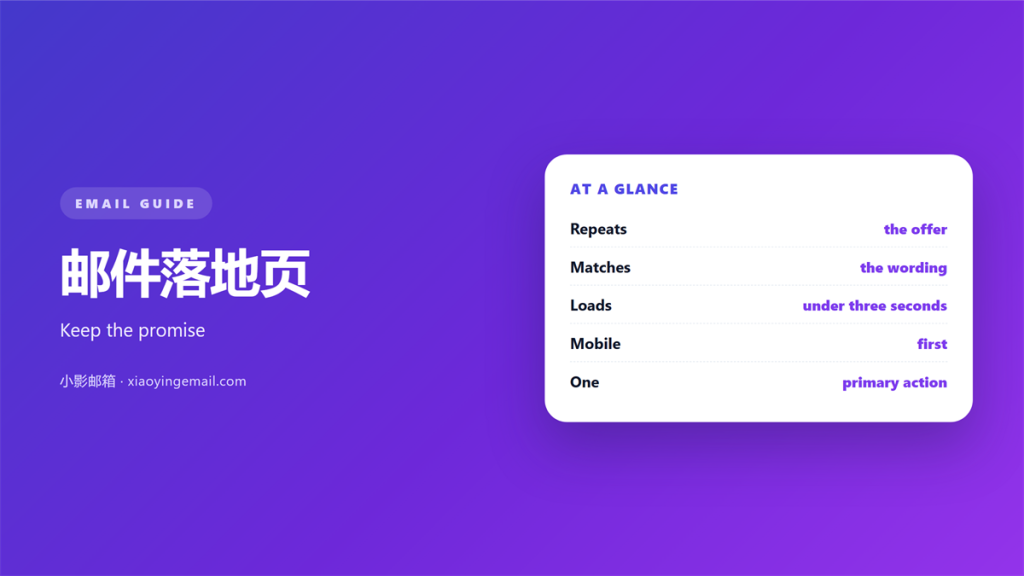
- A 邮件落地页 should repeat the promise of the email.
- Readers click with an expectation, and the page must meet it.
- Match the headline, the offer and the main 邮件按钮.
- One email should point to one clear 邮件落地页.
- Test the pair together, never the page alone.
What 邮件落地页 match means
A 邮件落地页 is where a click ends. Match means the page agrees with the message. The reader should feel one continuous thought.
Most teams treat the page as a separate job. A writer builds the email. A designer builds the page. Nobody checks that the two share a promise.
The reader does the checking instead. They click with a small expectation. If the page answers another question, they leave.
So the work is mostly editorial. Someone has to hold both halves side by side. That person is usually missing from the schedule.
The order of reading matters here. Nobody reads the page from the top with fresh eyes. They arrive mid-thought, carrying the email in mind. So the page must open where the email stopped.
Why the promise has to carry over
An email sets a small contract. The subject names a topic. The body adds a reason. The button states an action.
A page breaks that contract in small ways. A new headline is fine. A new offer is not.
Trust drops fast. One mismatch is a small cost. A pattern of mismatches teaches readers to ignore you.
The fix is cheap. Read the email aloud. Then read the page. If the two disagree, one of them is wrong.
Small words carry the promise. “Free” in the email must mean free on the page. “Today” must not turn into “this week”. A reader forgives a typo. Nobody forgives a bait and switch.
Where 邮件落地页 match breaks
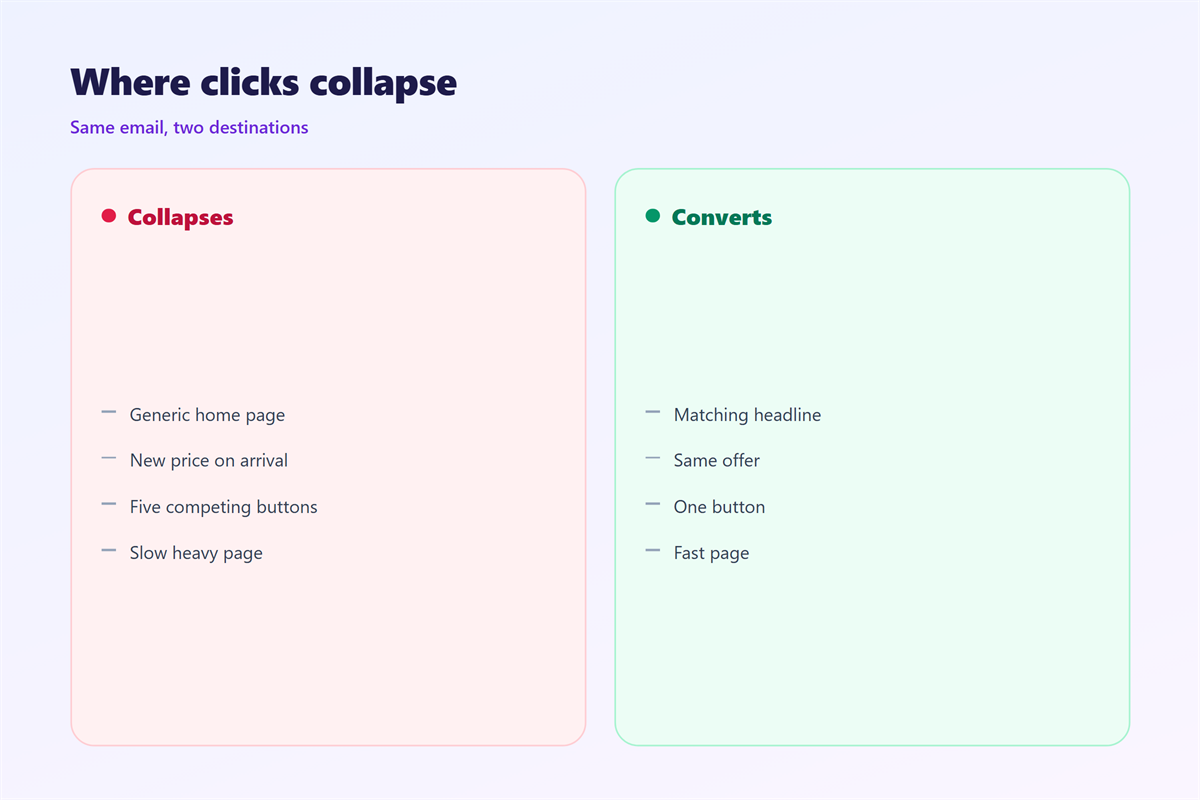
The common break is the headline. The email says “cut your reporting time”. The page announces a general product tour.
A slow 邮件落地页 loses people who already decided to click. Delay feels like a wrong turn.
Mobile breaks the match more often than desktop. A button above the fold on a laptop may hide below it on a phone.
Forms add another break. A long form asks for more than the email promised. Every extra field is a small tax.
A 邮件落地页 can also match too literally. If the page repeats the email word for word, it adds nothing.
Language adds a quieter break. A page written for another market reads oddly. Prices, dates and units may all differ. The reader notices the seam even if they cannot name it.
Time creates a break too. An email sent on Monday may be read on Friday. A page tied to a deadline then feels stale. Keep urgent words out of the 邮件落地页 title.
Slow images hurt as much as slow servers. A page that fills in piece by piece feels unfinished. Set the size of every image in advance.
Audio and video create one more gap. A clip that starts on its own can surprise a reader. Keep the first frame quiet.
Designing the 邮件落地页 match
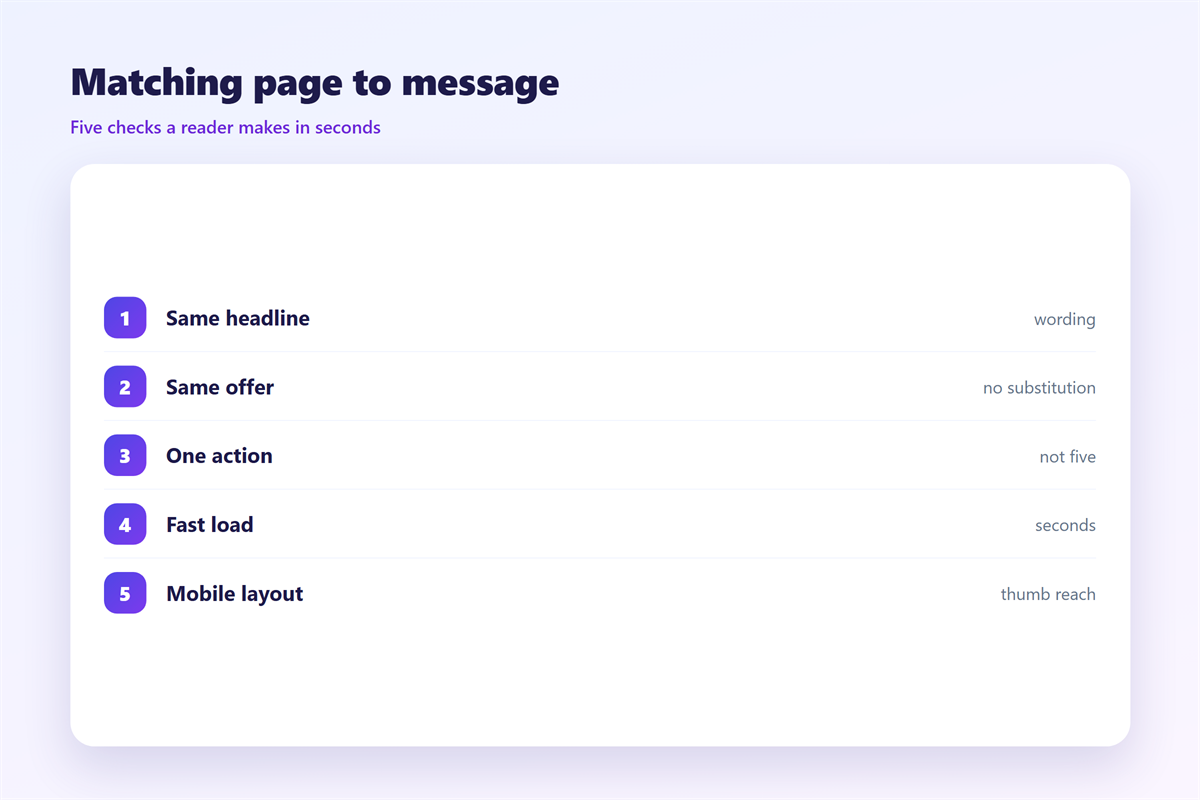
Start with the promise. Write it in one sentence. Then check that both the email and the page say it.
Keep the headline close. A reader should recognise the offer within a second. A different colour scheme is fine.
Repeat the main 邮件按钮 label. If the email says “Start free”, the page should not say “Begin”.
Point each email at one page. Two competing links split attention. The reader then picks neither.
Use the same visual language. Shared colours and type signal one brand. A jump between two styles costs trust in the first second.
A 邮件落地页 should serve a skimmer. Short lines beat long paragraphs. A fast scroll should still catch the promise.
Preview text belongs to the same promise. The inbox shows a snippet before the page. The page should echo that snippet back.
Keep the first screen simple. One promise, one action. Everything else can wait below.
Testing the 邮件落地页 match
Test the 邮件落地页 with real readers. Send the real email. Click the real link. Read on the real device.
Watch three things. The first screen should confirm the promise. The main button should be visible. The page should load quickly.
Test with a real inbox. Some clients block images by default. The page should read well without a single picture. Test the fallback text of the main button too.
Our notes on 邮件追踪 show how to see a click. A tracked link tells you who arrived. It does not tell you why they left.
The wider discipline belongs with 邮件营销. The 邮件点击率 of a campaign also depends on the page. Both are worth reading once.
One last habit helps. Keep the link and the page in one document. Then edit them as a pair. The 邮件按钮 label rarely drifts when you do.
Keep a short record. Note the email, the page and the result. A simple log turns guesswork into a habit. Then the next campaign starts closer to the mark.
FAQ
Does 邮件落地页 match improve clicks?
It improves what happens after the click. The click rate itself is set by the email. A good 邮件落地页 decides whether a visit becomes a signup.
Can one 邮件落地页 serve many emails?
Yes, when the promise is the same. A single page can host several campaigns. Change the headline only if the offer changes.
How fast should a 邮件落地页 load?
Fast enough that nobody waits. Aim for a few seconds on a slow phone. Speed is part of the match.
What about mobile readers?
Most readers open mail on a phone. Check the first screen there first. Then check it again on a desktop.
References
延伸阅读
- 《邮件表单怎么做?Forms That Reach an Inbox》
- 《邮件转化率怎么提升?From Clicks to Action》
- 《邮件二维码怎么用?A Square That Works》
- 《邮件横幅怎么做?The Wide Strip》
- 《邮件链接怎么放?Links That Earn the Click》
- 《邮件锚文本怎么选?Words That Hide a Link》
- 《邮件视频怎么用?Play It in the Inbox》
- 《邮件促销怎么写?Promotions People Open》
- 《邮件折扣怎么写?A Saving That Reads》
- 《邮件行动号召怎么写?The One Button That Asks》
- 《邮件UTM怎么加?Tags That Trace a Click》
评论
还没有评论,来说两句吧。
评论功能已关闭。