 小影邮箱
小影邮箱邮件交接怎么做?Passing Work Without Loss
Key Takeaways
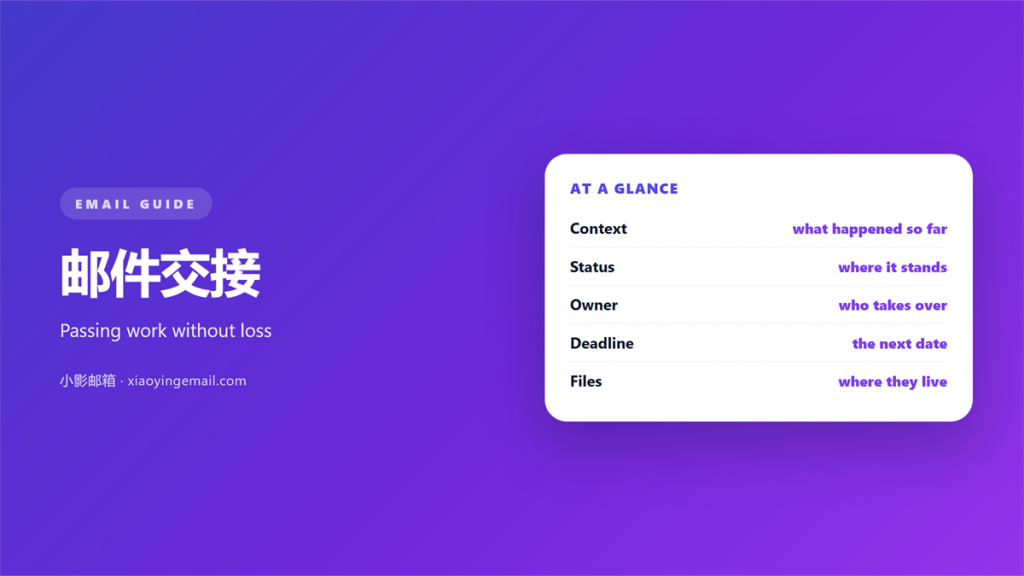
- A clean 邮件交接 names one new owner.
- List open tasks, files and dates together.
- Note what still waits on a reply.
- Pass on context, not a folder of threads.
- Ask the receiver to confirm they accept.
What 邮件交接 actually means
邮件交接 is the moment work changes hands.
It happens when you leave a role, travel or take leave. A quiet handover keeps the work moving.
The idea is simple. One person stops owning a task and another starts.
In practice, the details slip away. Threads are scattered and dates are half written.
A good 邮件交接 turns a messy inbox into a short list.
The reader should know what to do next. There is no guessing and no hunting through old mail.
Think of it as a relay race. The baton is the task and the runner is the owner.
If the baton drops, the whole team waits. A careful handover prevents that wait.
So the goal is not to copy everything. The goal is to pass the decision forward.
Careful 邮件交接 takes ten minutes. It can save a week of quiet confusion.
Two people rarely share the same view of a task. The handover note aligns them.
Write for someone who was not in the room. Assume they know nothing about the history.
Good notes answer the obvious questions early. Who, what, when and what next.
Once those four are clear, the reader can start at once.
The parts every 邮件交接 needs
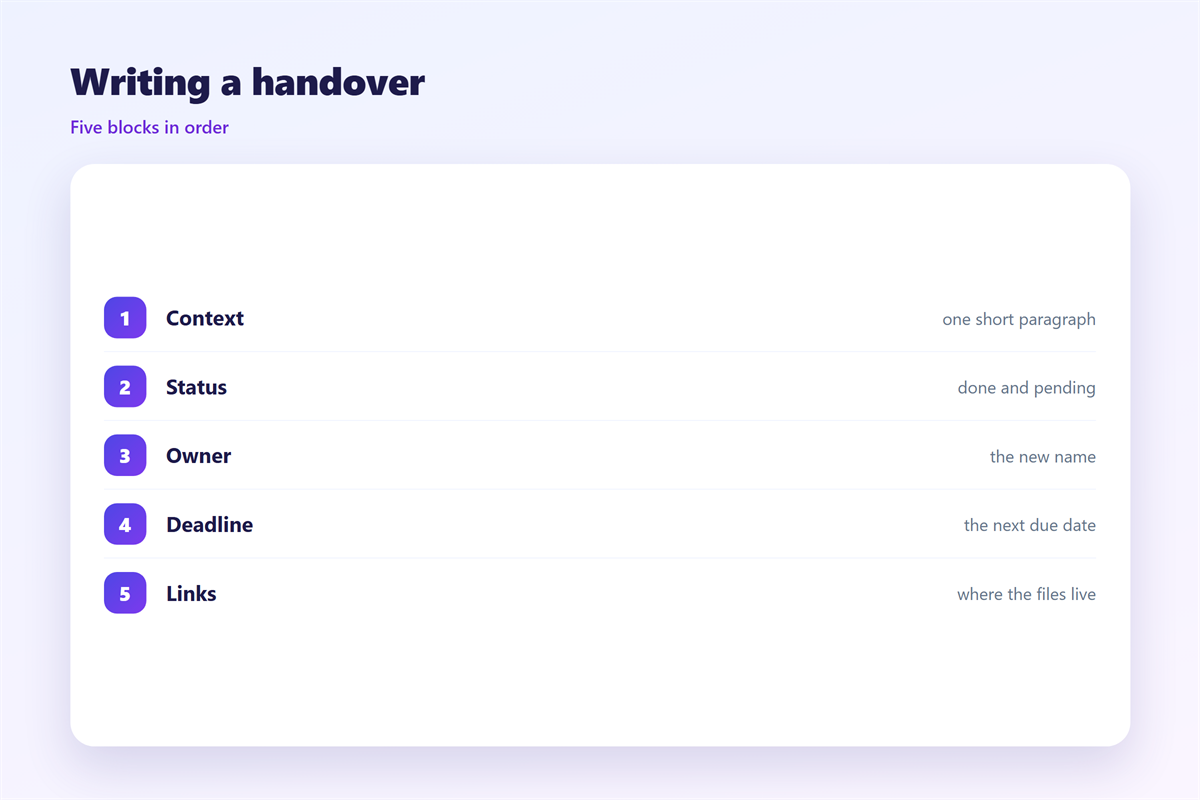
A complete handover carries four things.
First comes the new owner. Name one person, not a group.
Second come the open tasks. List each item with its current state.
Third come the deadlines. Give dates, not vague words like soon.
Fourth come the waiting items. Say who still owes you a reply.
- Owner: one name who now acts.
- Tasks: what is open and what is done.
- Dates: the next real deadline.
- Blockers: what is stuck and why.
A short list beats a long story. The reader scans it in seconds.
Add links to the key threads. Do not paste the whole chain.
Skip the history unless it changes a decision. Old detail slows a busy reader.
Write each item as a short line. Long sentences hide the action.
That is the whole 邮件交接 on one screen.
Where 邮件交接 goes wrong
Three errors cause most of the pain.
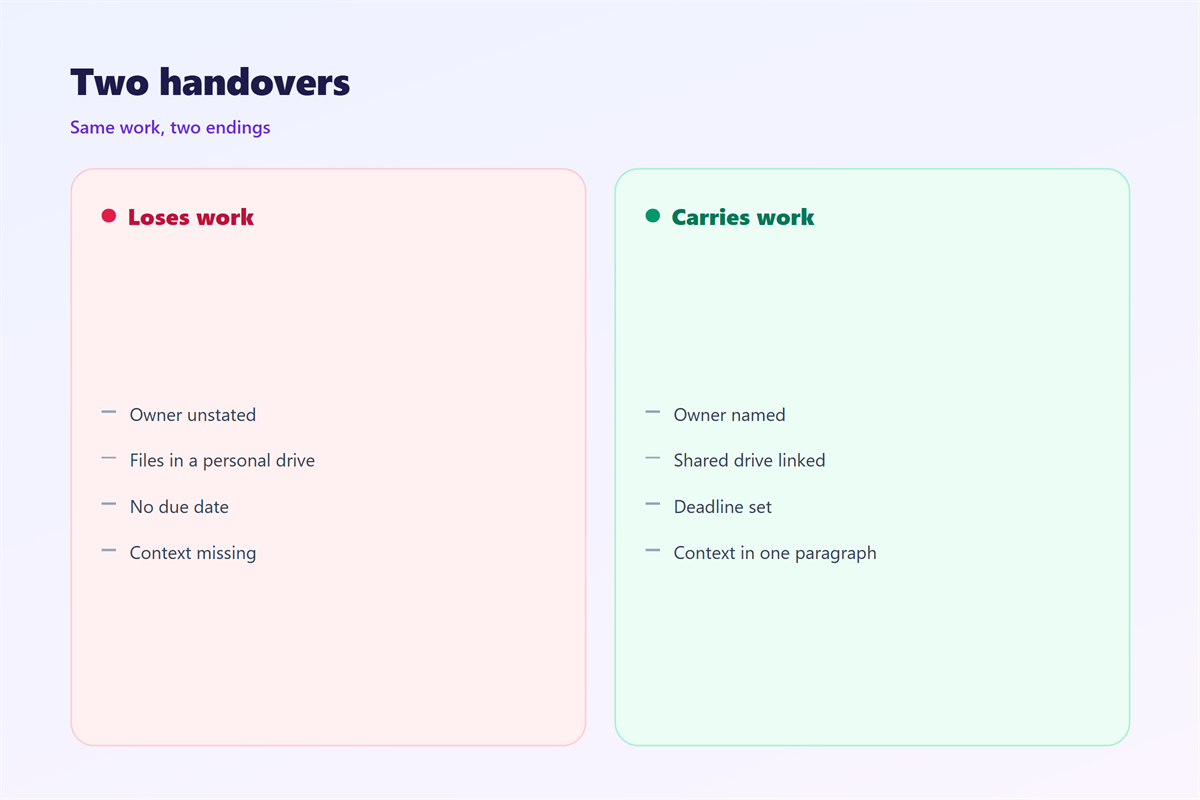
The first is a hidden owner. Everyone assumes someone else will act.
The second is a lost date. A task without a deadline slowly disappears.
The third is a vague note. “Please handle this” tells the reader nothing.
Each error has a cheap fix. Name the owner, set the date and define done.
Another common slip is sending a 邮件交接 too late.
Hand over a day early, not an hour before you leave. The receiver needs time to ask questions.
A rushed 邮件交接 is just a forwarded thread with no meaning.
Silence is the worst outcome. A task that no one owns simply stops.
So always name a fallback. If the first owner is away, someone else steps in.
A calm handover also protects you. If a task fails later, the record shows what you passed on.
Keep that record short and dated. A short note ages well.
Testing your 邮件交接
Send the note to yourself first. Read it as if you were new to the work.
Ask one question. Could a stranger act on this without calling me?
If the answer is no, add the missing piece. It is usually a date or a name.
Then send the 邮件交接 to the new owner.
Ask them to reply with one line. “Received, I own items one, two and three.”
That single reply closes the loop. Both sides now agree on who acts.
Keep a copy in a shared folder. That history helps at the next handover.
Review the 邮件交接 list once a week. Move finished work out and add new items.
Keep the test simple and quick. The habit matters more than the format.
After a real handover, follow up once. A single check catches a missed item.
A short 邮件交接 check prevents most dropped tasks.
Working with teams and shared work
Groups make handing over easy and risky at the same time.
A group hides its members. You cannot tell who will act.
For a shared inbox, agree on one rule. Keep one owner per item, written down.
When work crosses a team, use a short template. It keeps every note the same shape.
A stable shape helps readers. They learn where to find the owner and the date.
Name a backup owner for busy weeks. That single line prevents a stalled task.
Keep the file names clear and findable. A clever name helps no one.
Our notes on 邮件跟进 cover how to chase an open item. Team rules live under 邮件协作. How to split the work is explained in 邮件分配, and the open items sit in 邮件待办.
FAQ
What should a 邮件交接 include?
The owner, the open tasks, the dates and the waiting items. Add links to key threads. One screen is usually enough.
Should I copy the manager?
Only if they own part of the work. A copy for safety alone adds noise and hides the real owner.
How early should I send it?
A day or two before you leave. The receiver needs time to read and to ask questions.
Does 邮件交接 need a reply?
Yes. One short line confirms the new owner accepts. Without it, the handover is only a hope.
References
- IETF RFC 5322: Internet Message Format
- Microsoft: Add or remove people from an email message
- Google: Add or remove recipients in Gmail
评论
还没有评论,来说两句吧。
评论功能已关闭。