 小影邮箱
小影邮箱邮件可访问性怎么做?Mail Everyone Can Read
Key Takeaways
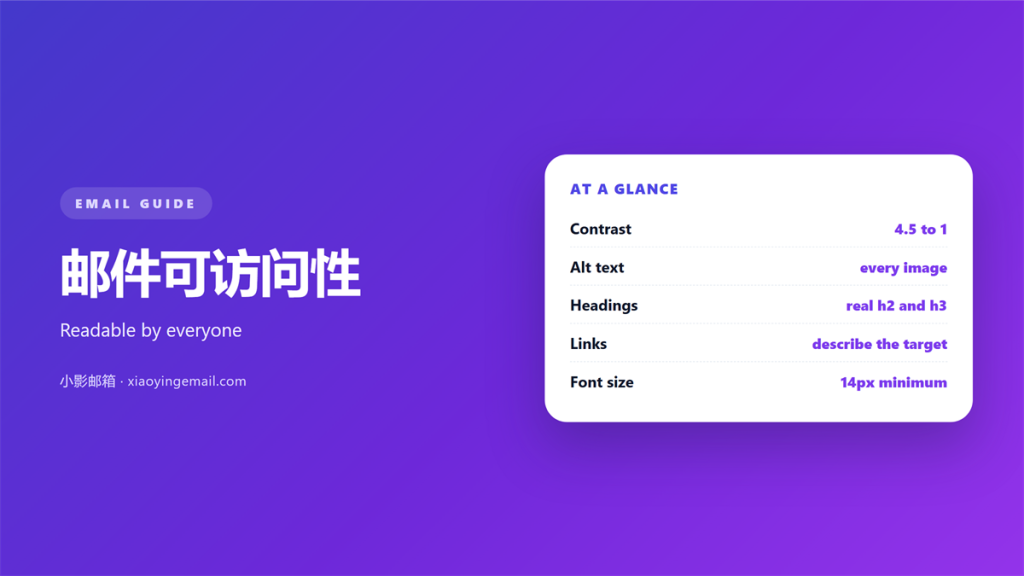
- 邮件可访问性 means mail everyone can read.
- Contrast and size matter more than color.
- Real headings help a screen reader jump.
- Alt text describes, and it stays short.
- Plain text is accessible by default.
What 邮件可访问性 actually means
邮件可访问性 is the practice of making a message readable for everyone. It covers sight, hearing and motor needs. It also covers a slow connection.
Most of the work is small. Choose readable text. Add a description to each image. Keep the structure simple.
The goal is not a special version. The goal is one message that works for more people.
A screen reader reads the page in order. That order is decided by your markup, not by your eye.
Good 邮件可访问性 is also easier mail. A clear layout helps every reader, not only the ones you pictured.
Why 邮件可访问性 helps everyone
A message is often read on a phone, in sunlight and in a hurry. Good contrast helps there too.
A caption under a chart helps a reader who is tired. It also helps a reader using a screen reader.
The same changes serve both groups. That overlap is the useful part.
Half the audience may read on a small screen. The same fix serves a reader with low vision and a reader on a train.
邮件可访问性 is rarely a separate cost. It is usually better design seen from one more angle.
Contrast and 邮件可访问性 that lasts
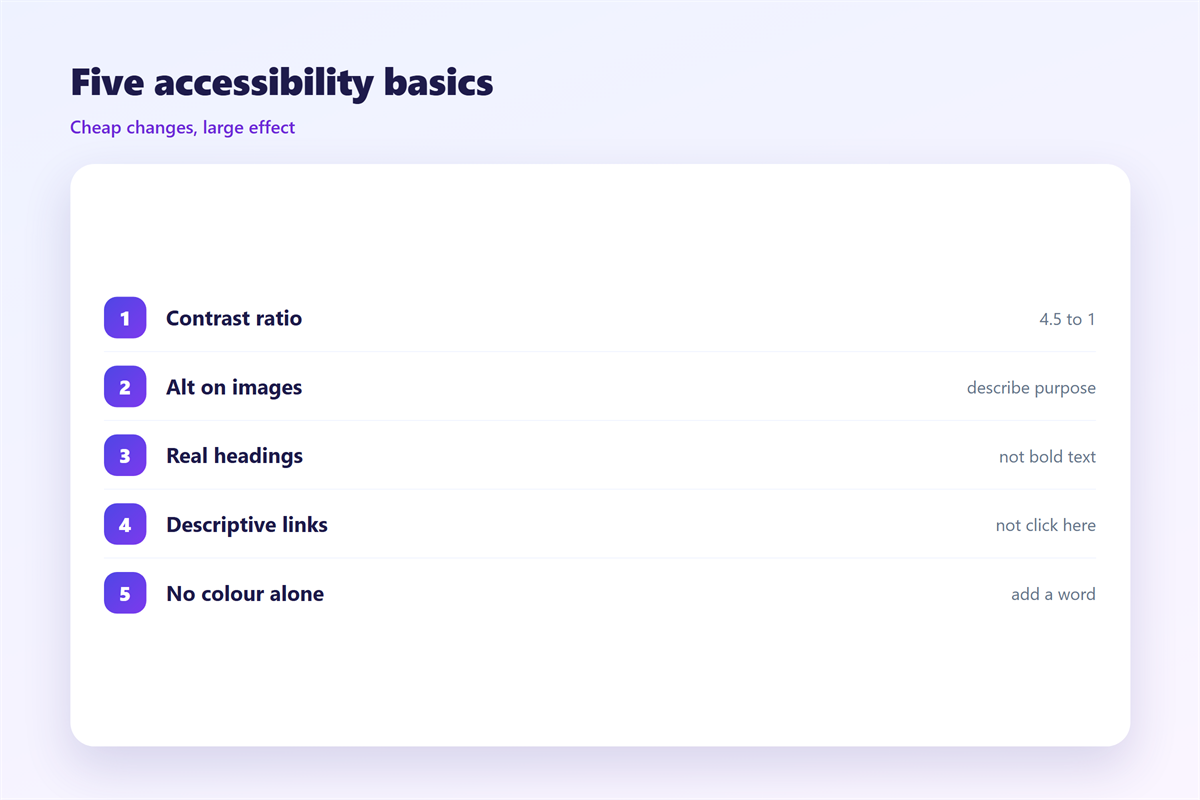
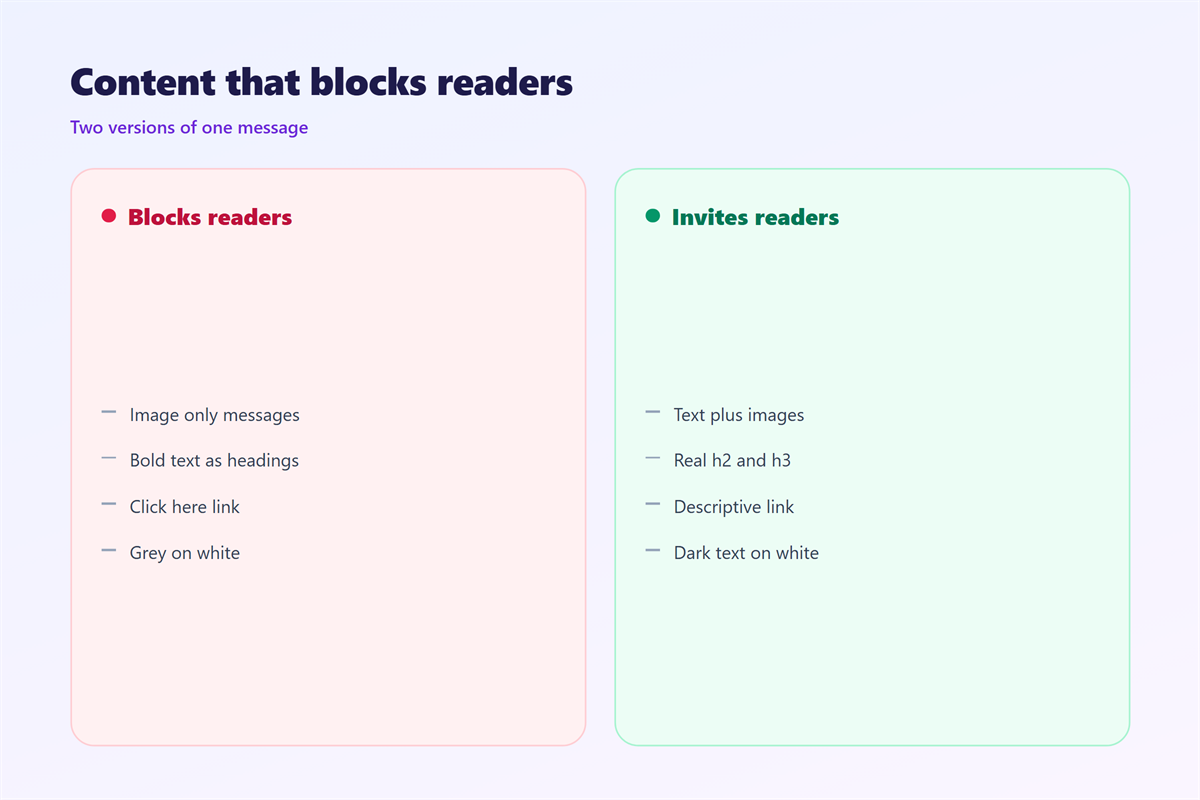
Contrast is the first thing to fix. Light grey text on white fails for many readers. Aim for a strong difference.
Size matters as well. Twelve pixels is small on a phone. Sixteen is a safer floor.
Do not rely on color alone. A red warning means nothing to a reader who cannot see red. Add a word or a symbol.
Test in bright light as well. A screen in the sun loses most of its contrast.
These rules survive a redesign. They are cheaper to apply once than to fix later.
Writing alt text for 邮件可访问性
Alt text describes an image in words. It is read aloud by a screen reader.
Keep it short and specific. Say what the image shows and why it matters.
Skip the word image. The reader already knows it is an image. A short description beats a generic one.
Repeat alt text only for repeated meaning. A second copy of the same image needs no second description.
Decorative images need empty alt text. An empty attribute tells the reader to skip it.
Links and buttons that everyone can tap
A link needs more than a color. Underline it, or give it a clear label. Color alone is easy to miss.
Say where a link goes. Words like here tell the reader nothing. A real label works out of context.
Make buttons large enough on a phone. A small target is hard for a steady hand and a shaky one alike.
Leave space between two links. Touching the wrong one is a common mistake.
Headings in plain text mail
Plain text has no headings. You can still suggest structure with short lines and blank space.
Write one idea per paragraph. A wall of text is hard for everyone.
Keep the line length reasonable. Very long lines are hard to track back to the next one.
Use a clear greeting and a clear ending. Those two lines carry a lot of meaning.
Where 邮件可访问性 fail
邮件可访问性 fail when images carry the message. If the text is inside a picture, a screen reader sees nothing.
They fail again with tiny buttons. A link must be easy to tap, not only to see.
They fail a third time with a subject line in capitals. Capitals are harder to read and may be read letter by letter.
They also fail with a small font in a footer. Legal text is still text that people need to read.
None of these are exotic cases. They appear in ordinary business mail.
Testing your 邮件可访问性
Send the message to yourself. Then turn on a screen reader. Then read it on a phone in daylight.
A test with one person beats a long checklist. Ask them to find one fact in the message.
Watch where they pause. A pause marks a real problem, not a theoretical one.
Fix the biggest gap first. Small improvements add up across many messages.
Write the fix into the template. A change that lives only in one message will be lost.
Check three things. Every image has alt text. The contrast is strong. The structure still makes sense without images.
Test each 邮件可访问性 change on a real message, not on a demo. The layout rules belong with 邮件排版, and the type choices are covered under 邮件字体. The structure of the text sits with 邮件正文, while the plain and rich formats are compared under 邮件格式.
FAQ
Does 邮件可访问性 change the design?
It changes a few defaults. Contrast, size and alt text are the main ones. The overall look can stay the same.
Can plain text be accessible?
Yes. Plain text is often the most accessible choice. It has no images to describe and no layout to break.
How do I test with a screen reader?
Turn one on and read your own message. Every major system ships a free reader. Five minutes is enough to find a problem.
Why does 邮件可访问性 matter at work?
Because rules often require it. Public sector buyers usually ask for it. Good 邮件可访问性 also widens your audience.
References
延伸阅读
- 《邮件朗读怎么用?Listen Instead of Read》
- 《邮件配色怎么选?Colours That Read Well》
- 《邮件行距怎么设?Space Between Lines》
- 《邮件段落怎么分?Break It Into Blocks》
- 《邮件图标怎么用?Small Signs That Guide》
- 《邮件字号怎么设?Size That Reads Well》
- 《邮件动图怎么用?Motion That Loads》
- 《邮件背景图怎么做?Art Behind the Text》
- 《邮件目录怎么做?A Map for Long Mail》
- 《邮件下划线该不该用?When a Line Sends the Wrong Sign》
- 《邮件加粗怎么用?Bold Text That Guides》
- 《邮件斜体该不该用?Italics With a Purpose》
- 《邮件高亮怎么用?Highlight the Right Words》
- 《邮件字重怎么用?Weight, Not Just Size》
- 《邮件对比度怎么调?Contrast That Reads》
- 《邮件阅读顺序怎么看?The Order They Hear》
- 《邮件替代文字怎么写?Words Behind the Image》
评论
还没有评论,来说两句吧。
评论功能已关闭。