 小影邮箱
小影邮箱邮件提醒怎么设?Badges, Sounds and Quiet Hours
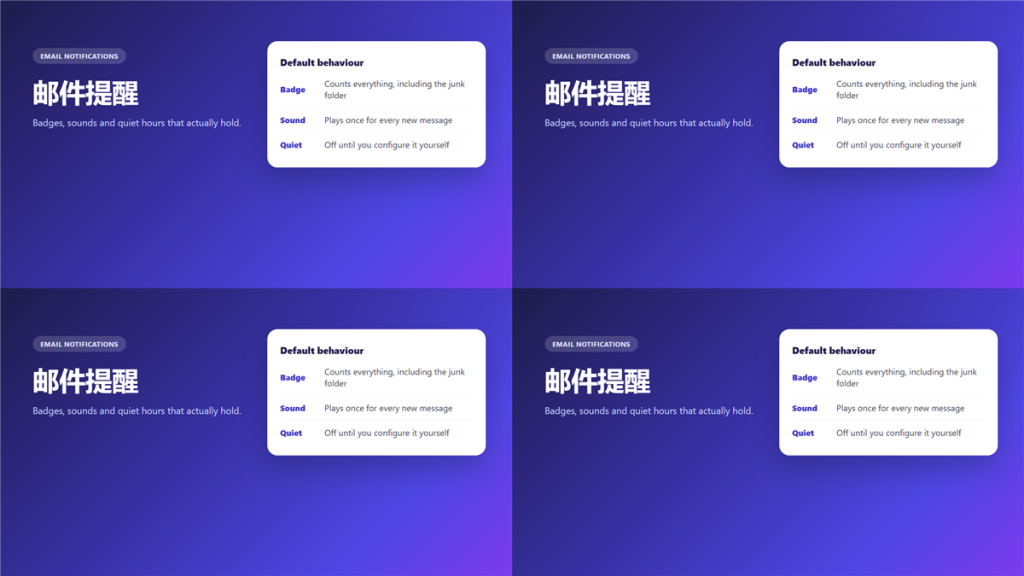
What 邮件提醒 actually controls
邮件提醒 is not one switch. It is at least four, covering the badge count, the banner, the sound and the vibration, and each of them usually lives in a different settings screen.
I missed a contract amendment for three days because a rule had filed it into a project folder whose badge I had trained myself to ignore. The alert fired correctly the whole time. It had simply stopped meaning anything.
Key Takeaways
- 邮件提醒 has four channels, not one.
- A badge that counts everything stops carrying information.
- Sound belongs on the few senders who matter.
- Quiet hours only work if they cover weekends too.
- Rules and alerts must agree, or both fail.
- A second account needs its own alert settings.
The four channels in 邮件提醒
Each channel answers a different question, and switching all of them on for everything is the fastest way to stop noticing any of them.
Badge
The badge is a total count, so it grows even while you are looking at the inbox. Therefore it is the least informative channel and the one most often left untouched.
Banner
A banner interrupts whatever is on screen, which makes it the most expensive channel. Notably, most clients let you limit it to a single folder.
Sound
Sound is the channel that reaches you away from the screen. Consequently it should carry the smallest possible set of senders.
Vibration and wearables
A watch buzzes for everything by default. In addition, some clients repeat an alert until you open the message, which is helpful once and irritating by the second day.
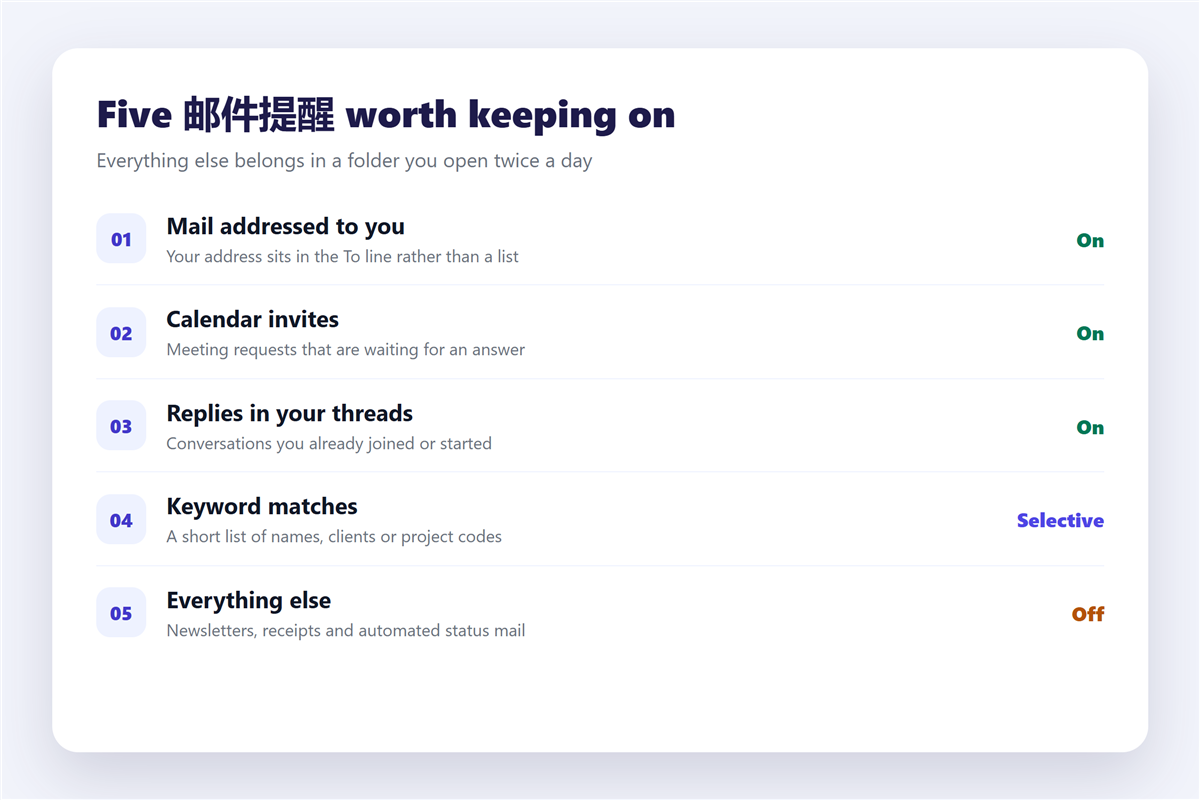
Five 邮件提醒 worth keeping on
- Mail where your address is in the To line.
- Calendar invites that are waiting for an answer.
- Replies inside a thread you started or joined.
- A short keyword list of clients or project codes.
- Anything from the three people who can block your week.
Everything else can wait for a folder you open twice a day. Moreover, a folder list is far easier to maintain than a long list of exceptions, and the mechanics sit in 邮件规则.
Where 邮件提醒 goes wrong
Three habits turn a working alert into background noise.
The first is alerting on everything and planning to triage later, which trains you to dismiss without reading. The second is leaving priority labels in charge, because senders choose their own urgency and mostly choose badly, as the review in 邮件优先级 shows. The third is a rule that files a message into a folder where alerts are off, which silences exactly the mail you meant to catch.
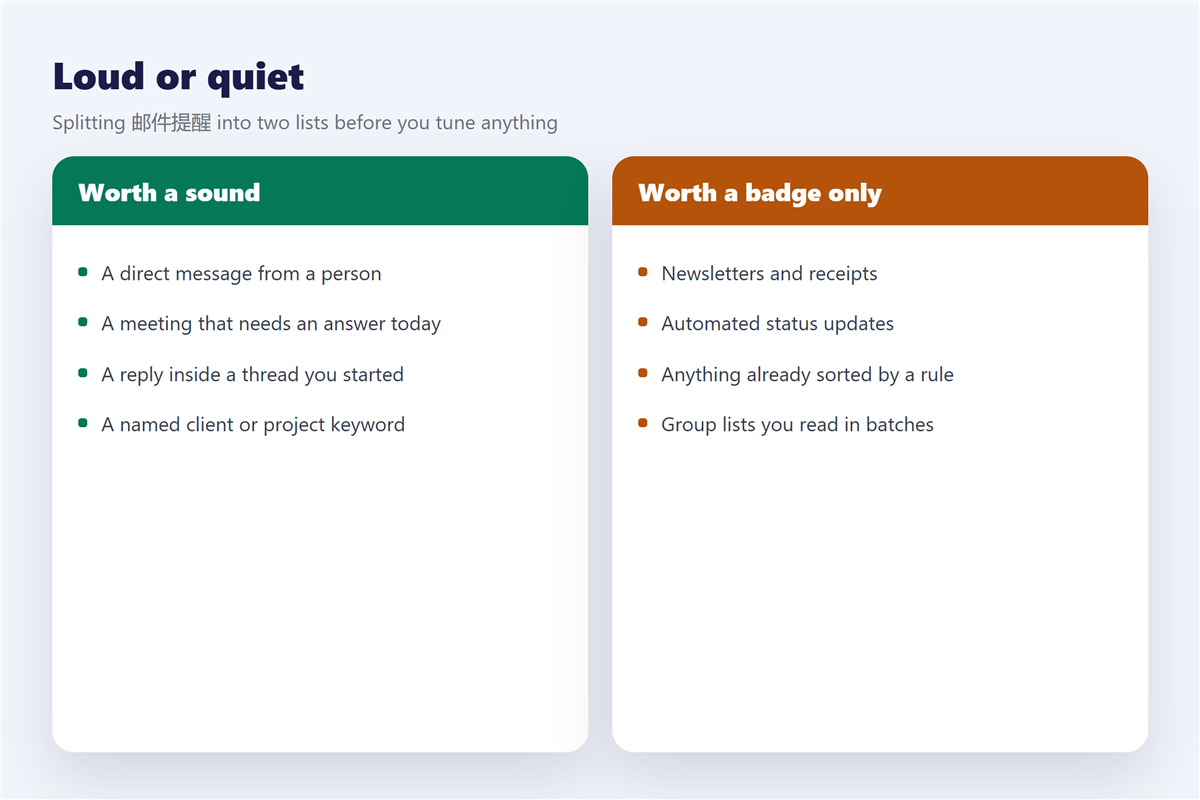
Quiet hours that actually hold
Because a notification only helps when it arrives at a useful moment, quiet hours belong in the plan from the start.
Set them to begin an hour before you stop working and to end an hour after you start. Furthermore, include the weekend explicitly, since several clients treat Saturday as a working day. Meeting requests usually deserve an exception, because a slow answer costs a slot, and the details are in 邮件日历邀请.
邮件提醒 across several accounts
Alerts on a second mailbox are the most common source of complaint, because the settings are per account and almost never copied across.
If you run more than one address, tune each one separately, or better, decide which of them deserves to interrupt you at all. The options are compared in 邮箱多账号. Threaded conversations complicate it further, since one reply can generate three alerts across three folders, as described in 邮件会话.
Frequently asked questions
How many 邮件提醒 should be switched on?
Aim for a list you can recite from memory. If you cannot name them, there are too many.
Does a 邮件提醒 use much battery?
Push notifications cost very little. Constant polling by a desktop client costs far more.
Should 邮件提醒 use sound?
For a handful of senders, yes. For everything, the sound stops meaning anything within a week.
Can 邮件提醒 be scheduled?
On most clients, yes, through quiet hours rather than per message. Per message timing is covered in 邮件定时发送.
References
延伸阅读
- 《邮件免打扰怎么设?Quiet Hours That Really Hold》
- 《邮件通知怎么设?Cutting Through Notification Noise》
- 《邮件推送是什么?Push, Pull and What Arrives First》
- 《邮件摘要怎么用?A Daily Digest Instead of Noise》
- 《邮件稍后处理怎么用?Snooze Without Forgetting》
- 《邮件静音怎么用?Staying in the Loop Quietly》
- 《邮件桌面通知怎么设?Alerts Without the Noise》
- 《邮件通知声音怎么设?Alerts You Can Live With》
- 《邮件预约怎么做?Confirm a Time in One Reply》
- 《邮件续费提醒怎么发?Time It Before the Bill》
- 《邮件催促怎么写?The Gentle Nudge》
- 《邮件日程怎么用?Pick a Time》
- 《邮件日期怎么写?Dates People Understand》
- 《邮件改期怎么写?Moving a Meeting》
- 《邮件截止日期怎么写?Deadlines That Stick》
- 《邮件节奏怎么定?A Sending Cadence That Fits》
- 《邮件签到怎么做?Check-In Mail That Works》
- 《邮件催办怎么写?A Gentle Nudge》
评论
还没有评论,来说两句吧。以下为本文的引用通告: