 小影邮箱
小影邮箱邮件排版怎么做?Layouts That Survive Every Client
Key Takeaways
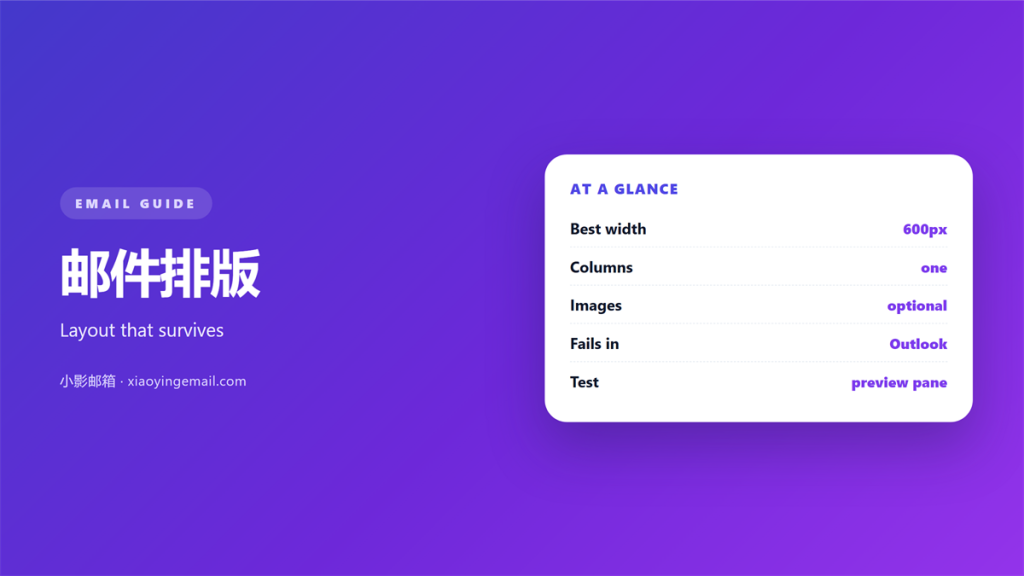
- 邮件排版 is judged in a window you do not control.
- That window runs from a wide monitor down to a narrow phone.
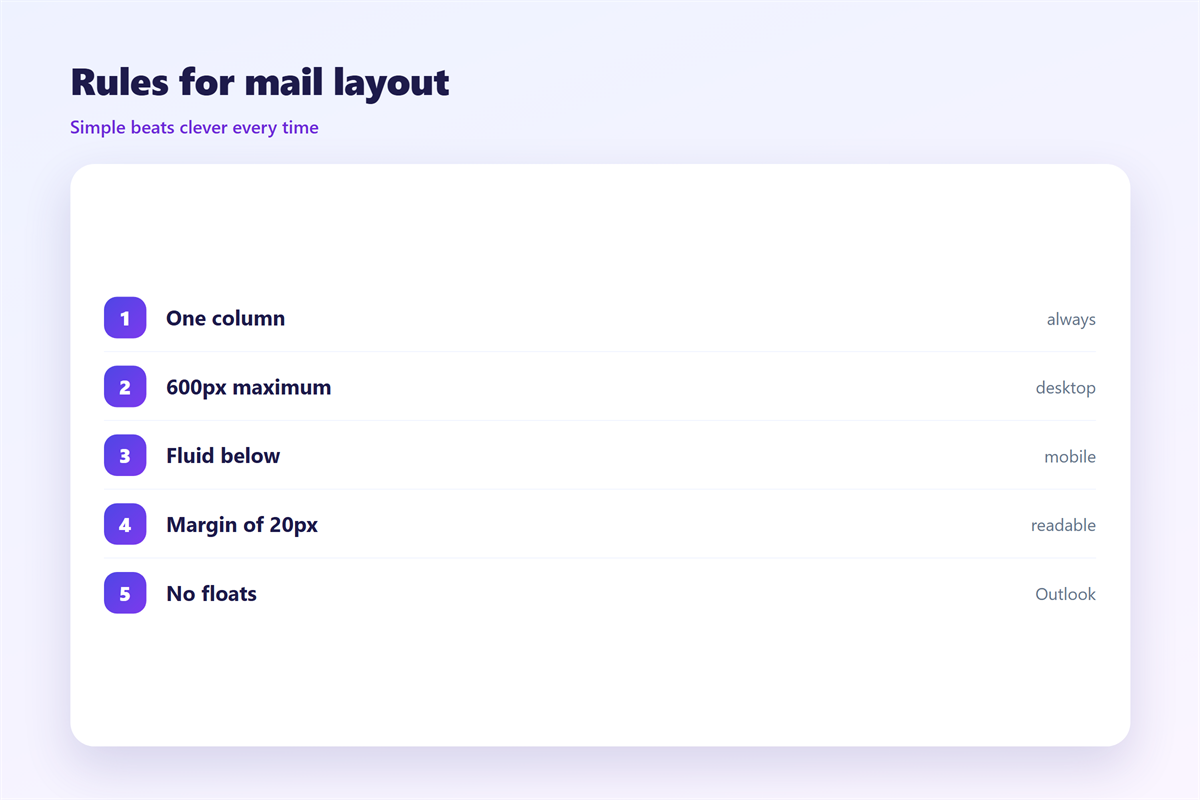
- One column survives almost everywhere.
- Multi-column layouts are where 邮件排版 usually breaks.
- Fixed widths force horizontal scrolling.
- Readers treat a scrollbar as a broken message.
- Remote images may be blocked, so the layout must still make sense without them.
- Test in a real client, at a real size, before you send.
What 邮件排版 has to survive
邮件排版 is the arrangement of text, images and space inside a message. It is unusual because you never know what will render it. The same message may be opened in a desktop client with a wide preview pane. It may be opened on a phone in portrait. It may be opened in a web view that strips half the styling.
Most faults come from assuming a fixed canvas. Designers who are used to a browser forget one thing. A mail client often shows the message in a pane a few hundred pixels wide. That pane sits next to a folder list. A 邮件排版 that needs a thousand pixels does not shrink politely. It produces a scrollbar and a reader who gives up.
It is tempting to treat the arrangement as a design decision. It is closer to a compatibility decision. The question is not which layout looks best on your own screen. It is which one still communicates when the styling is stripped. That means the images are blocked and the window is narrow. Answer that first and the visual polish becomes easy.
The single column 邮件排版 that holds up
The 邮件排版 that survives the most clients is the least clever one. It is a single column of text with generous margins. Its maximum width sits well under the pane it will use. It reads on a phone without horizontal scrolling. On a monitor it avoids lines that stretch too far.
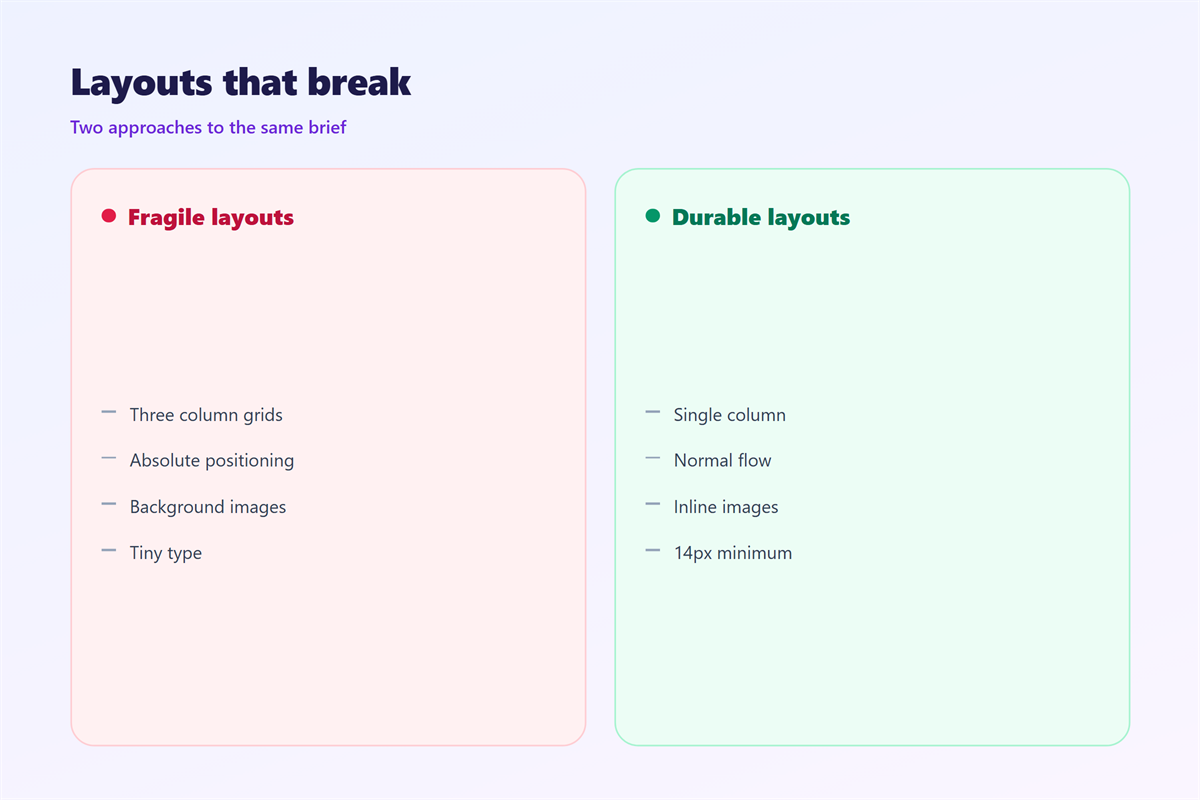
Everything else is a gamble. Two columns can collapse into one on a narrow screen. The tools that do it are unevenly supported. So the same message arrives tidy for one reader and jumbled for another. When the content genuinely needs a grid, a table is the safer vehicle. Mail clients have rendered tables far longer than any modern layout feature.
Text also deserves a fallback. A 邮件排版 that depends on a web font will fall back in half the clients. Choose a font stack whose worst case is still pleasant. Set the body at a size that does not need zooming.
Spacing is the quietest tool in the set. Consistent gaps between paragraphs make a plain layout feel deliberate. Generous margins do the same. Those choices survive on clients that ignore almost everything else.
Fixing 邮件排版 for the preview pane
The preview pane is where most 邮件排版 problems appear first. It is narrow. It is often sorted with a folder list beside it. It clips long lines rather than wrapping them gracefully. Laying out for it means assuming the worst case. Wider windows can then look slightly spare.
Line length matters as much as width. A column that runs the full width of a wide monitor produces lines that are uncomfortable to track. That is why a maximum width helps, even when the screen would allow far more. The reading experience inside a narrow pane is the one to optimise. That is the condition most messages are actually opened in.
Width and margins
A maximum width of around six hundred pixels is a common compromise. It is narrow enough for a phone. It is wide enough for comfortable lines. Margins do the rest. They keep the text away from the edges where clipping is most likely.
Images and remote content
Many clients block remote images by default. The message has to read well before they load. Give every image meaningful alt text. Keep the 邮件排版 stable whether or not it appears. Expect some readers to see a version that is mostly text. The reasons a client blocks them are set out under 邮件远程内容. The account settings that change this live in the 邮件客户端.
Testing 邮件排版 before you send
Send the message to yourself and open it in more than one place. Try the phone, the desktop client, and the web interface. Resize the window while you do it. A 邮件排版 often holds at one width and falls apart at the next.
If you send the same kind of message often, keep one 邮件模板 that is known to render well. Vary only the words. The plain-text alternative is worth keeping in step too. That fallback is described in the notes on 邮件格式. A 邮件排版 that is unreadable without styling will eventually arrive without it.
FAQ
Should 邮件排版 ever use more than one column?
Rarely. Multi-column layouts depend on support that varies by client. They render differently for different readers. When a grid is unavoidable, build it with a table. Then test it widely.
What width should 邮件排版 target?
Around six hundred pixels is a common safe maximum. It fits a phone without horizontal scrolling. It still gives comfortable line lengths in a wide window.
Why does my 邮件排版 look different to a colleague?
Because you are reading it in different clients. The widths differ, and so do the image-blocking settings. That is normal. Design for the narrowest and the most locked-down version first.
Does 邮件排版 matter for plain-text mail?
Yes, in a reduced form. Without styling, line length and spacing still decide whether a message reads well. The same rules apply with fewer tools.
References
延伸阅读
- 《邮件可访问性怎么做?Mail Everyone Can Read》
- 《邮件公告怎么写?Announcements That Get Read》
- 《邮件简报怎么写?Updates People Actually Read》
- 《邮件模板库怎么建?Reuse a Good Reply》
- 《邮件预检怎么做?Check Before You Send》
- 《邮件图片怎么用?Show Without Slowing Down》
- 《邮件留白怎么用?Give It Room to Breathe》
- 《邮件表格怎么做?Rows That Survive》
- 《邮件全屏模式怎么用?Fewer Distractions》
- 《邮件封面怎么做?The First Image》
- 《邮件配色怎么选?Colours That Read Well》
- 《邮件分栏怎么做?Columns That Hold》
- 《邮件行距怎么设?Space Between Lines》
- 《邮件段落怎么分?Break It Into Blocks》
- 《邮件分隔线怎么用?Quiet Section Breaks》
- 《邮件图标怎么用?Small Signs That Guide》
- 《邮件脚注怎么写?Notes at the Foot》
- 《邮件锚文本怎么选?Words That Hide a Link》
- 《邮件背景图怎么做?Art Behind the Text》
- 《邮件缩进怎么排?Align Lines With Care》
- 《邮件项目符号怎么用?Bullets That Scan》
- 《邮件下划线该不该用?When a Line Sends the Wrong Sign》
- 《邮件加粗怎么用?Bold Text That Guides》
- 《邮件斜体该不该用?Italics With a Purpose》
- 《邮件对齐怎么排?Align Text With Care》
- 《邮件空行怎么留?Space That Helps》
- 《邮件高亮怎么用?Highlight the Right Words》
- 《邮件有序列表怎么写?Numbered Lists That Work》
- 《邮件换行怎么留?Line Breaks in Plain Text》
- 《邮件行宽多少合适?Comfortable Line Width》
- 《邮件字重怎么用?Weight, Not Just Size》
- 《邮件边框怎么加?Borders That Help》
- 《邮件阴影怎么用?Shadows Used Softly》
- 《邮件副标题怎么写?A Subtitle That Adds》
- 《邮件小标题怎么写?Subheads That Guide》
- 《邮件过渡怎么写?Transitions That Connect》
- 《邮件视觉层级怎么排?Hierarchy That Guides》
- 《邮件网格怎么排?A Grid That Holds》
- 《邮件横屏怎么看?Landscape That Works》
- 《邮件卡片怎么用?Cards That Hold Content》
- 《邮件步骤条怎么排?Steps in a Row》
- 《邮件时间线怎么画?Dates in Order》
- 《邮件价格表怎么排?Plans Side by Side》
- 《邮件首屏怎么设计?The First Screen》
- 《邮件首字下沉怎么排?A Larger First Letter》
- 《邮件轮播图怎么做?Carousels That Move》
- 《邮件页边距怎么留?Margins That Hold》
- 《邮件双栏怎么排?Two Columns That Hold》
- 《邮件内联样式怎么写?Styles That Survive》
评论
还没有评论,来说两句吧。
评论功能已关闭。